Finder Column View Previews Go Missing
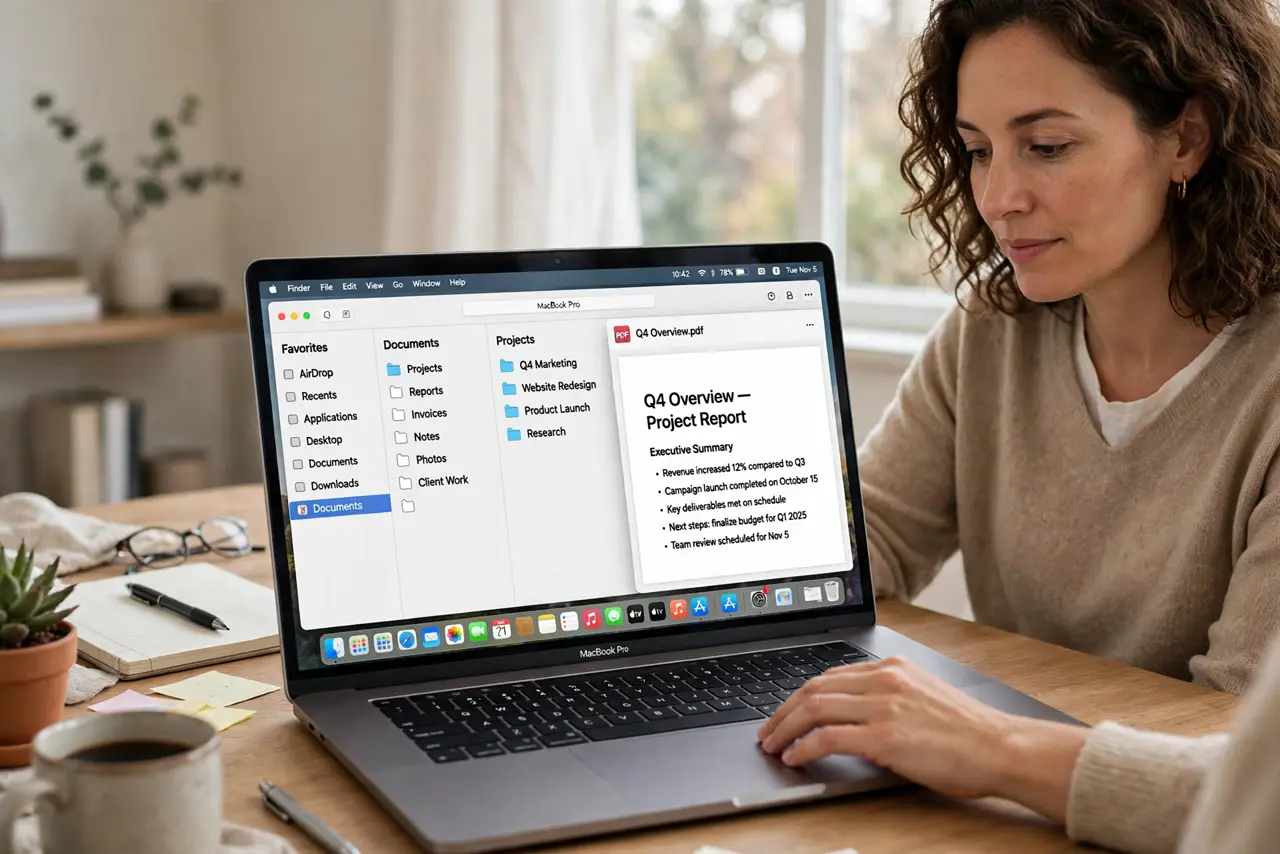
Finder's column view used to show a preview on the right, and now that pane is blank or gone. A hidden preview setting, a narrow window, or a file type with no preview is usually behind it.
TL;DR / Quick Fix
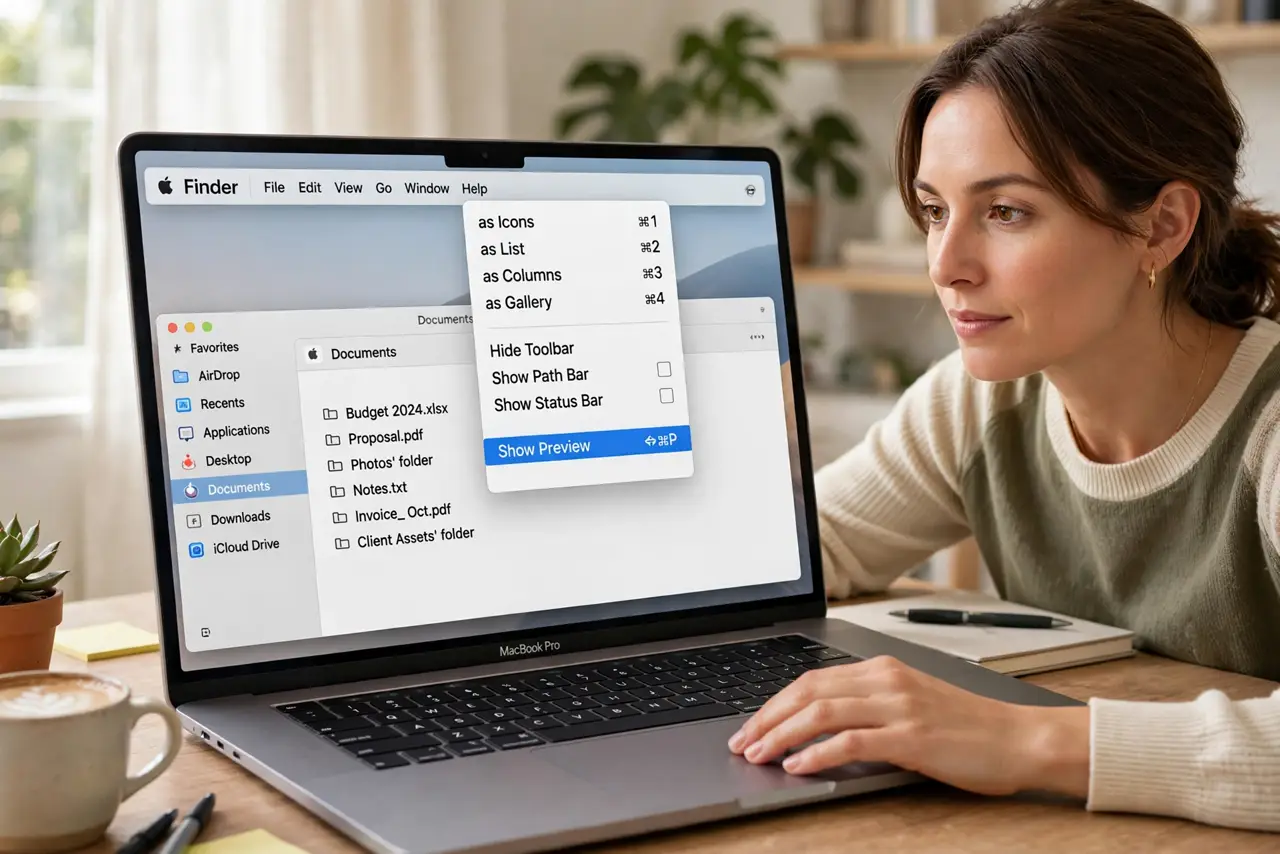
Quick fix: open Finder, choose View, then Show Preview, and widen the window so the preview pane has room. Then click a common file, like a photo, and check whether its preview returns and relaunch Finder if the preview pane stays blank.
Follow these steps
- Turn the preview pane back on. Open Finder, choose View in the menu bar, and select Show Preview. The preview pane is easy to hide by accident, and this one menu choice brings it back.
- Widen the Finder window. Drag the Finder window wider. If the window is too narrow, the preview column has no room to appear, even though the setting is on.
- Click a file with a known preview. Click a photo or a text document, not an unusual file type. If common files preview fine, the missing preview belongs to that file type, not to Finder itself.
- Check the file is not damaged or empty. Try previewing the same file in its own app. A zero-size or damaged file has nothing to preview, so Finder shows a blank pane for a good reason.
- Restart Finder if previews stay blank. Hold Option, right-click the Finder icon in the Dock, and choose Relaunch. Relaunching Finder clears a stuck preview state without touching your files.
- Check the file's location and permissions. If the file sits on a slow network drive or in a folder you cannot fully read, Finder may skip the preview. Copy the file to the Mac and preview the local copy.
What NOT to do
- Do not reinstall macOS to restore a preview pane. A hidden menu setting or a narrow window explains most missing previews, and a reinstall is far too drastic.
- Do not delete Finder preferences at random. Relaunching Finder first is safer, and preference files affect more than the preview pane.
- Do not assume every file type has a preview. Some formats show only an icon, and that is normal behavior rather than a Finder fault.
- Do not move files around hunting for previews. Check the View menu and the window width first, since those two explain the blank pane most of the time.
Frequently asked questions
Why did the preview pane disappear?
Usually the Show Preview option was turned off, or the Finder window became too narrow for the preview column to fit.
Do some files never preview in Finder?
Yes. Formats without a preview plugin show only an icon, even when Finder itself works fine.
Does relaunching Finder delete files?
No. Relaunching only restarts the Finder app, and your files and folders stay exactly where they are.