New Finder Windows Open Wrong? Fix It
Every new Finder window opens to Recents — a chaotic pile of everything — when you actually live in your Projects folder. Or it opens somewhere you never go. Finder lets you choose the starting folder for every new window, and the setting takes ten seconds.
TL;DR / Quick Fix
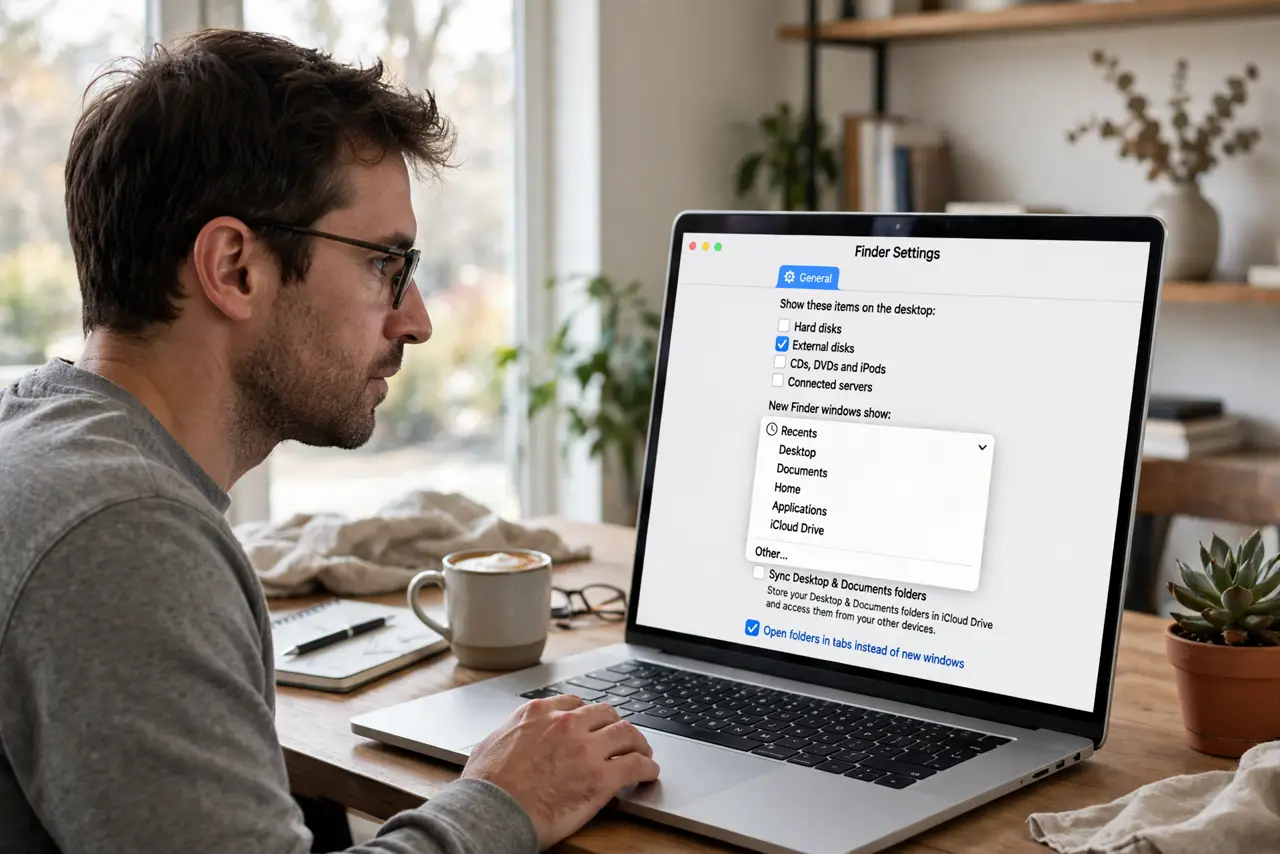
Quick fix: open Finder > Settings > General and change New Finder windows show to the folder you want — your Home folder, Documents, or a project folder. New windows and Cmd+N then open there. It does not move existing windows, only new ones. Pick somewhere you actually start work.
Follow these steps
- Open Finder Settings. With Finder active, choose Finder > Settings (Cmd+,) and stay on the General tab.
- Change the dropdown. Find New Finder windows show and pick your starting folder: your Mac, Home, Documents, or any folder via Other.
- Consider your actual workflow. Recents suits hunters; a project folder suits builders. The right default is wherever your next task starts, not where Apple guessed.
- Test with Cmd+N. Press Cmd+N — the new window should open exactly where you chose. If not, you edited the wrong settings pane.
- Use the sidebar for the rest. Pin your other frequent folders to the sidebar for one-click jumps that do not depend on the default.
- It does not relocate open windows. Existing windows stay where they are. Only newly opened windows use the new starting point.
What NOT to do
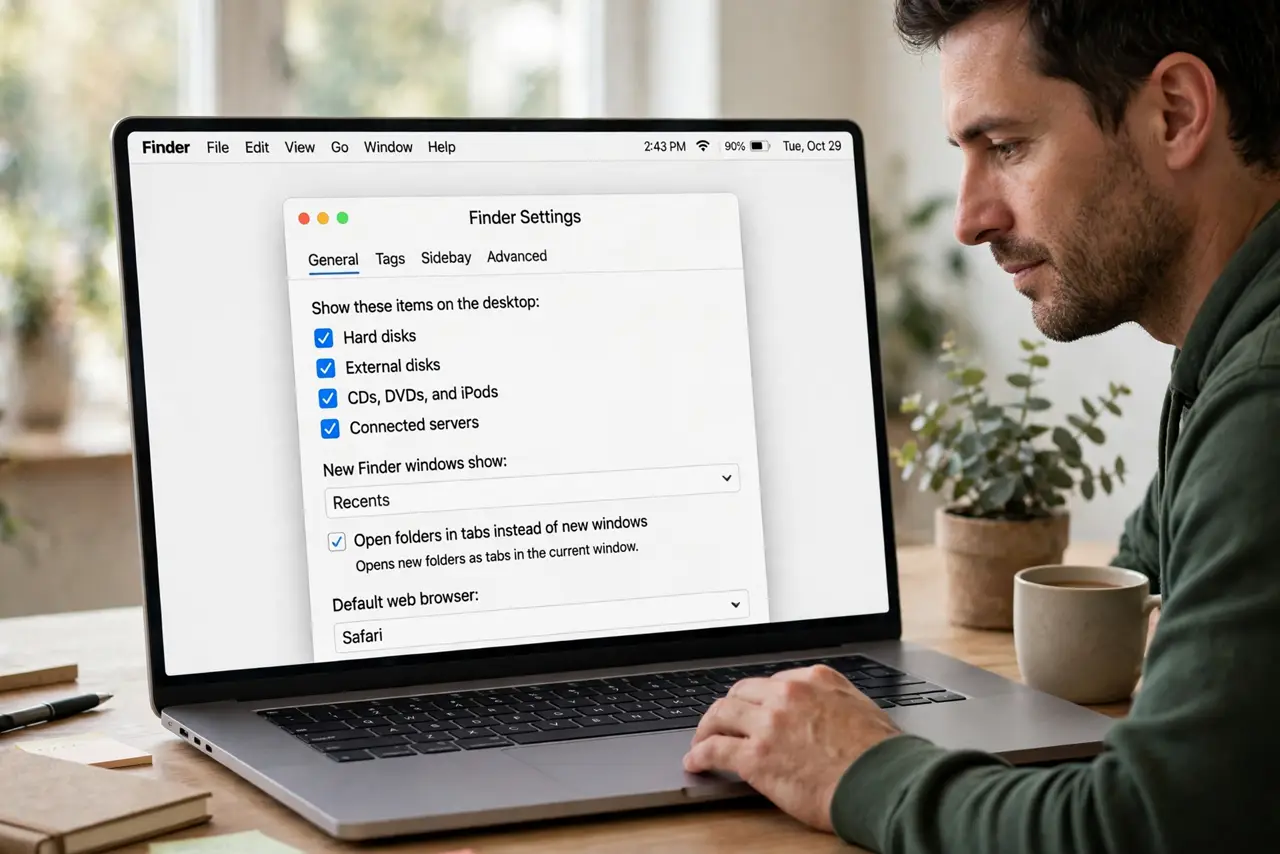
- Do not choose a network or external drive as the default. If it is unplugged, new windows open to a confusing error.
- Do not confuse this with view defaults. This sets where windows open; Use as Defaults sets how they look.
- Do not pick Recents out of inertia. It feels handy until it becomes a junk drawer — a real folder is calmer.
- Do not expect Spotlight or Open dialogs to follow. This setting governs Finder windows only.
Frequently asked questions
Why does Finder keep opening to Recents?
That is Apple's factory default. Change it once in Finder Settings and it never returns.
Can I set different defaults for different tasks?
Not natively — one default for all new windows. The sidebar covers the multi-project case better.
Cmd+N opens the wrong place but the setting looks right — why?
You may have changed it while a different app was active. Finder must be the front app when you open its Settings.