Use F1-F12 as Standard Keys
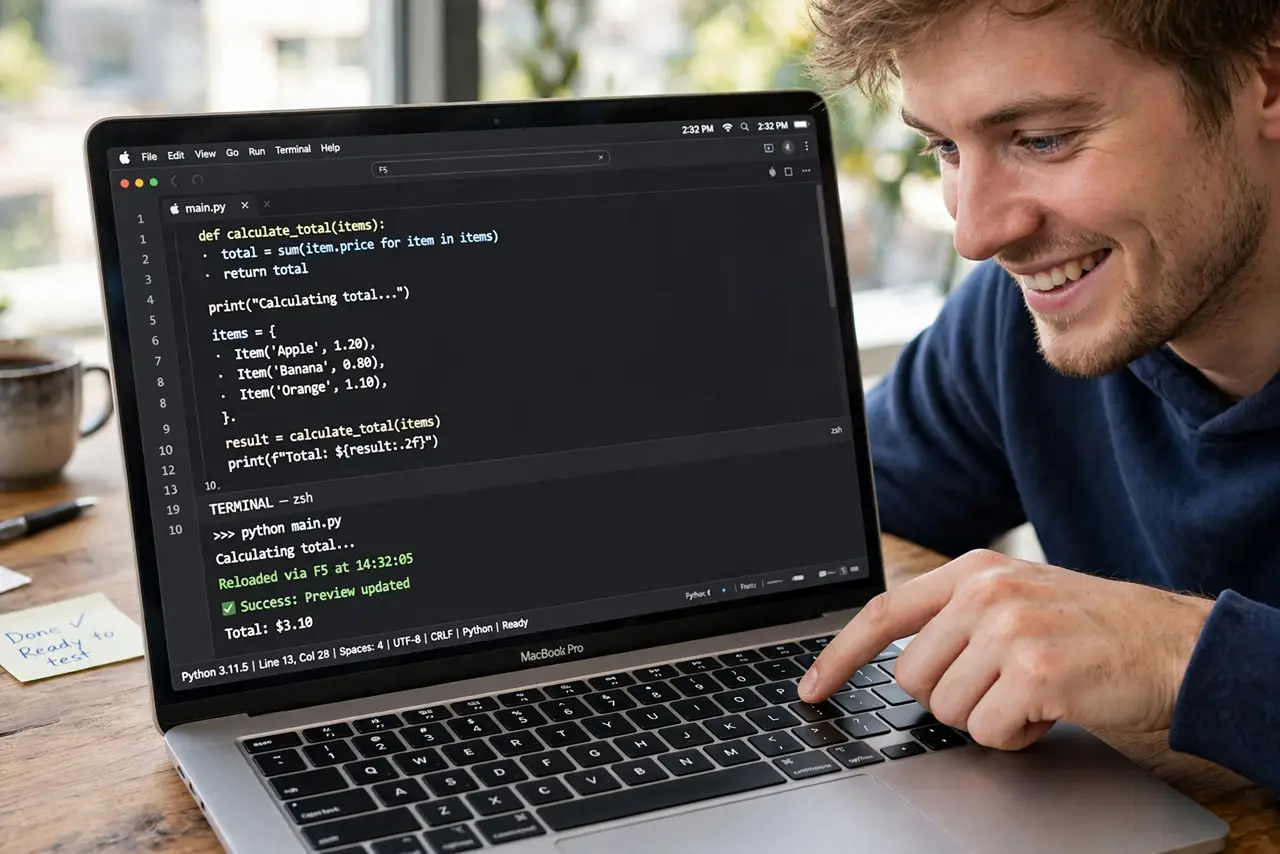
F1 mutes instead of triggering your app's help, F5 refreshes nothing — the Mac's media-first function keys fight every app that expects real F-keys. Flip one Keyboard setting and F1–F12 behave as standard function keys, with brightness and volume moving to Fn-combos.
TL;DR / Quick Fix
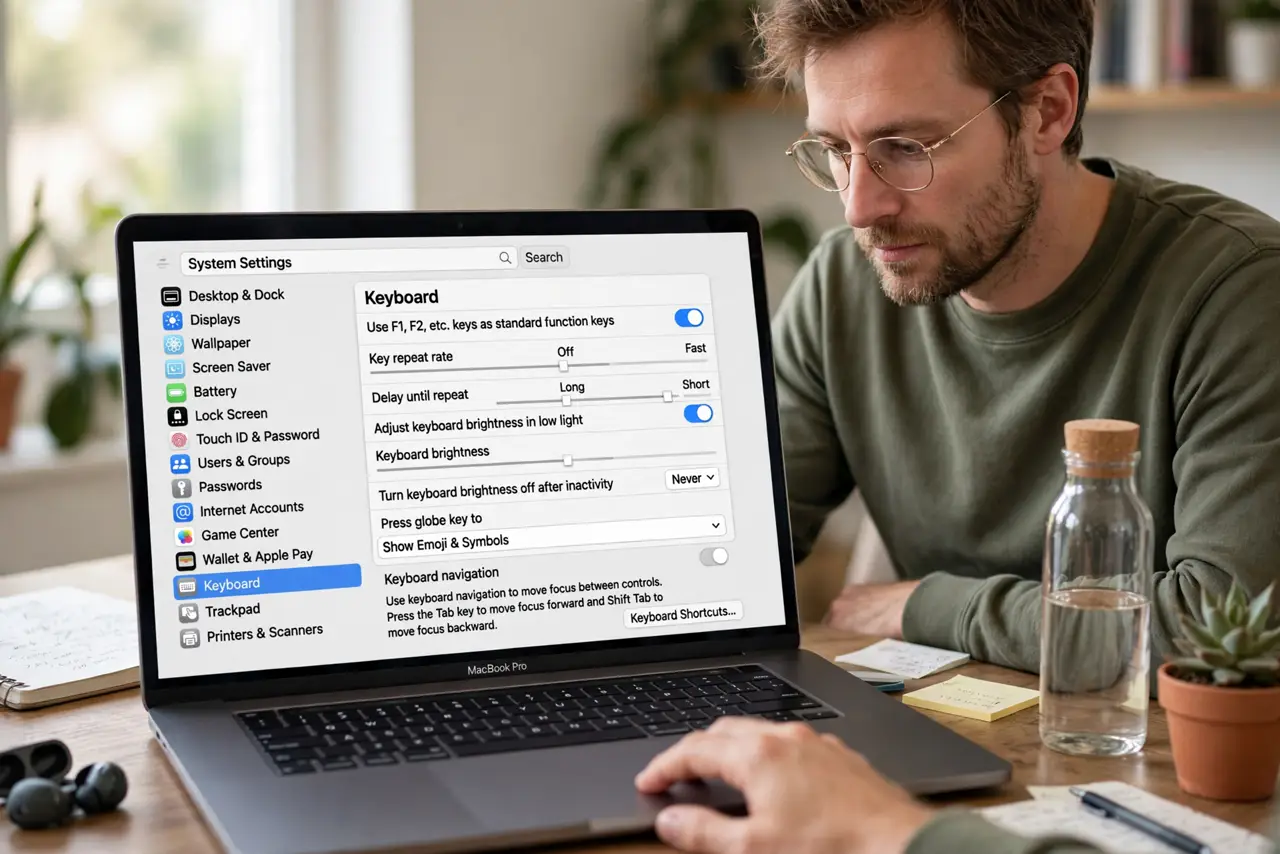
Quick fix: open System Settings > Keyboard and turn on 'Use F1, F2, etc. keys as standard function keys.' F1–F12 now send function codes; hold Fn for brightness, volume, and media. Touch Bar Macs set this per-app in Keyboard settings.
Follow these steps
- Open Keyboard settings. System Settings > Keyboard. The standard-function-keys toggle is the master switch for the whole row.
- Turn on standard function keys. Flip 'Use F1, F2, etc. keys as standard function keys' on. The keys immediately start sending F1–F12 to apps.
- Learn the new media combos. Brightness, volume, and playback move to Fn+F1 through Fn+F12. One extra key, same controls.
- Set per-app behavior on Touch Bar Macs. Touch Bar models can show function keys automatically in chosen apps — Keyboard settings > Touch Bar customizations.
- Tell your apps. Some apps need a restart to notice the change. Relaunch anything that was already open when you flipped the switch.
- Revert if media keys matter more. If you miss one-press volume, flip it back — or leave standard on and use Fn. There is no wrong answer, only your workflow.
What NOT to do
- Do not flip it mid-project without telling anyone. A shared Mac with swapped function keys confuses the next person's muscle memory.
- Do not forget the Fn combos exist. Standard mode does not remove brightness and volume — it just moves them behind Fn.
- Do not change it per app randomly. Pick one global behavior and learn it; per-app exceptions multiply confusion.
- Do not blame the app when F-keys misbehave. Check this toggle before filing a bug report — the Mac, not the app, owns the key row.
Frequently asked questions
Why does F5 do nothing in my app?
The Mac is sending the media key instead of F5 — turn on standard function keys and the app receives the real F5.
Can I have both behaviors?
Yes — that is exactly what Fn is for. Standard mode plus Fn gives you every key both ways.
Why did my brightness keys stop working after this change?
They moved to Fn+F1 and Fn+F2 — the flip side of the same toggle. See the brightness keys guide if they still misbehave.