Build Songs with Loops
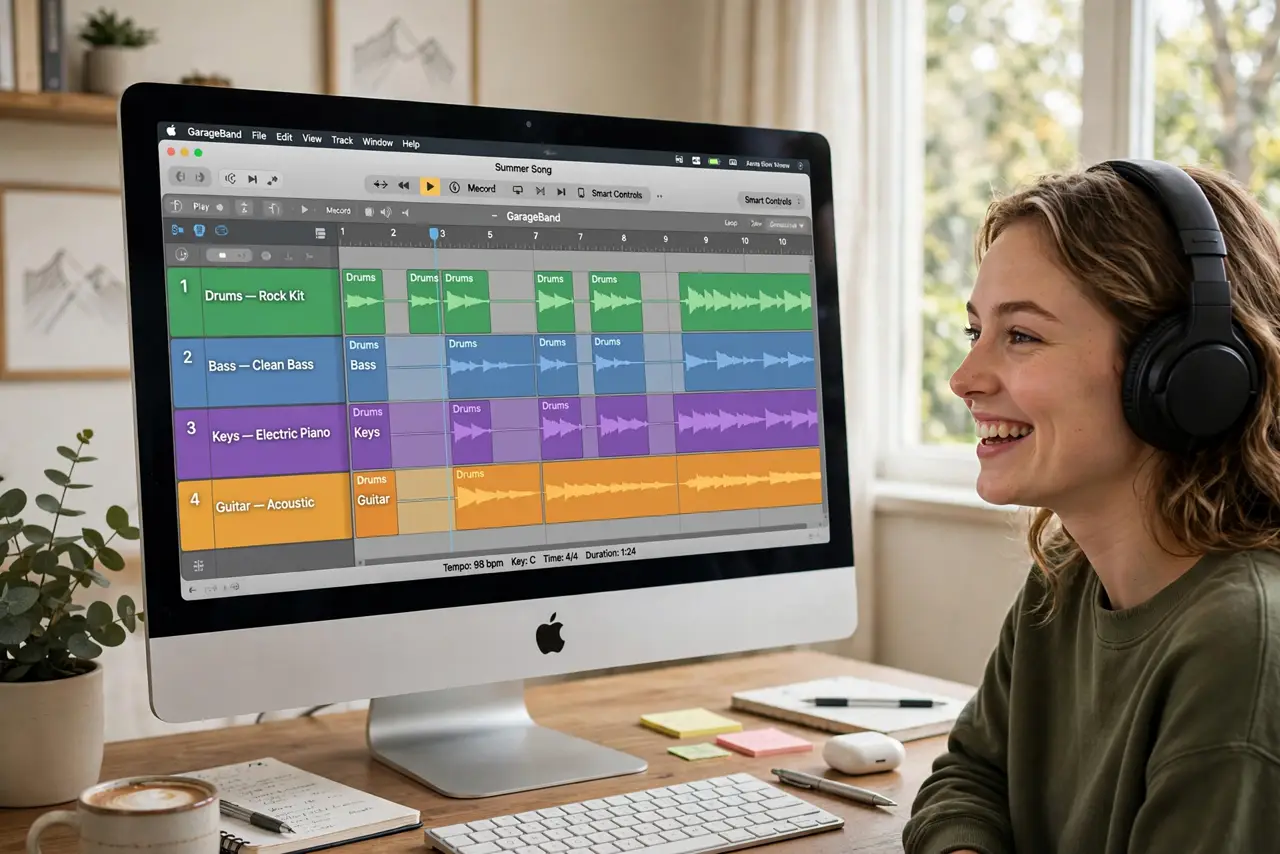
You open GarageBand, stare at the empty timeline, and close it — the blank-track fear is real. Loops are the antidote: thousands of royalty-free drum, bass, and melody loops you drag onto the timeline and arrange like Lego. No instrument skills needed; arrangement is the whole game.
TL;DR / Quick Fix
Quick fix: open GarageBand, start an Empty Project, open the Loop Library with O, and drag loops onto the timeline — drums first, then bass, then melody. Arrange in sections: intro, verse, chorus. Royalty-free means your creations are yours to share. Fifteen minutes from empty to actual song.
Follow these steps
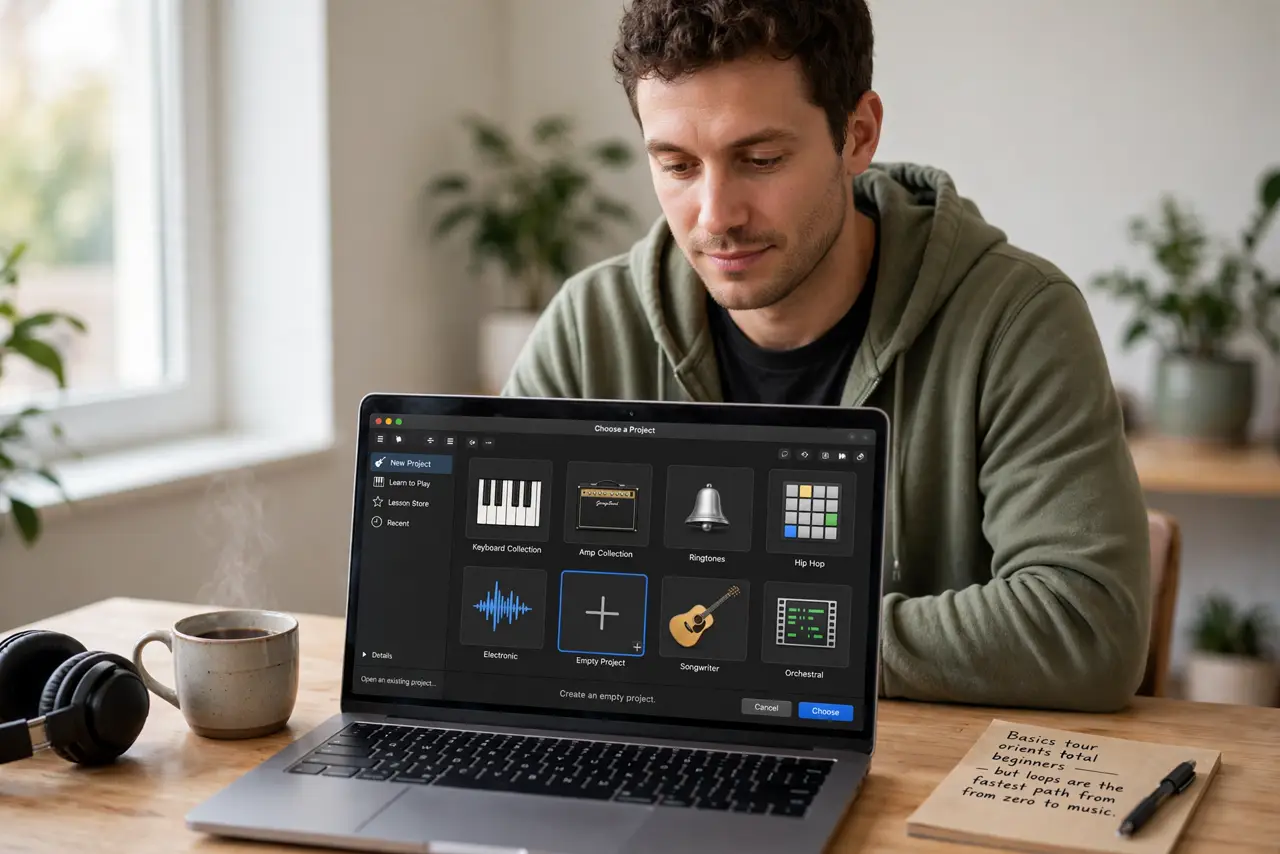
- Start an empty project. Open GarageBand, choose Empty Project. The basics tour orients total beginners — but loops are the fastest path from zero to music.
- Open the Loop Library. Press O or click the loop icon. Thousands of Apple Loops — drums, bass, guitars, synths — all royalty-free and tempo-matched automatically.
- Build drums first. Drag a drum loop onto the timeline and extend it. Rhythm is the foundation; everything else sits on the beat you choose here.
- Layer bass and chords. Add a bass loop, then keys or guitar. Loops in the same key blend automatically — the library is designed for happy accidents.
- Arrange in sections. Copy the verse stack, vary the chorus, add an intro and outro. Arrangement — not sound design — is what makes it feel like a song.
- Share it. Share, Export Song to Disk — your loop creation is royalty-free and yours. Post it, keep it, build the next one.
What NOT to do
- Do not wait until you can play an instrument. Loops are the instrument — arrangement skill grows with every track.
- Do not layer twenty loops at once. Three to five well-chosen loops beat a muddy wall of everything.
- Do not ignore the key and tempo. Loops auto-match, but setting the projects key first keeps everything coherent.
- Do not fear the empty timeline. One drum loop is a beginning — every song starts with a single sound.
Frequently asked questions
Are GarageBand loops royalty-free?
Yes — Apple Loops are cleared for your own commercial and personal creations. Your songs are yours.
Do I need music theory?
No — loops handle the theory. Arrangement instincts develop by doing; start dragging.
Can I add my own recordings?
Yes — record voice or instruments over the loops anytime. Loops plus your voice is a classic combo.