Blocked by Gatekeeper? Fix It
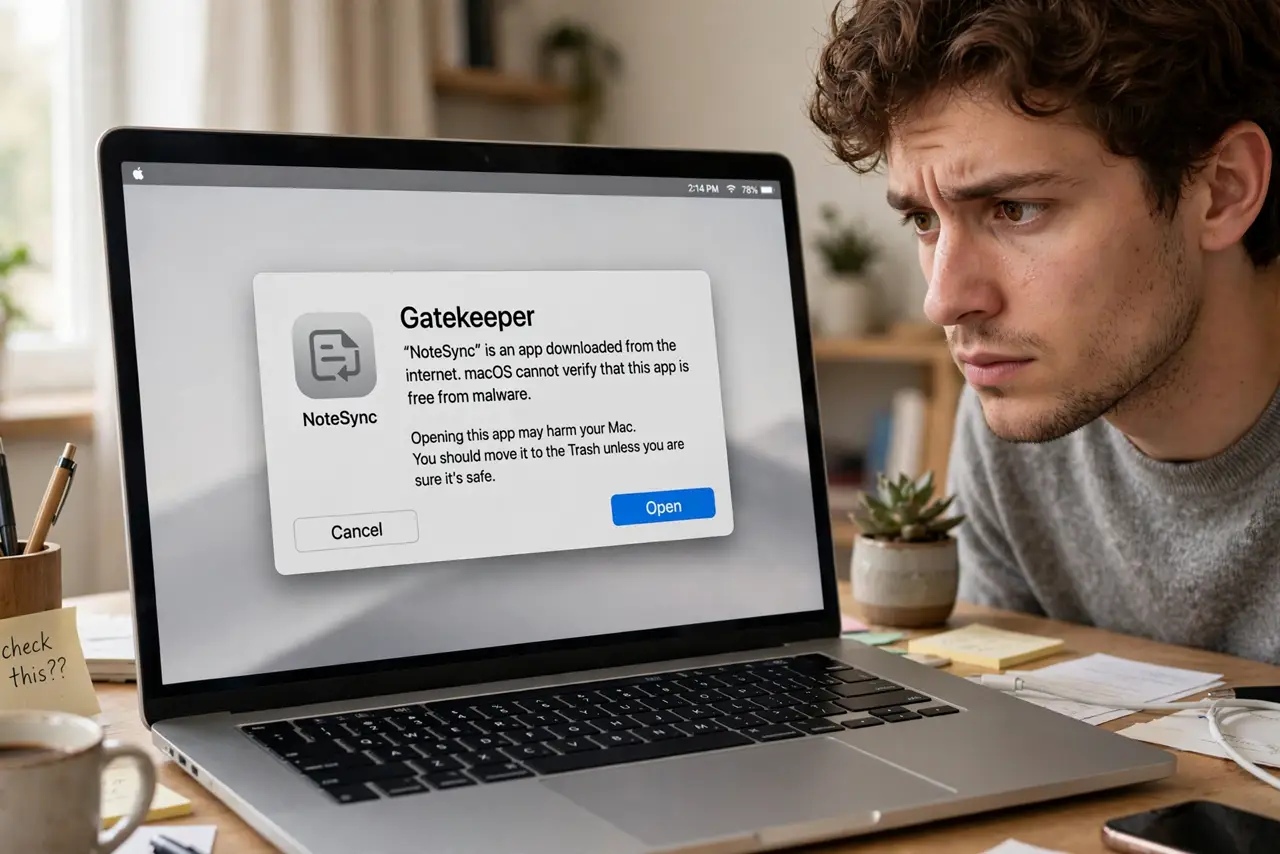
You downloaded an app from a developer's own site, double-clicked it, and macOS refused — 'cannot be opened because it is from an unidentified developer.' That is Gatekeeper doing its job against malware. Legitimate apps get caught too, and the safe override takes ten seconds once you know the trick.
TL;DR / Quick Fix
Quick fix: when macOS blocks an app with a damaged or unverified warning, right-click the app and choose Open — you get an override button for that app only. Only do this for software you trust from a developer. Never disable Gatekeeper entirely; the per-app override is the safe path.
Follow these steps
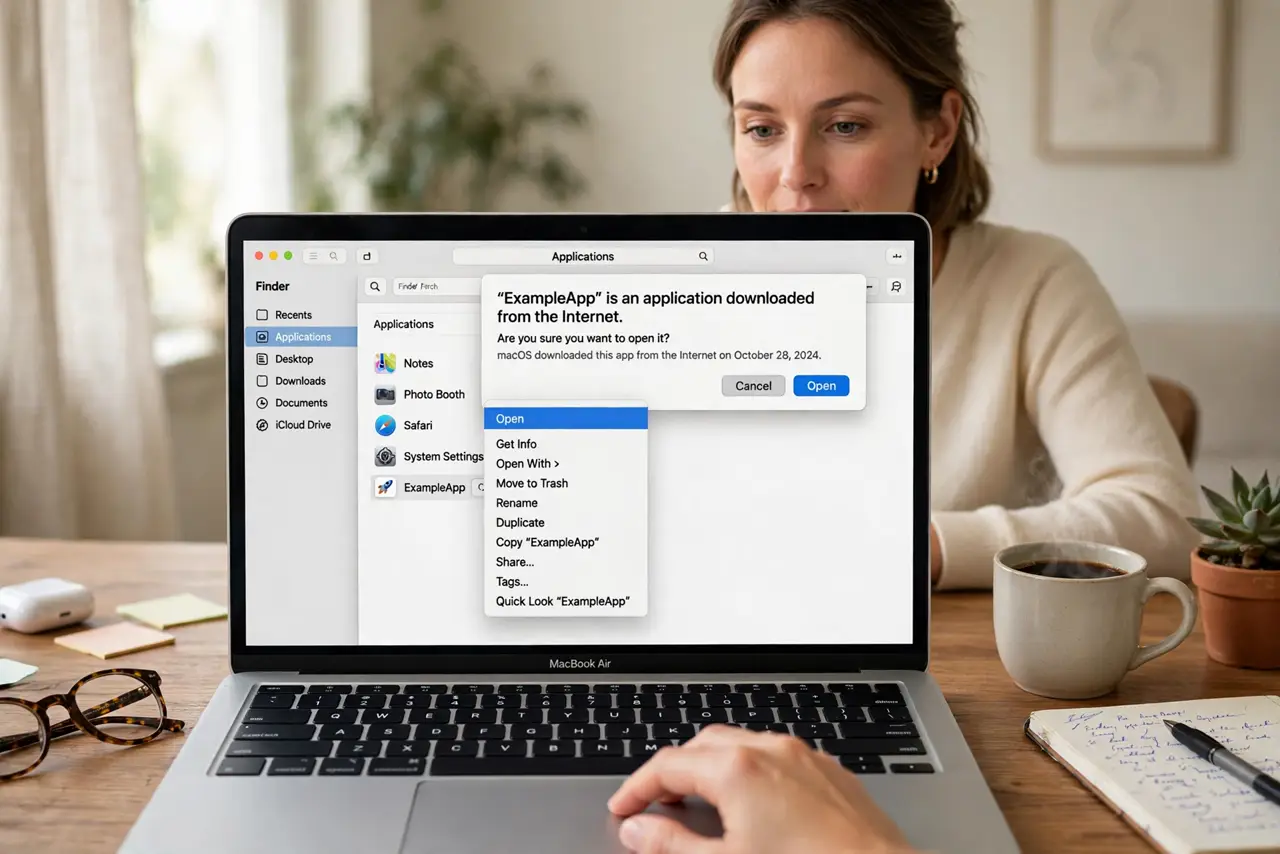
- Try the right-click Open method. In Finder, right-click (or Control-click) the app and choose Open. The dialog now offers an Open button — a one-time exception for this app.
- Confirm you trust the source. Only override for software from developers you know and sites you trust. The warning exists because this exact path is how malware spreads.
- Check for a 'damaged' variant. If macOS says the app is damaged, re-download it — the file may be genuinely corrupted or tampered with, not just unsigned.
- Look for a Mac App Store version. Many blocked apps also exist in the App Store, where Gatekeeper never complains. The store version is the zero-friction option.
- Keep Gatekeeper itself enabled. The per-app override is the designed path. Disabling Gatekeeper system-wide removes protection from every future download.
- Report truly broken installers. If a reputable developer's app always trips Gatekeeper, tell them — their signing certificate may have expired.
What NOT to do
- Do not disable Gatekeeper from Terminal. Forum commands that turn it off permanently trade one blocked app for zero protection.
- Do not override warnings for pirated software. Cracked apps are the number one malware vector on macOS — the warning is saving you.
- Do not assume 'damaged' always means corrupt. Sometimes it means the signature broke — but re-downloading from the official source is still the fix.
- Do not override on someone else's Mac. If it is not your machine, the app stays blocked — their security, their call.
Frequently asked questions
Why does macOS block apps from the web?
Gatekeeper verifies developer signatures to block malware. Unsigned or unnotarized apps get stopped — legitimate small developers sometimes skip Apple's signing process.
Is right-click Open safe?
As safe as your judgment of the source. The method is Apple's designed override — the risk is entirely in which app you approve.
The app still won't open — now what?
Check macOS compatibility — very old apps die on new systems regardless of Gatekeeper. The developer's site usually notes supported versions.