Gatekeeper Blocks an App You Trust on Mac
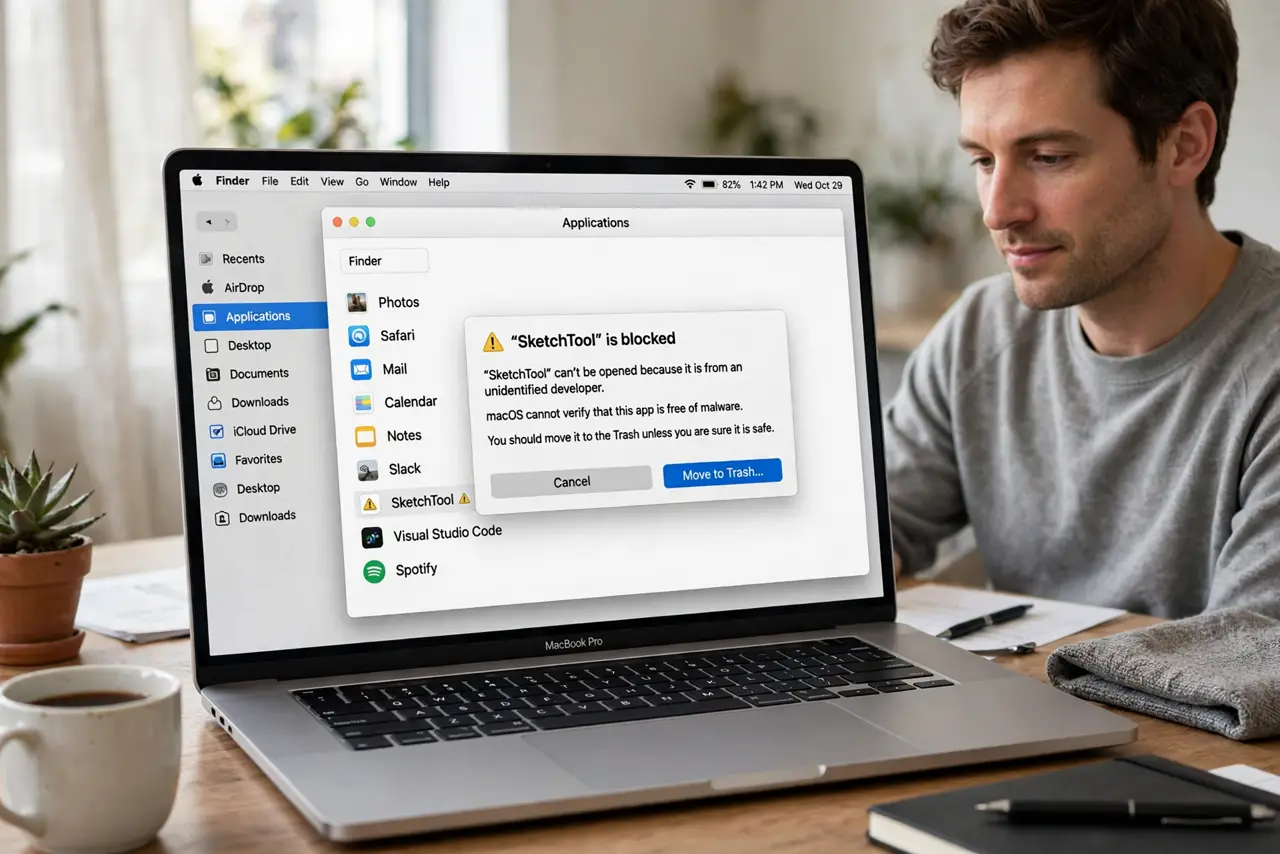
Gatekeeper blocks apps it cannot verify to protect you from tampered software, and sometimes it catches a legitimate app from a smaller developer. The safe fix is not to disable the protection, but to approve that one app through the method Apple provides.
TL;DR / Quick Fix
Quick fix: Control-click the app in Finder and choose Open, then confirm you want to open it. That approves this specific app only, while Gatekeeper keeps protecting you from everything else. Test the fix, then keep the setting that works.
Follow these steps
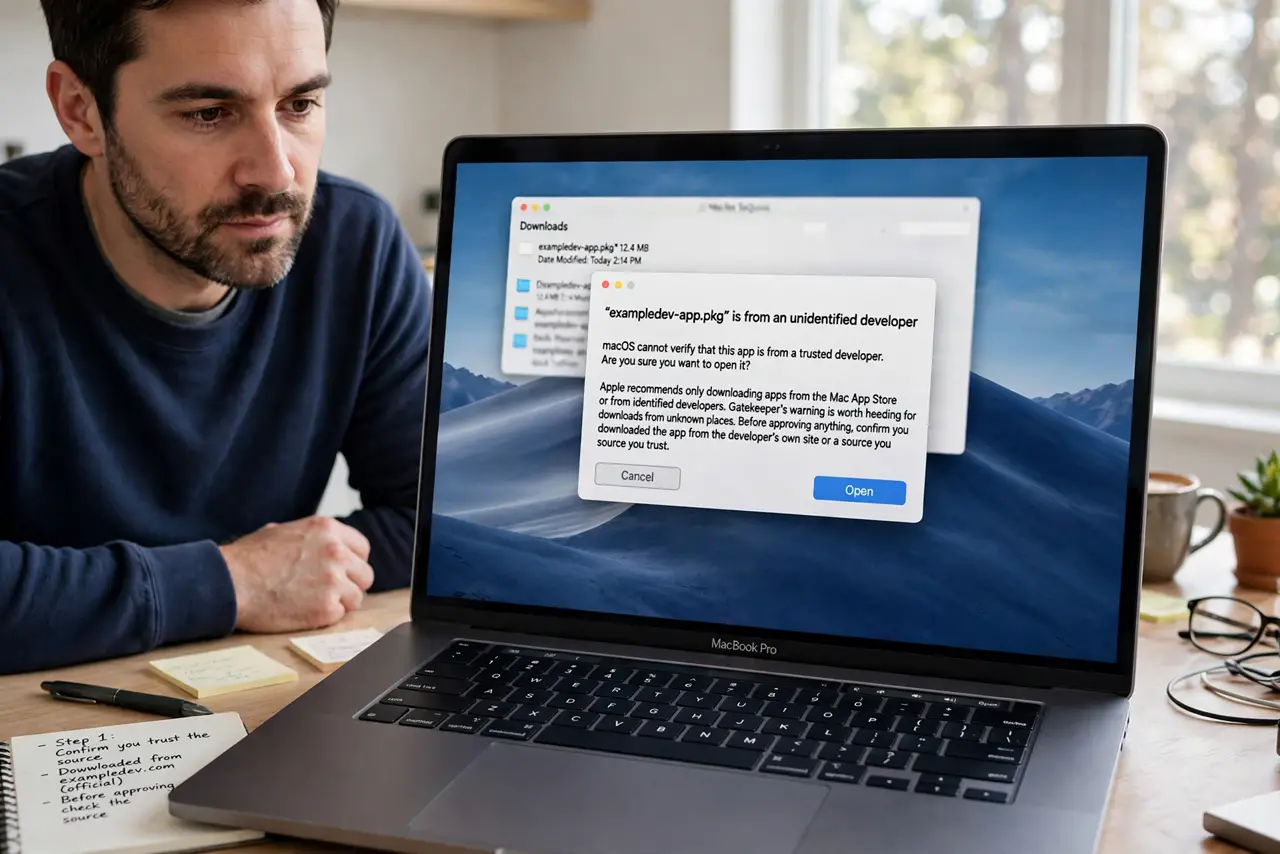
- Confirm you trust the source. Before approving anything, confirm you downloaded the app from the developer's own site or a source you trust. Gatekeeper's warning is worth heeding for downloads from unknown places.
- Control-click the app. In Finder, Control-click the app icon and choose Open from the menu. This is Apple's supported way to approve a single blocked app.
- Confirm the prompt. When macOS asks whether you really want to open it, confirm only if you trust the source. The prompt is your last checkpoint, so read it instead of clicking through.
- Check the developer first. If you are unsure, visit the developer's own site and check for a newer or properly signed version. An updated version may open without any approval step at all.
- Open it normally next time. Once approved, the app should open normally from now on. If it blocks again, something changed the app, and you should recheck the source before approving again.
- Keep Gatekeeper on. Leave Gatekeeper protection enabled for everything else. Approving one trusted app is safe; turning the whole protection off is not.
What NOT to do
- Do not turn Gatekeeper off entirely to open one app. That removes protection from every future download, not just the app in front of you.
- Do not approve an app from a download link you cannot verify. A legitimate-looking name is not proof the file is legitimate.
- Do not use terminal commands from random web pages to get around the block. Those commands can disable protections silently and are hard to undo safely.
- Do not approve every blocked app out of habit. Each approval should be a deliberate decision about that app and that source.
Frequently asked questions
Why did Gatekeeper block an app I trust?
Because macOS could not verify the app's developer or integrity. That happens with smaller developers and unsigned builds, even when the app itself is legitimate.
Does approving one app disable Gatekeeper?
No. Control-clicking Open approves only that app, while Gatekeeper keeps checking everything else you download.
What if the app still will not open?
Recheck the download source, look for an updated version from the developer, and confirm the file was not damaged during download.