Handoff Not Working in Safari? Fix It
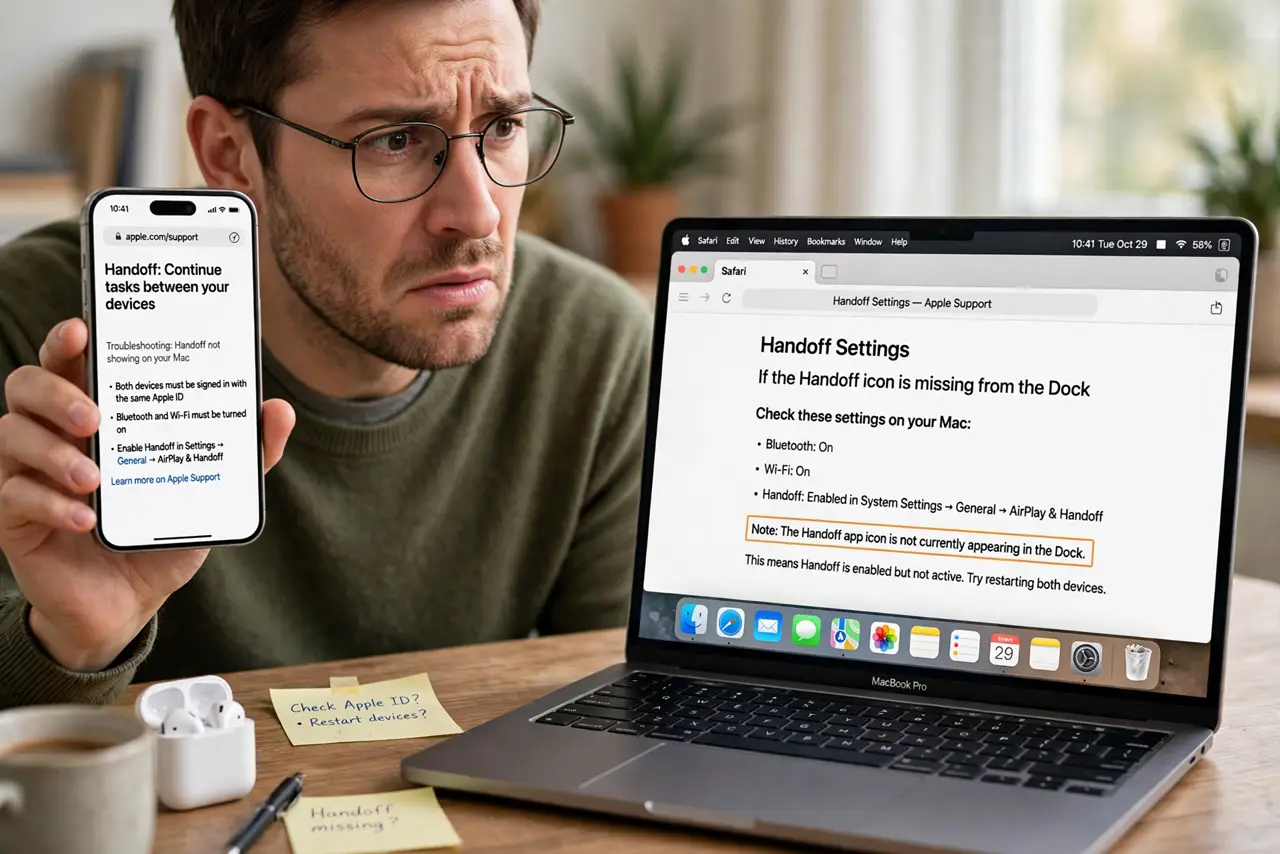
You open a page in Safari on your iPhone and the Handoff icon never appears in the Mac's Dock — the handoff that should 'just work' silently does nothing. Safari Handoff needs the same Apple ID, nearby devices, and Handoff enabled on both ends. This guide brings the icon back.
TL;DR / Quick Fix
Quick fix: enable Handoff on both devices — Mac in System Settings > General > AirDrop & Handoff, iPhone in Settings > General > AirPlay & Handoff. Keep both on the same Apple ID with Wi-Fi and Bluetooth on, then test with Safari open on the iPhone.
Follow these steps
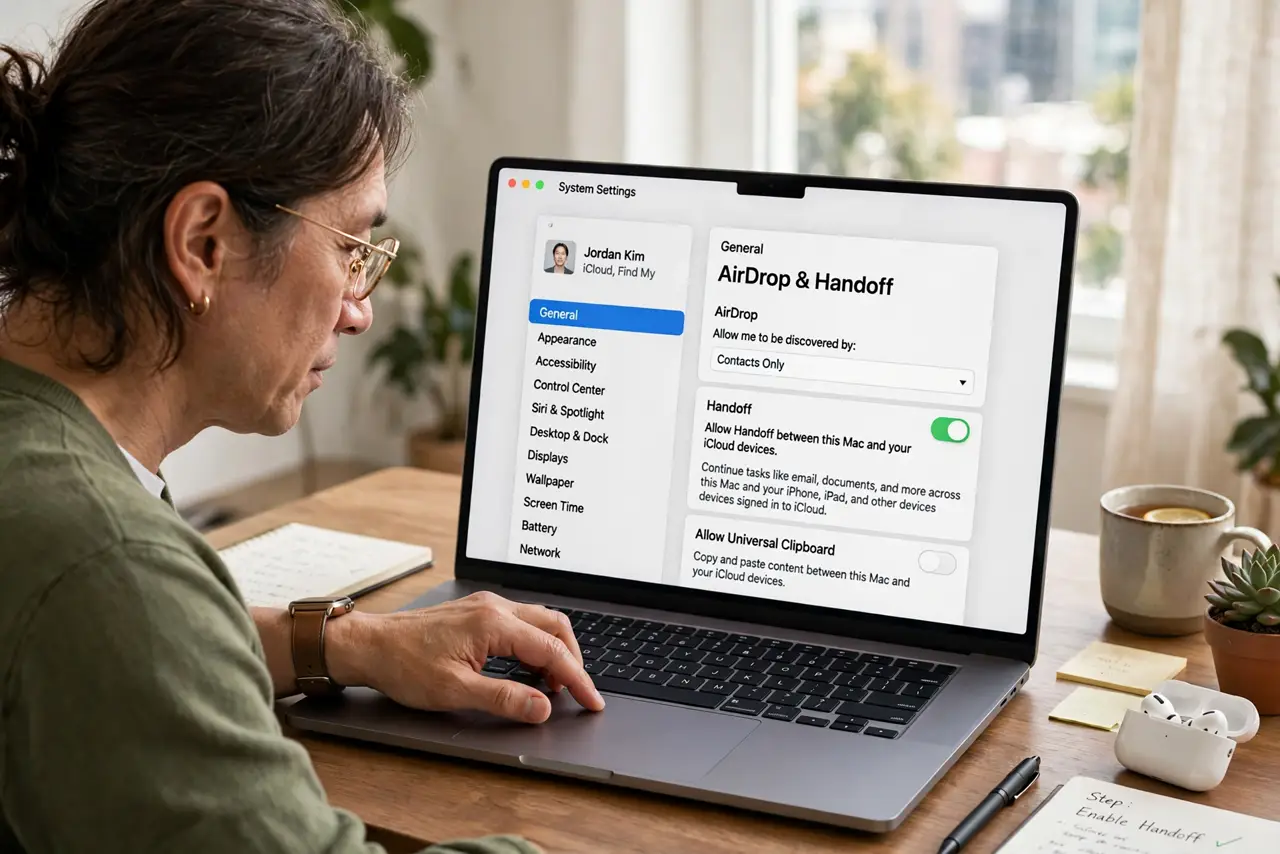
- Enable Handoff on the Mac. Go to System Settings > General > AirDrop & Handoff and turn on 'Allow Handoff between this Mac and your iCloud devices.' Without this, the Mac never listens.
- Enable Handoff on the iPhone. Go to Settings > General > AirPlay & Handoff and turn Handoff on. Both ends must opt in — one side alone does nothing.
- Confirm the same Apple ID. Check the Apple ID on both devices matches. Handoff is an iCloud feature and ignores devices signed into other accounts.
- Keep Safari open on the iPhone. Handoff advertises the active app. With Safari open and a page loaded on the iPhone, watch the Mac's Dock for the Safari Handoff icon to appear.
- Bring the devices close together. Keep the iPhone near the Mac during the test. Handoff uses Bluetooth proximity, and a phone in another room may not register.
- Restart both devices. If settings are correct but the icon never appears, restart the iPhone and the Mac. A fresh start clears the stuck Handoff advertisements.
What NOT to do
- Do not expect Handoff in private browsing. Safari's Private mode does not hand off pages — use a normal window for the test.
- Do not confuse Handoff with iCloud Tabs. iCloud Tabs sync open tabs with delay; Handoff is the instant Dock icon for the active page.
- Do not test with the iPhone locked. A locked iPhone may not advertise Handoff; unlock it and keep Safari in the foreground.
- Do not disable Bluetooth to save battery during the test. Handoff needs Bluetooth on to discover the nearby device.
Frequently asked questions
Why is the Safari Handoff icon not showing on my Mac?
Handoff is off on one device, the Apple IDs differ, or the iPhone is too far away. Check the Handoff toggles first.
Does Handoff work with Chrome?
No. Handoff between iPhone and Mac for browsing is a Safari feature; Chrome has its own separate sync.
Can I hand off from Mac to iPhone too?
Yes. With Handoff on, the app switcher on the iPhone shows the Mac's active Safari page as well.