Hand Off Between Devices
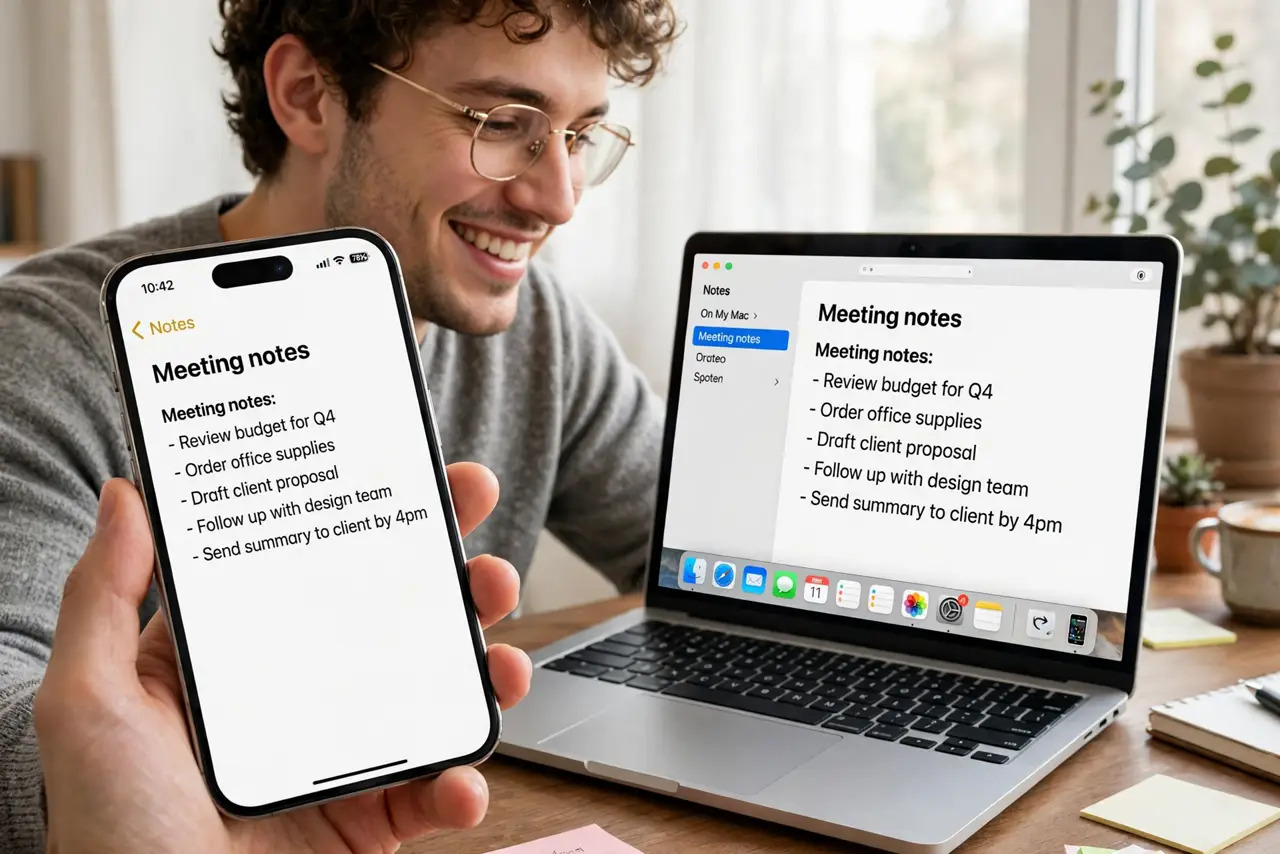
Start an email on the iPhone, finish it on the Mac. Copy on one device, paste on another. Look up directions on the Mac, navigate on the phone. Handoff stitches Apple devices into one continuous workspace — this guide wires it up completely.
TL;DR / Quick Fix
Quick fix: Handoff continues tasks across Apple devices — start an email on iPhone, finish on Mac. Enable it in System Settings, General, AirDrop and Handoff on Mac, and in Settings, General, AirPlay and Handoff on iPhone. Use the same Apple ID, Wi-Fi, and Bluetooth on all devices.
Follow these steps
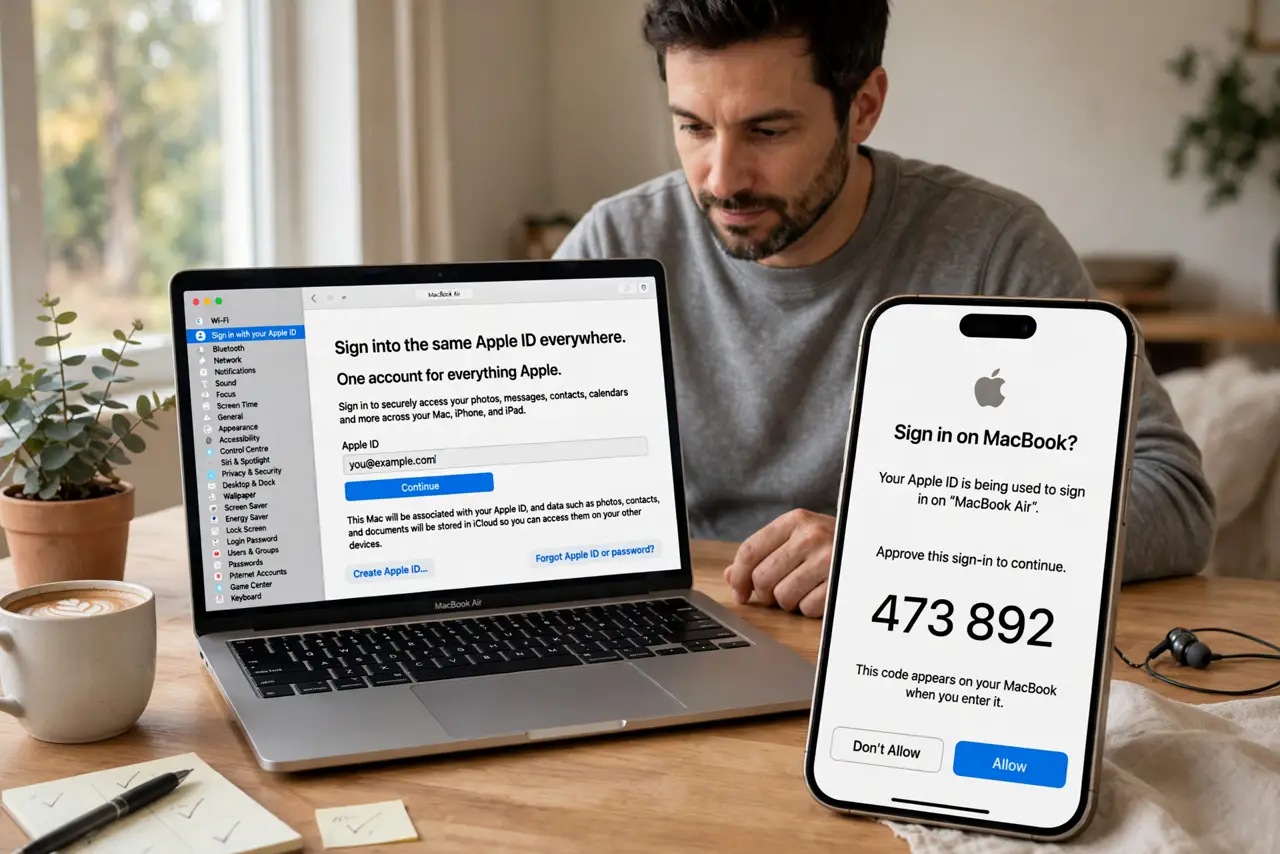
- Sign into the same Apple ID everywhere. Handoff identifies you by Apple ID. Every device — iPhone, iPad, Mac, Watch — must share the account.
- Enable Handoff on Mac. System Settings, General, AirDrop and Handoff — turn on 'Allow Handoff between this Mac and your iCloud devices'.
- Enable Handoff on iPhone/iPad. Settings, General, AirPlay and Handoff — same toggle, mobile side. Both ends must agree.
- Turn on Wi-Fi and Bluetooth. Handoff whispers over Bluetooth and transfers over Wi-Fi. All devices on the same network, radios on — the eternal trio.
- Test with Safari. Open a webpage on iPhone; the Handoff icon appears at the edge of the Mac dock. Click it — the page continues on Mac. That first success confirms the whole chain.
- Add Universal Clipboard. Copy on iPhone, paste on Mac — the clipboard follows the same requirements. Enable it as part of the same setup via Universal Clipboard for the full continuity suite.
What NOT to do
- Do not expect Handoff across Apple IDs. Family Sharing does not bridge Handoff — one ID per continuity chain.
- Do not troubleshoot with Bluetooth off. Every Handoff failure checklist starts with the radios — check them first.
- Do not assume all apps support it. Apple's apps do; third-party support varies — Safari and Mail are the reliable demos.
- Do not leave old devices signed in. A retired iPad on the same ID can intercept Handoffs confusingly — sign out retired gear.
Frequently asked questions
Why did Handoff stop working?
Usually a sign-in hiccup or radios off. Sign out/in of iCloud on the stubborn device as the deep fix.
Does Handoff use internet data?
Negligible — discovery is local, transfers go over local Wi-Fi. It works without internet on the same network.
Can I Handoff phone calls too?
Calls hand off between iPhone and Mac via FaceTime continuity — adjacent feature, same requirements.