Mac Headphones Switch Output by Themselves? Stop It
Your Mac keeps switching audio away from your headphones to speakers or another device, mid-call or mid-song. That is usually automatic device switching, not a fault in the headphones. Lock the output and tame the competing devices.
TL;DR / Quick Fix
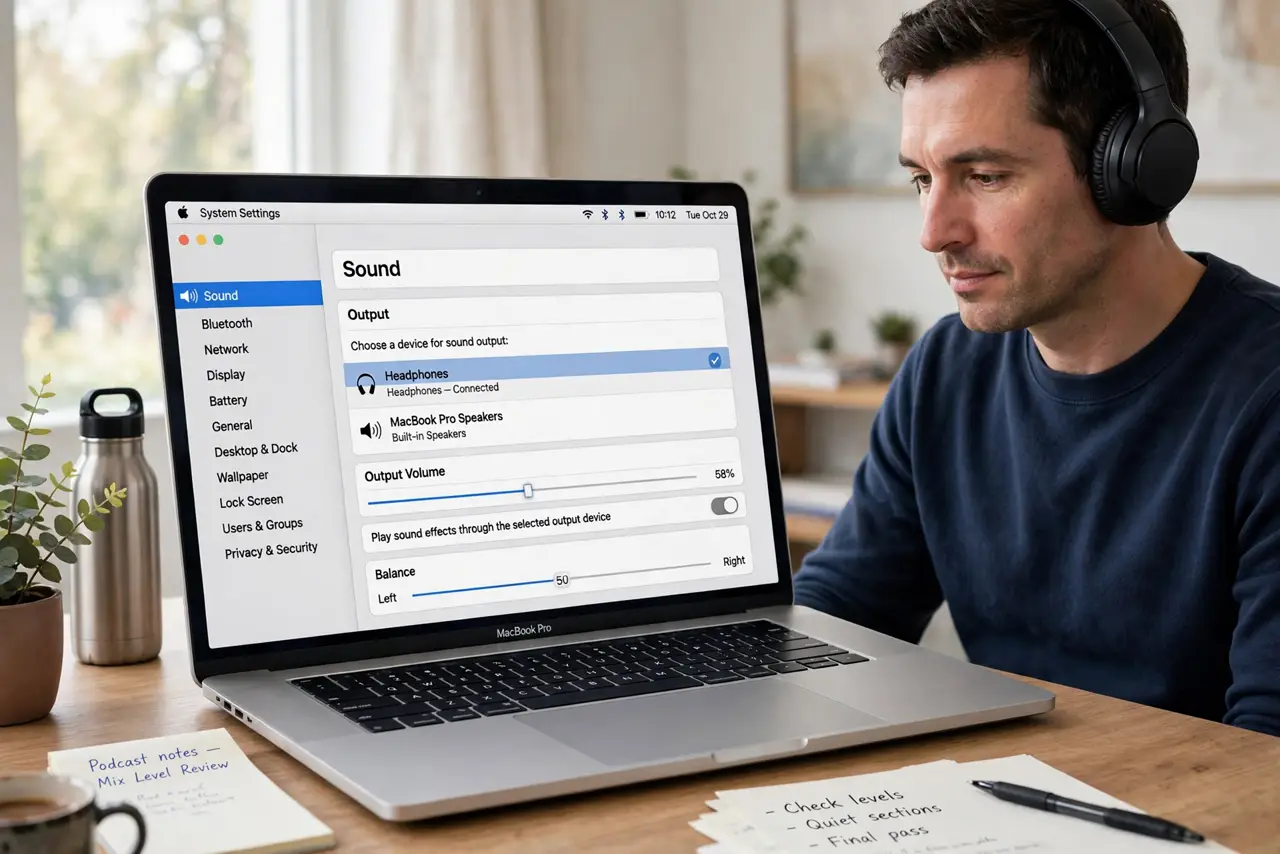
Quick fix: open System Settings, then Sound, then Output, and select your headphones manually. Turn off automatic switching for nearby devices, then test a full song without touching settings. Then test the fix for a full day before changing anything else.
Follow these steps
- Select headphones manually. Open System Settings, then Sound, then Output, and click your headphones. Manual selection overrides the last automatic choice for now.
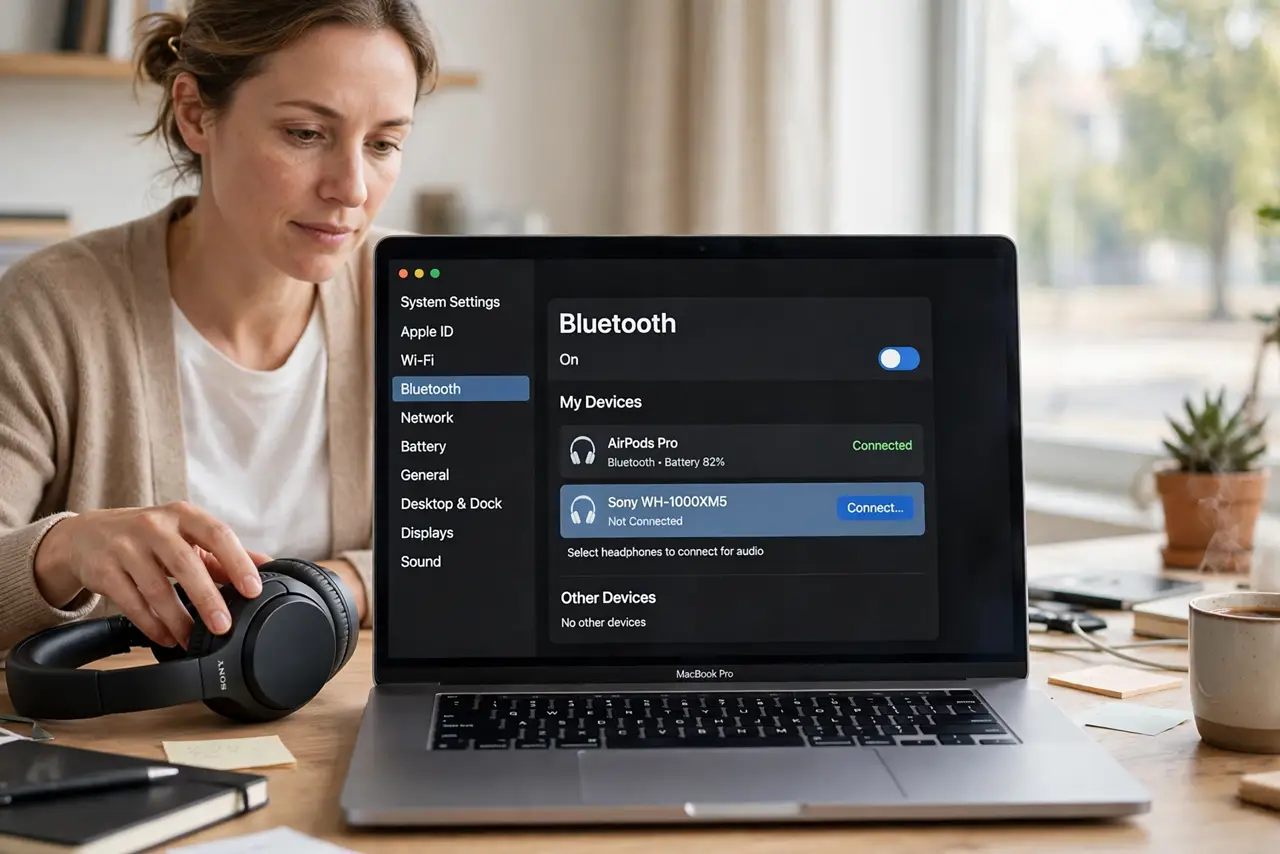
- Check Bluetooth device settings. Open System Settings, then Bluetooth, and check the headphones connection. If another device connects at the same time, it can steal the output.
- Turn off automatic switching. For AirPods and similar headphones, open Bluetooth settings, choose the headphones options, and set Connect to This Mac to When Last Connected. This reduces surprise switches.
- Remove competing audio devices. Disconnect speakers or other Bluetooth audio devices you are not using. Fewer candidates means fewer chances for the Mac to switch.
- Test with a single device connected. Keep only the headphones connected, play audio, and wait through a song. If switching stops, a competing device was the cause.
- Restart Bluetooth if switching persists. Turn Bluetooth off, wait a few seconds, turn it back on, and reconnect the headphones. Then retest with other devices still disconnected.
What NOT to do
- Do not keep switching output back every few seconds without fixing the cause. The Mac will switch again until the competing device is handled.
- Do not pair the same headphones to many devices at once and expect stability. Multiple active connections invite switching.
- Do not replace headphones before testing with competing devices off. The headphones are often fine; the switching logic is the problem.
- Do not turn off Bluetooth permanently as a workaround. That kills the headphones too, instead of fixing the switch.
Frequently asked questions
Why does audio jump to speakers?
Another device connected, or automatic switching chose it. Locking output and removing competing devices stops most jumps.
Do AirPods switch on their own?
Yes, they can switch between your Apple devices automatically. Setting them to connect only when last connected reduces this.
What if switching happens only on calls?
Calls use a different audio route. Check the call app audio settings as well as the system output choice.