Install Apps Safely?
Your Mac needs an app that is not in the App Store, and now you are downloading installers from the open internet — which is exactly how Mac malware arrives. The good news: a short checklist separates safe installs from risky ones, and macOS has built-in guards if you let them work. Here is the safe way to install outside the App Store.

TL;DR / Quick Fix
Quick fix: install Mac apps safely by downloading only from the developer's official site or the Mac App Store, letting Gatekeeper verify the app on first launch, and never bypassing security warnings for software you do not fully trust. When in doubt, do not install.
Follow these steps
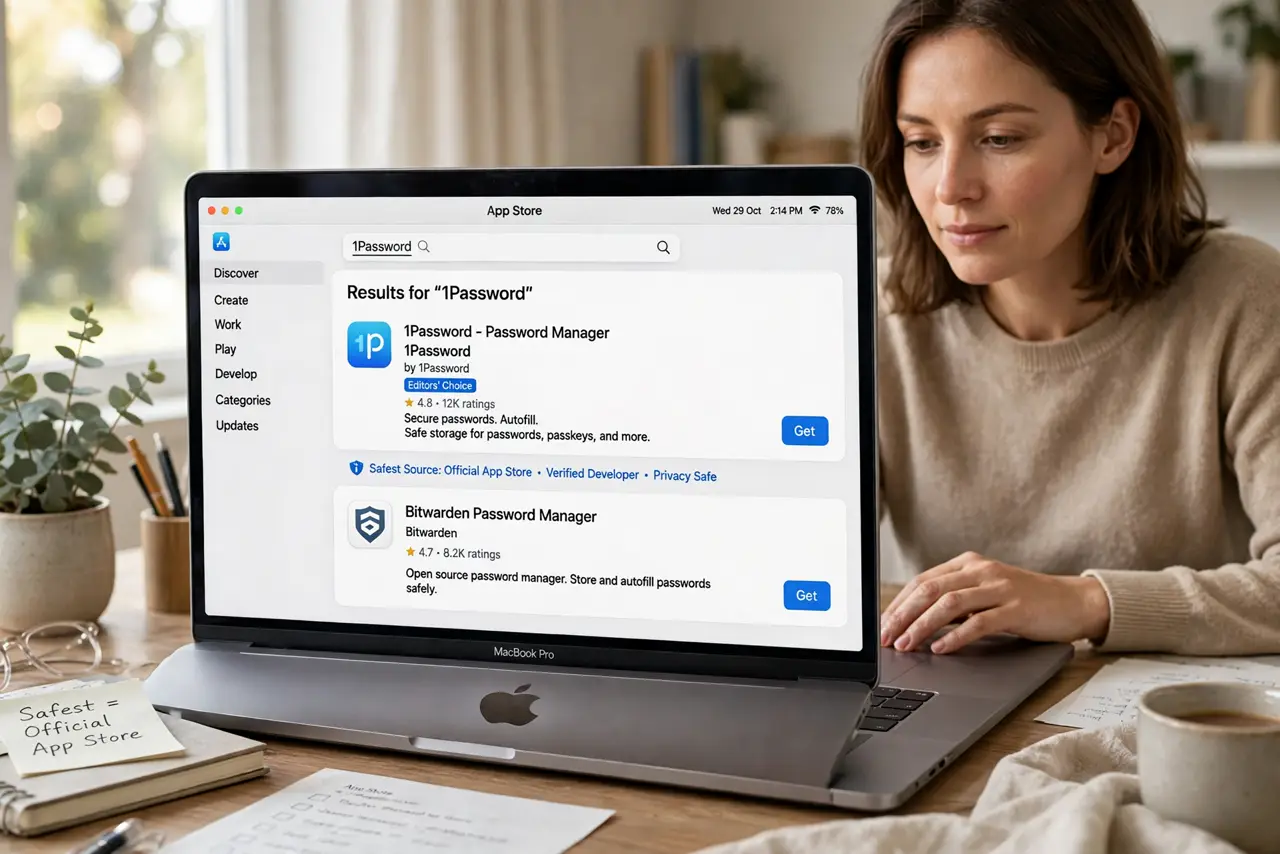
- Prefer the App Store first. The Mac App Store sandboxes apps and handles updates automatically — it is the safest source by far. Check there before going to a developer's site; many apps exist in both places.
- Download only from the official site. If the app is not in the store, get it from the developer's own website — never from aggregator download sites, which repackage installers with junk or malware. Type the address yourself rather than trusting search ads.
- Let Gatekeeper do its job. On first launch, macOS verifies the app's signature and warns you it came from the internet. That warning is a feature. Only proceed for software from a developer you recognize and trust.
- Understand the right-click override. Control-clicking an app and choosing Open bypasses Gatekeeper for unsigned apps. This exists for legitimate indie software — use it deliberately, once, for a known app — not as a habit for random downloads.
- Watch the installer. Legitimate Mac apps usually arrive as a DMG you drag from or a signed PKG. Be suspicious of installers that demand your admin password for a simple app, or that bundle 'extra offers' — decline everything bundled.
- Keep the app updated. Outdated apps are a security hole. Enable automatic updates where offered, and check the developer's site periodically for apps outside the store. An unmaintained app is a liability.
What NOT to do
- Do not download Mac apps from aggregator sites. Repackaged installers are the number one Mac malware vector — official site or App Store only.
- Do not disable Gatekeeper system-wide. The terminal command to turn it off removes your best safety net for zero benefit.
- Do not enter your admin password for a sketchy installer. A simple utility has no business needing deep system access — cancel and investigate.
- Do not trust search ads for downloads. Attackers buy ads for fake versions of popular apps — type the developer's address directly.
Frequently asked questions
Is software outside the App Store dangerous?
Not inherently — plenty of excellent Mac software is direct-download only. The risk is the source: official developer sites are fine, random download portals are not.
What does 'unidentified developer' mean?
The app is not signed with an Apple developer certificate. It may be fine (many indie apps), but it has not passed Apple's automated checks — research the developer before overriding.
Should I use an antivirus on Mac?
macOS's built-in protections (Gatekeeper, XProtect) cover most threats for careful users. An antivirus adds a layer if you install lots of outside software, but safe sourcing matters more.