Stop Your Mac Keyboard Repeating One Letter
One letter repeating on its own, filling a document with the same character, usually means a stuck key, a crumb under the key, or a repeat setting that is too fast. Check the physical key first, then the settings, before assuming the keyboard is broken.
TL;DR / Quick Fix
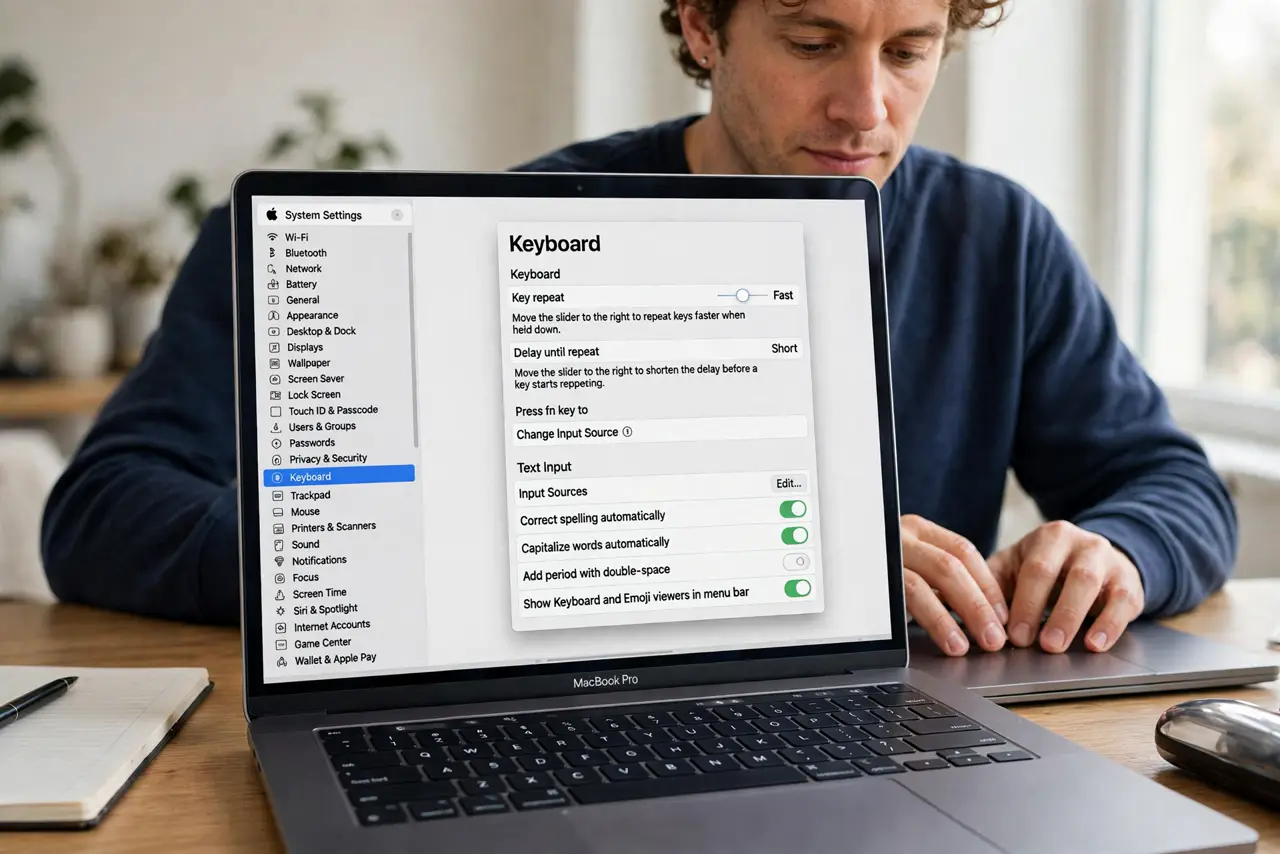
Quick fix: press the repeating key firmly a few times and check for crumbs or stickiness. Then open System Settings, then Keyboard, and slow the Key Repeat rate. Test in a plain text note to confirm the repeat is gone.
Follow these steps
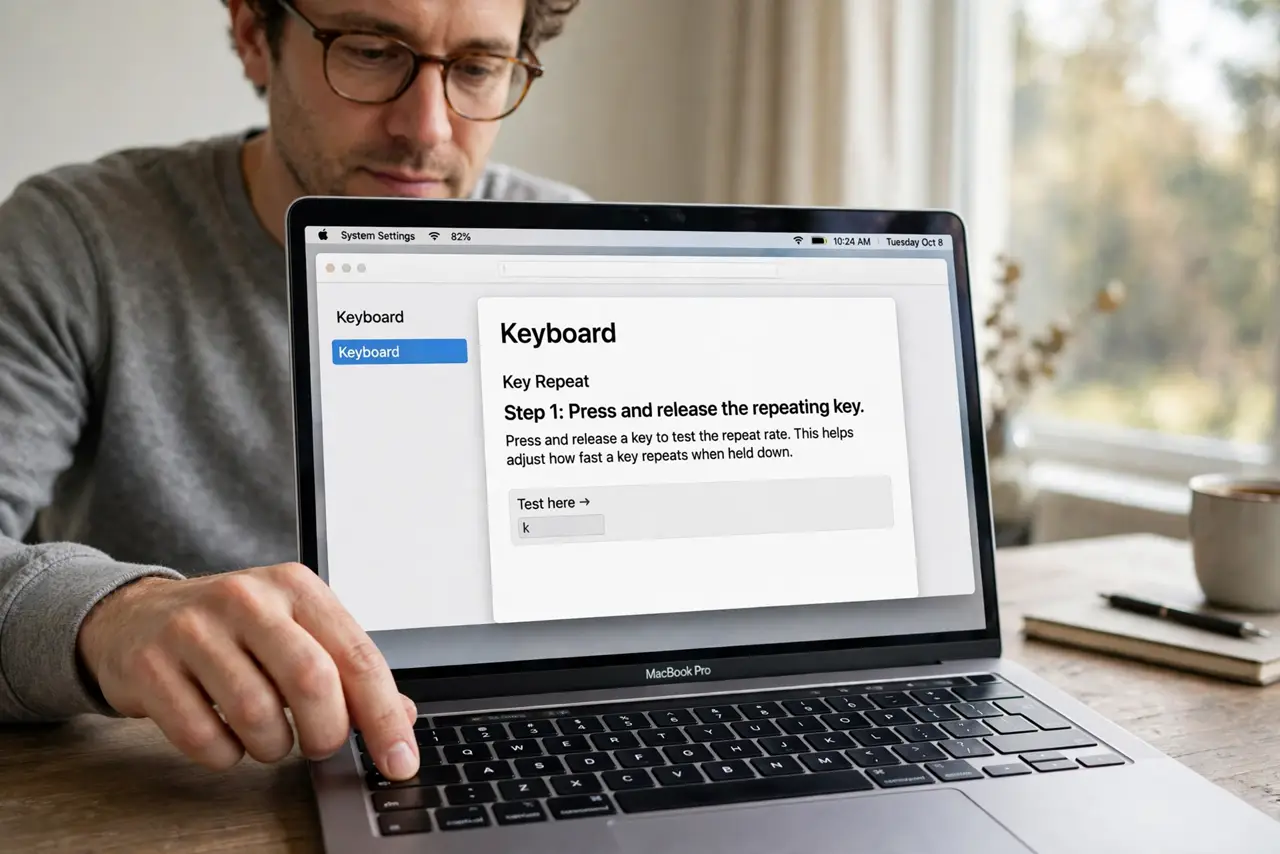
- Press and release the repeating key. Press the stuck key firmly several times and let it spring back each time. A key that does not spring back cleanly is likely physically stuck.
- Check for crumbs or stickiness. Turn the Mac off, tilt it slightly, and brush loose debris away from the key with a soft brush. Wipe a sticky key gently with a barely damp cloth.
- Slow the Key Repeat rate. Open System Settings, then Keyboard, and move Key Repeat toward Slow. Also increase Delay Until Repeat slightly, so a held key waits longer before repeating.
- Test in a plain text document. Open a plain text note and type the problem letter normally. If it repeats there too, the cause is the key or the setting, not one particular app.
- Test with another keyboard. Connect an external keyboard and type the same letter. If the external keyboard works fine, the built-in keyboard or its key is the problem.
- Restart if the repeat follows no key. If different letters repeat at random, restart the Mac and test again. A stuck input process can repeat keys even when no key is physically stuck.
What NOT to do
- Do not pry keys off a laptop keyboard. Laptop keys break easily and are hard to refit, so clean around them instead.
- Do not pour liquid on the keyboard to clean it. Liquid can damage the keyboard and the Mac inside, so use a barely damp cloth only.
- Do not turn Key Repeat off entirely as a first step. Slowing it down usually fixes the problem while keeping normal repeat behavior for held keys.
- Do not ignore a spill. If liquid caused the repeat, turn the Mac off, do not charge it, and seek professional help promptly.
Frequently asked questions
Why does only one letter repeat?
That key is usually physically stuck, sticky, or has debris under it, while the other keys move freely.
Does Key Repeat affect all keys?
Yes, it is a system setting. Slowing it helps every key, so test the problem key after each small change.
What if the repeat happens with an external keyboard too?
Then the cause is more likely a setting or a stuck input process, so restart and re-check the Keyboard settings.