Mac Lid Close Does Not Sleep? Fix Sleep on Close
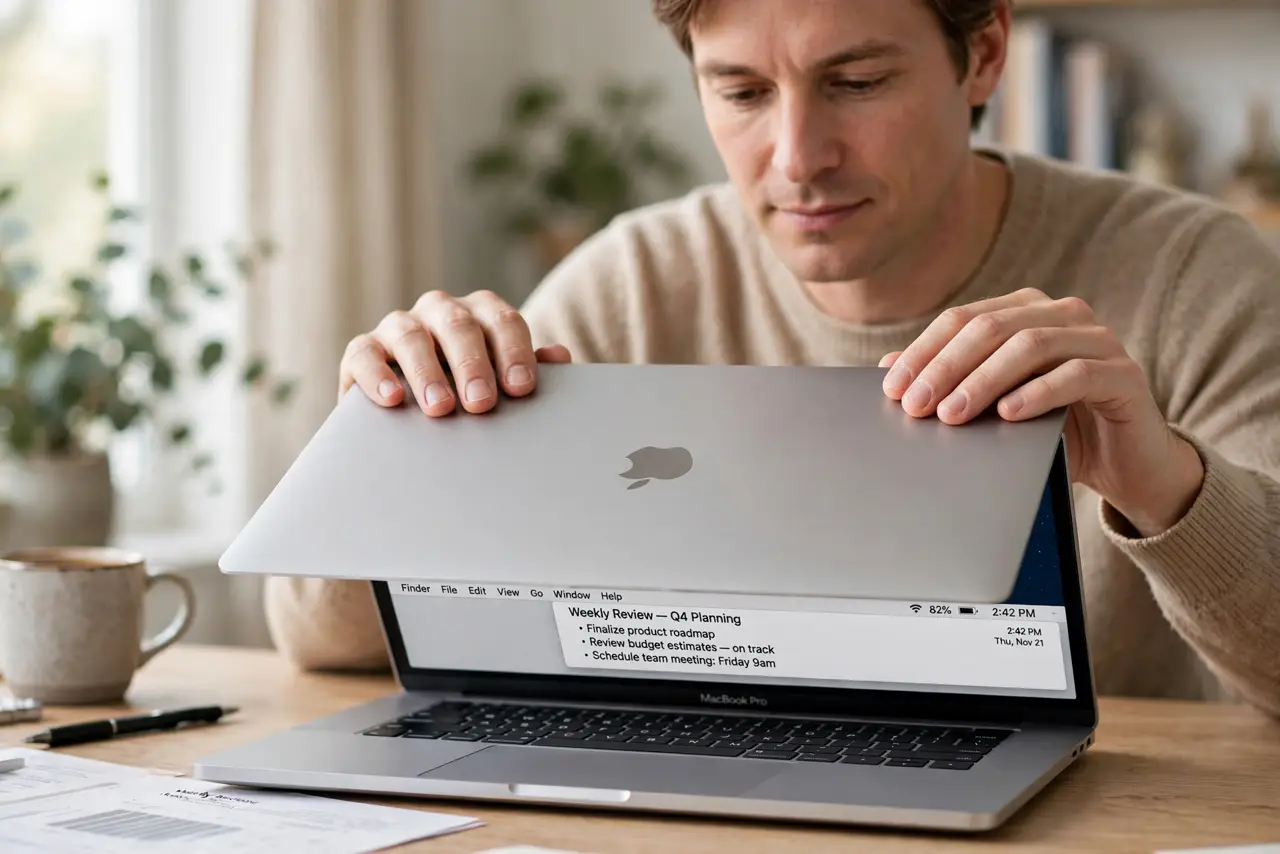
You close the MacBook lid, but the Mac stays awake, stays warm, and drains battery in your bag. An external display, a power setting, or an app blocking sleep is usually responsible. Check those before assuming the lid sensor failed.
TL;DR / Quick Fix
Quick fix: disconnect external displays and power for a test, close the lid, and wait two minutes. If it sleeps then, a display or app was keeping it awake; reconnect one thing at a time. Then test the fix for a full day before changing anything else.
Follow these steps
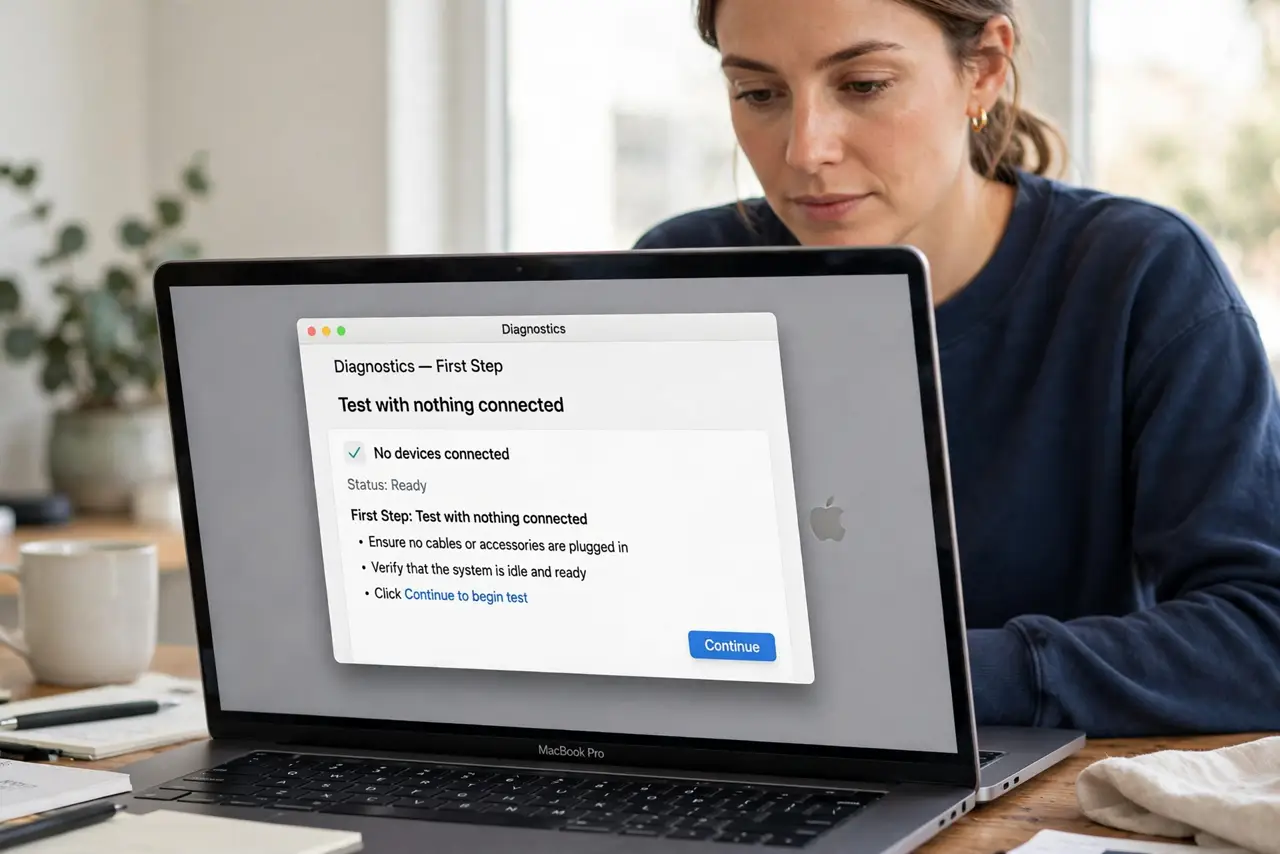
- Test with nothing connected. Disconnect external displays, USB devices, and power, then close the lid and wait two minutes. If it sleeps, something connected was the cause.
- Check for an external display. A MacBook connected to an external display can stay awake with the lid closed, by design. Disconnect the display to test lid sleep alone.
- Quit apps that block sleep. Quit video, presentation, and download apps before closing the lid for a test. Some apps explicitly prevent sleep while they run.
- Check Energy Saver settings. Open System Settings, then Energy Saver or Battery, and review sleep settings for battery and power adapter. A never-sleep setting blocks lid sleep too.
- Check for a stuck process. Open Activity Monitor and look for an app using high energy. Quit that app for a test, then close the lid again.
- Restart and retest lid sleep. Restart the Mac, disconnect extras, and close the lid. If it still never sleeps with nothing connected, note that pattern for service.
What NOT to do
- Do not force the lid shut harder to trigger sleep. The lid sensor does not need force, and pressure can damage the screen or hinge.
- Do not carry a warm, awake Mac in a bag. Heat builds up quickly in a closed bag and can damage the battery and screen.
- Do not disable sleep as a workaround for lid trouble. That leaves the Mac running constantly and hides the real trigger.
- Do not ignore an external display in the test. Clamshell mode with a display is normal behavior, not a lid failure.
Frequently asked questions
Should a MacBook sleep when I close the lid?
Yes, normally, unless it is in clamshell mode with an external display and power connected.
Why is my Mac warm in my bag?
It likely stayed awake after lid close. Test lid sleep with nothing connected before carrying it again.
What if it never sleeps even with nothing connected?
An app or system process may be blocking sleep. Quit heavy apps, restart, and retest before seeking service.