Use Your Mac with the Lid Closed
You have a beautiful external monitor on your desk and the MacBook just sits there open, wasting space and showing a second screen you do not want. macOS supports closed-lid operation — the Mac runs with the lid shut, driving only the external display. Here is how to set it up reliably.
TL;DR / Quick Fix
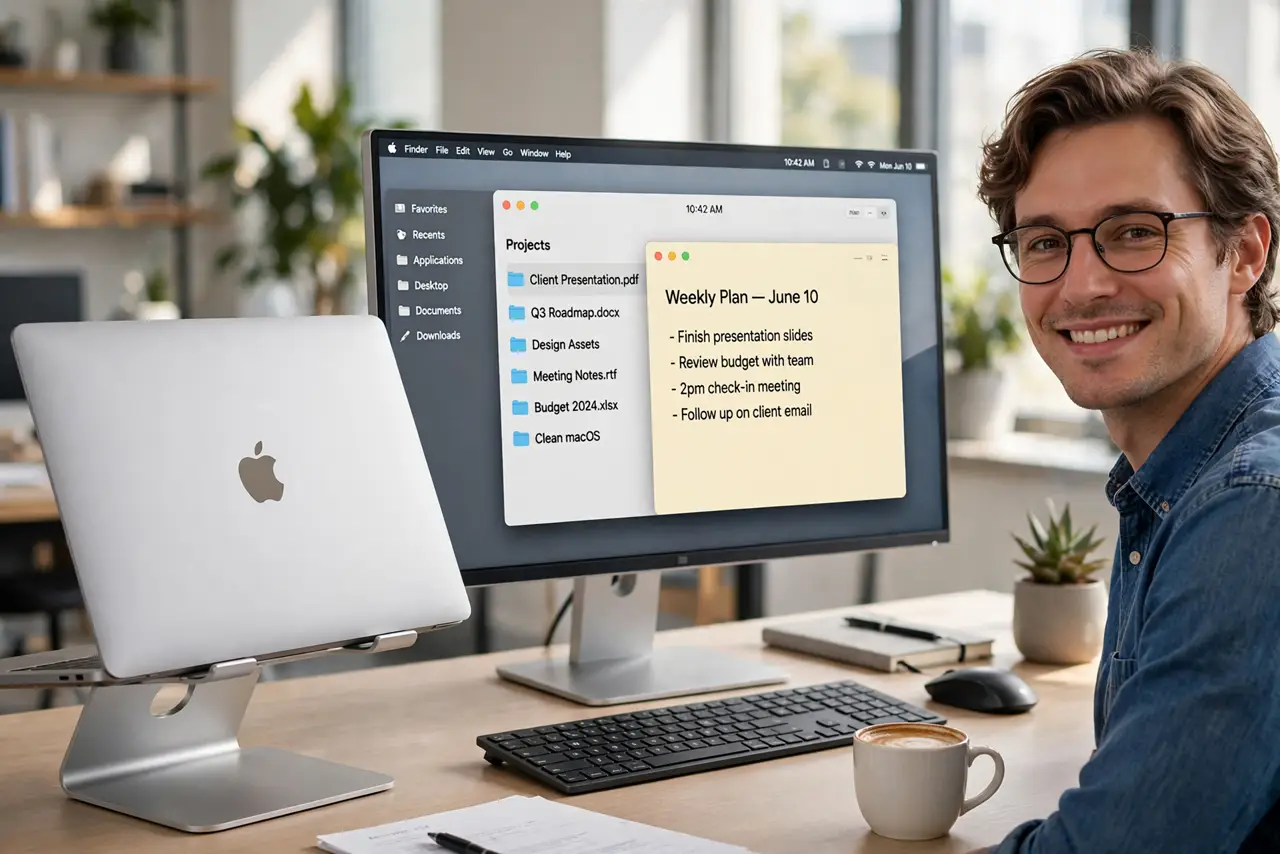
Quick fix: closed-lid mode needs three things — the Mac plugged into power, an external display, and an external keyboard or mouse. Close the lid and the external display becomes the only screen. If the Mac sleeps instead, wake it with the keyboard or mouse and check the power adapter.
Follow these steps
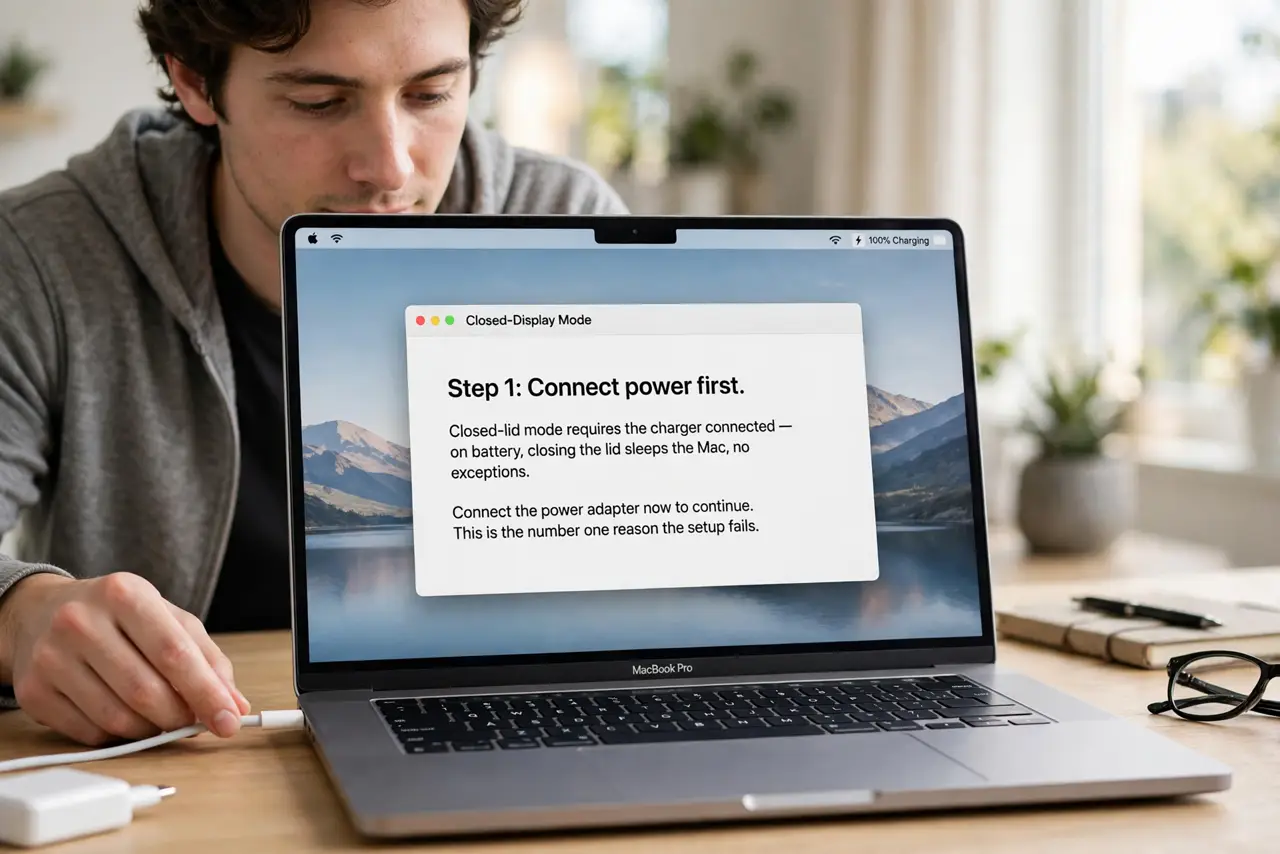
- Connect power first. Closed-lid mode requires the charger connected — on battery, closing the lid sleeps the Mac, no exceptions. This is the number one reason the setup 'does not work'.
- Connect the external display. Plug in your monitor via the appropriate cable or dock. The Mac should detect it with the lid open first — confirm the picture appears before closing anything.
- Add an external keyboard or mouse. Bluetooth or USB both work. You need an input device to wake the Mac after the lid closes — the built-in keyboard is unreachable when shut.
- Close the lid and wake it. Shut the lid; the Mac may sleep briefly. Then press a key or click the mouse — the external display should light up as the only screen. See the clamshell mode guide if it misbehaves.
- Arrange displays with the lid open first. Open the lid once, set the external monitor as the arrangement you want in System Settings, Displays, then close the lid. Settings made lid-open persist lid-closed.
- Mind the heat. A closed MacBook still vents — do not sandwich it in a tight sleeve or stack things on it. A vertical stand keeps airflow sane and the desk clean.
What to avoid
- Do not run closed-lid on battery. It simply does not work — the Mac sleeps. Power adapter connected is mandatory, not optional.
- Do not block the vents. Closing the lid does not stop heat; burying the Mac under papers while it renders will cook it.
- Do not use a flaky Bluetooth keyboard as your only input. If it disconnects, you cannot wake the Mac without opening the lid — keep a wired backup handy.
- Do not expect the internal screen to stay usable. Closed-lid means one display — if you want both screens, leave the lid open.
Frequently asked questions
Why does my Mac sleep when I close the lid?
Almost always: no power adapter, or no external input device to wake it. Fix those two and it works.
Can I close the lid and still use the MacBook screen?
No — closed is closed. For dual-screen, keep the lid open and arrange the displays side by side instead.
Does closed-lid mode hurt the MacBook?
No, it is a supported mode. Just keep vents clear and do not trap heat — normal thermal care, nothing special.