Mail Keeps Asking for Password? Fix
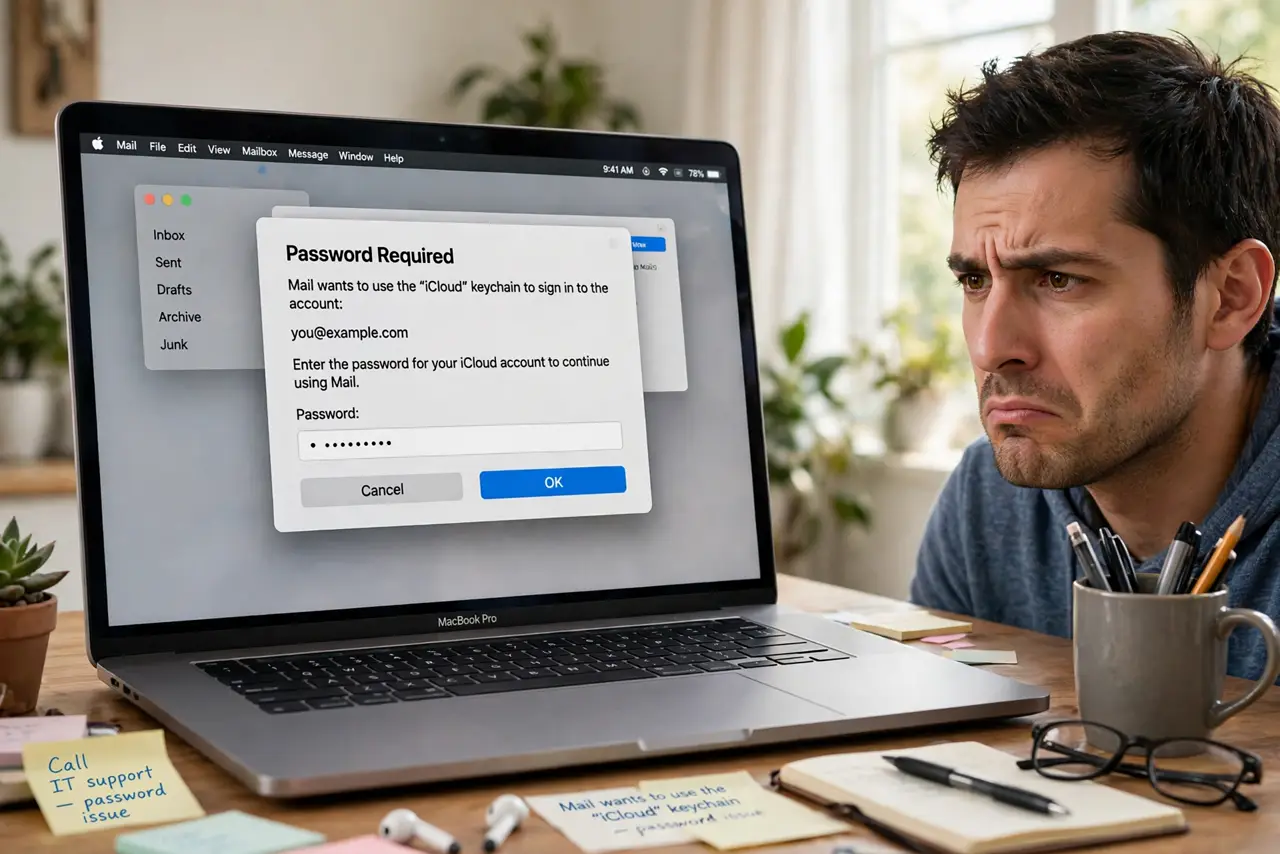
Every few minutes, Mail pops up demanding your password — you type it, it works, then it asks again. This loop almost never means your password is wrong. It means the stored credential is stale, the provider changed its security rules, or the account needs re-authenticating properly.
TL;DR / Quick Fix
Quick fix: Mail asking for your password repeatedly usually means the stored password is stale or the account needs re-authentication. Open Mail settings, go to Accounts, and re-enter the password — or remove and re-add the account. For Gmail and Outlook, you may need an app-specific password.
Follow these steps
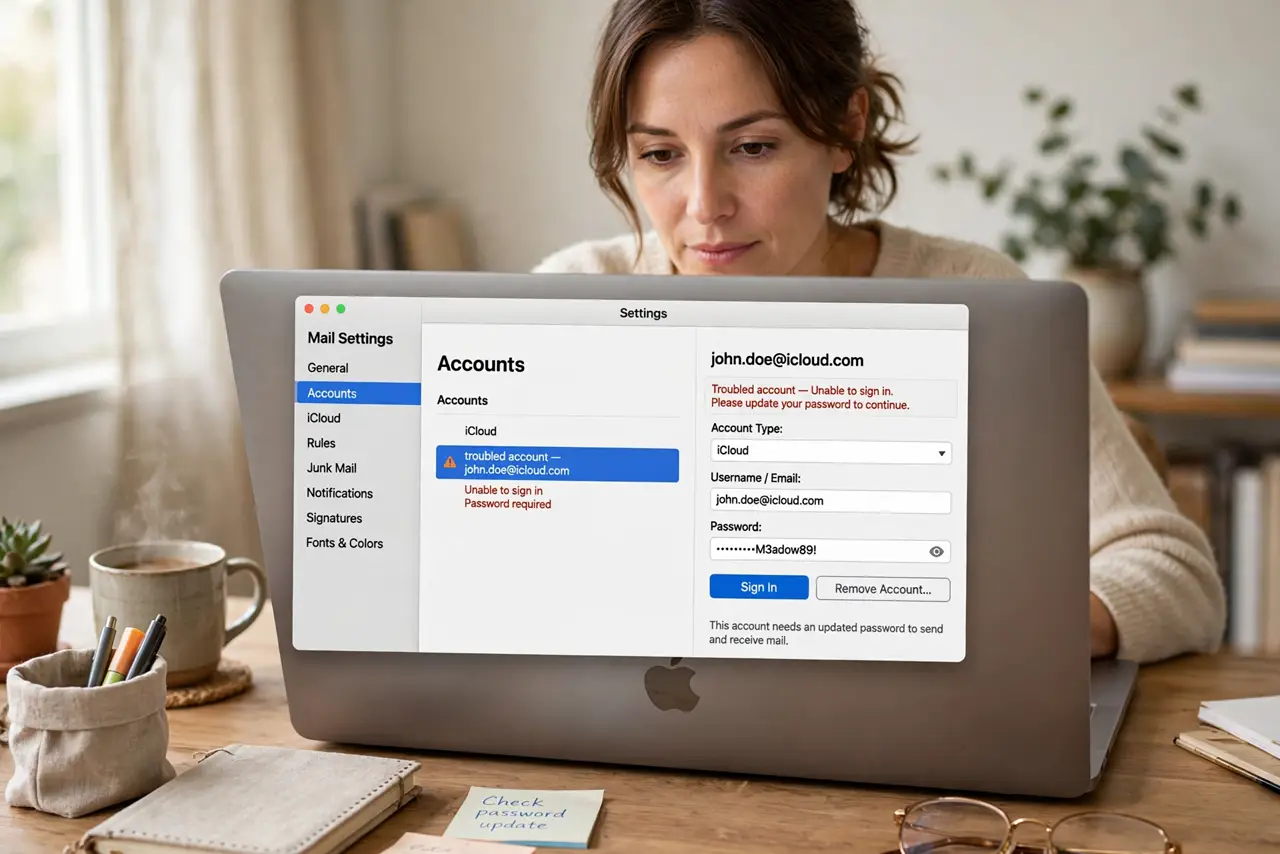
- Open the Accounts settings. In Mail, go to Settings, then Accounts, and select the troubled account. The password field lives here.
- Re-enter the password carefully. Delete the stored password and type it fresh. Stale cached credentials are the number one cause of the loop.
- Check for provider security changes. Gmail and Outlook periodically require re-authorization or app-specific passwords. Their account security pages explain the current requirement.
- Remove and re-add the account. If re-entering fails, remove the account from Mail and add it fresh — see adding an account. This clears corrupted tokens.
- Check the connection doctor. In Mail's Window menu, Connection Doctor shows exactly which server is failing and why — real diagnostics instead of guessing.
- Verify it is not a provider outage. If every device asks for the password at once, the provider is down or has reset sessions. Wait it out.
What NOT to do
- Do not change your email password repeatedly. The loop is a client-side credential issue — new passwords just create new stale entries.
- Do not disable the account to silence the prompt. That hides the symptom while mail silently stops arriving.
- Do not enter your password into random popups claiming to fix Mail. Only type credentials into Mail's own settings or your provider's official sign-in page.
- Do not assume you are hacked. Password loops are mundane technical issues — hacked accounts show unfamiliar sent mail and settings changes.
Frequently asked questions
Why does it work for a while then ask again?
A partially valid token — Mail connects, the server later rejects the stale credential, and the prompt returns. Full re-authentication breaks the cycle.
Should I use two-factor with Mail?
Yes — and expect providers to require app-specific passwords for Mail when you do. Generate one in the provider's security settings.
It asks on iPhone too — same fix?
Usually yes — re-enter credentials in the iPhone's mail settings. If both devices fail at once, suspect the provider, not your devices.