Mail VIP Alerts Never Arrive on Mac
VIP alerts are only useful if they break through at the right moment. When they never arrive, the VIP list itself is rarely broken; a notification or Focus setting is usually silencing them before you ever see them.
TL;DR / Quick Fix
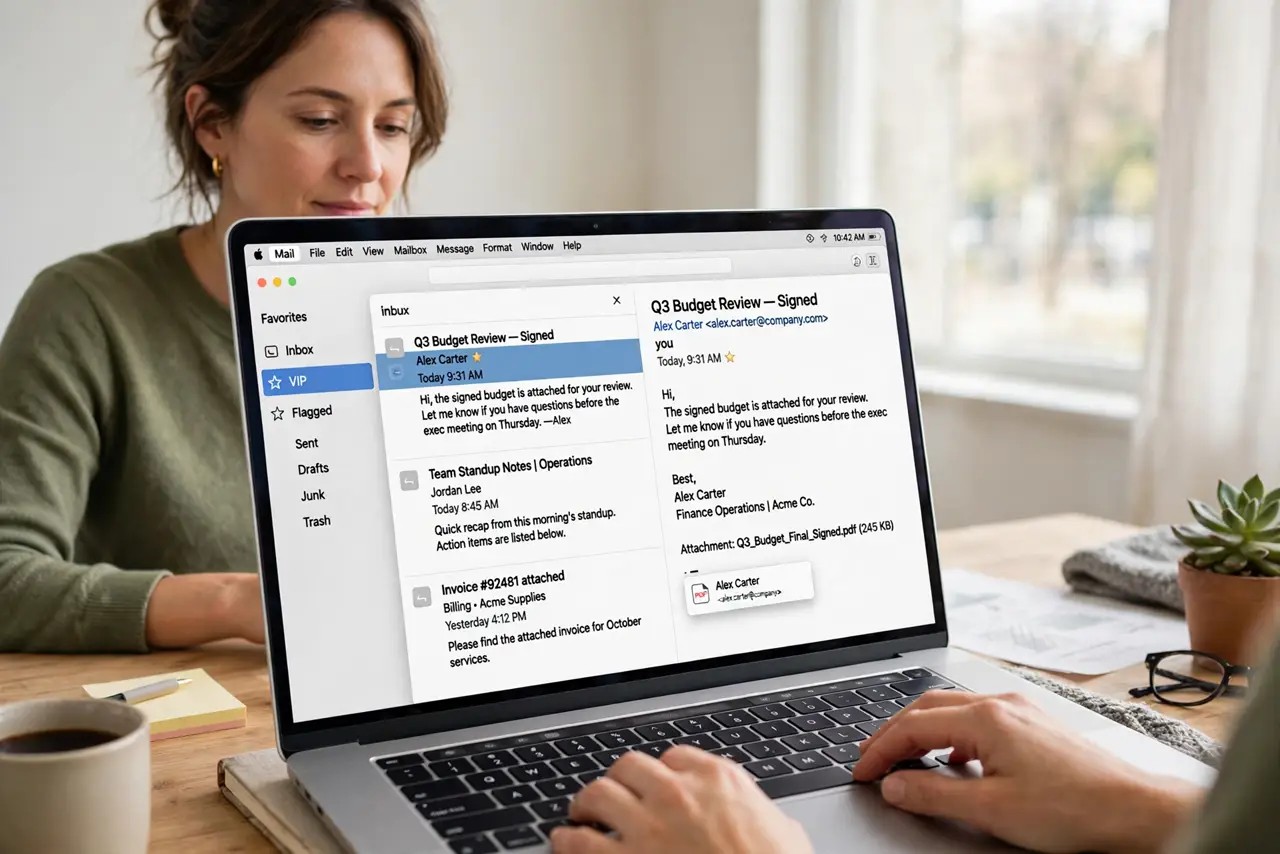
Quick fix: open Mail, confirm the sender is really on your VIP list, then check Mac notification settings for Mail and make sure Focus is not silencing it. Test with a message from that sender and watch for the alert.
Follow these steps
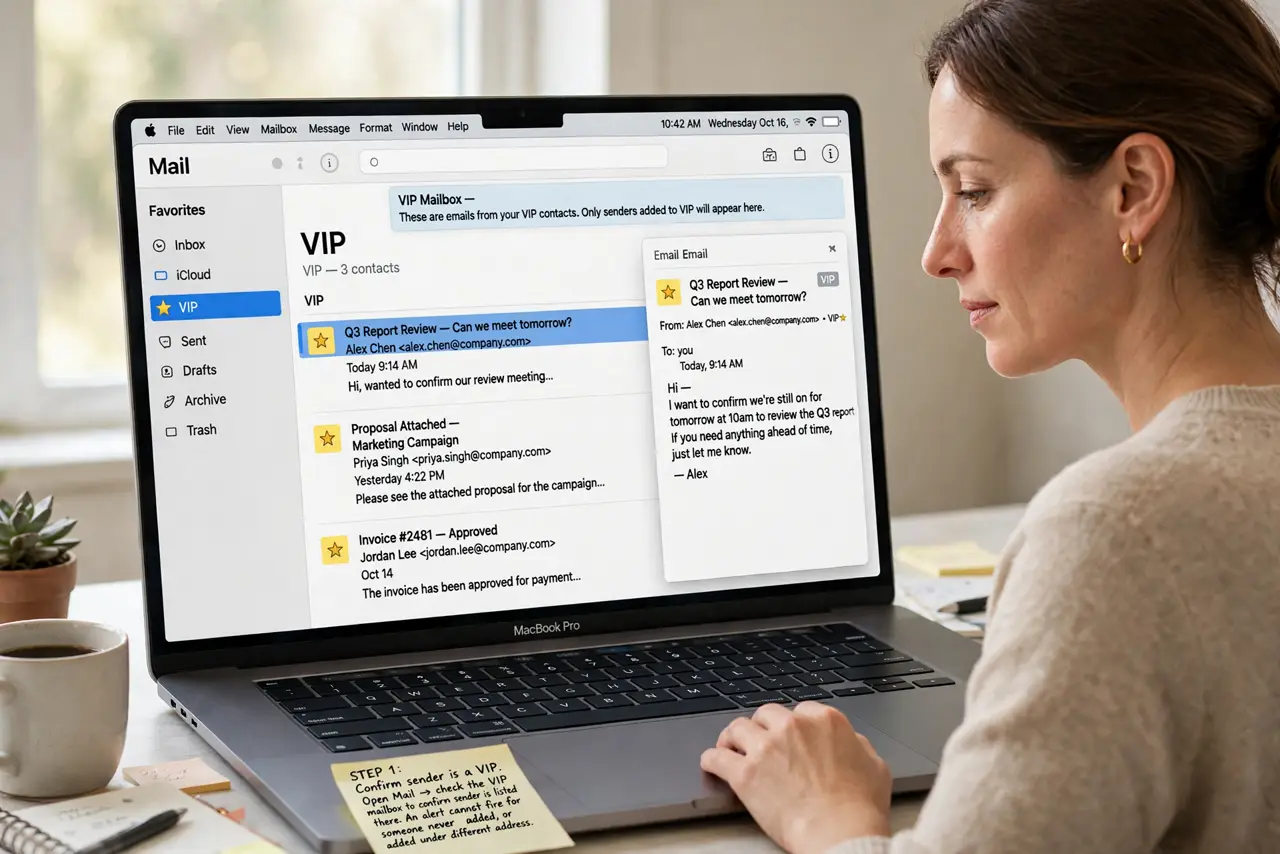
- Confirm the sender is a VIP. Open Mail and check the VIP mailbox to confirm the sender is listed there. An alert cannot fire for someone who was never added, or who was added under a different address.
- Check Mail notifications. Open System Settings, then Notifications, then Mail, and confirm alerts are allowed with banners or alerts turned on. A notification setting turned off silences VIP alerts along with everything else.
- Check Focus and Do Not Disturb. Open Focus settings and confirm Mail, or at least VIP senders, can break through while Focus is on. A Focus mode that blocks Mail will block VIP alerts too.
- Check the VIP alert style. In Mail settings, confirm VIP notifications are set to alert you rather than sit quietly in Notification Center. The alert style decides whether you notice the message at all.
- Send a test message. Ask the VIP sender to send a test message, or send one to yourself from their address if you can. Watch the screen and listen, so you know whether the alert fired.
- Restart Mail once. Quit Mail fully and reopen it, then repeat the test. A stuck Mail session can miss alerts that work fine after a clean restart.
What NOT to do
- Do not add the same sender five times hoping one copy alerts. One correct VIP entry with working notifications beats several duplicates.
- Do not turn off Focus entirely as a fix. Set an exception for Mail instead, so you keep quiet hours and still hear from VIP senders.
- Do not assume the sender is at fault. Check your own notification and Focus settings first, since they cause most silent VIP alerts.
- Do not reinstall Mail or delete the account as a first step. Notification settings are quicker to check and far less disruptive.
Frequently asked questions
Why do VIP messages arrive but never alert me?
They are reaching Mail, but a notification or Focus setting is stopping the alert from showing or sounding.
Do VIP alerts work when Focus is on?
Only if Focus allows Mail through. Without an exception, Focus silences VIP alerts like any other Mail notification.
Will adding a sender again fix it?
Only if the sender was missing or listed under the wrong address. Otherwise the fix is in notifications or Focus.