Fix Reversed Mouse Scroll on Your Mac
If scrolling up moves the page down, or the other way around, your Mac is probably using the opposite scroll direction from what you expect. This is a setting, not a fault, and it can differ between a trackpad and a mouse. Change it once and the confusion stops.
TL;DR / Quick Fix
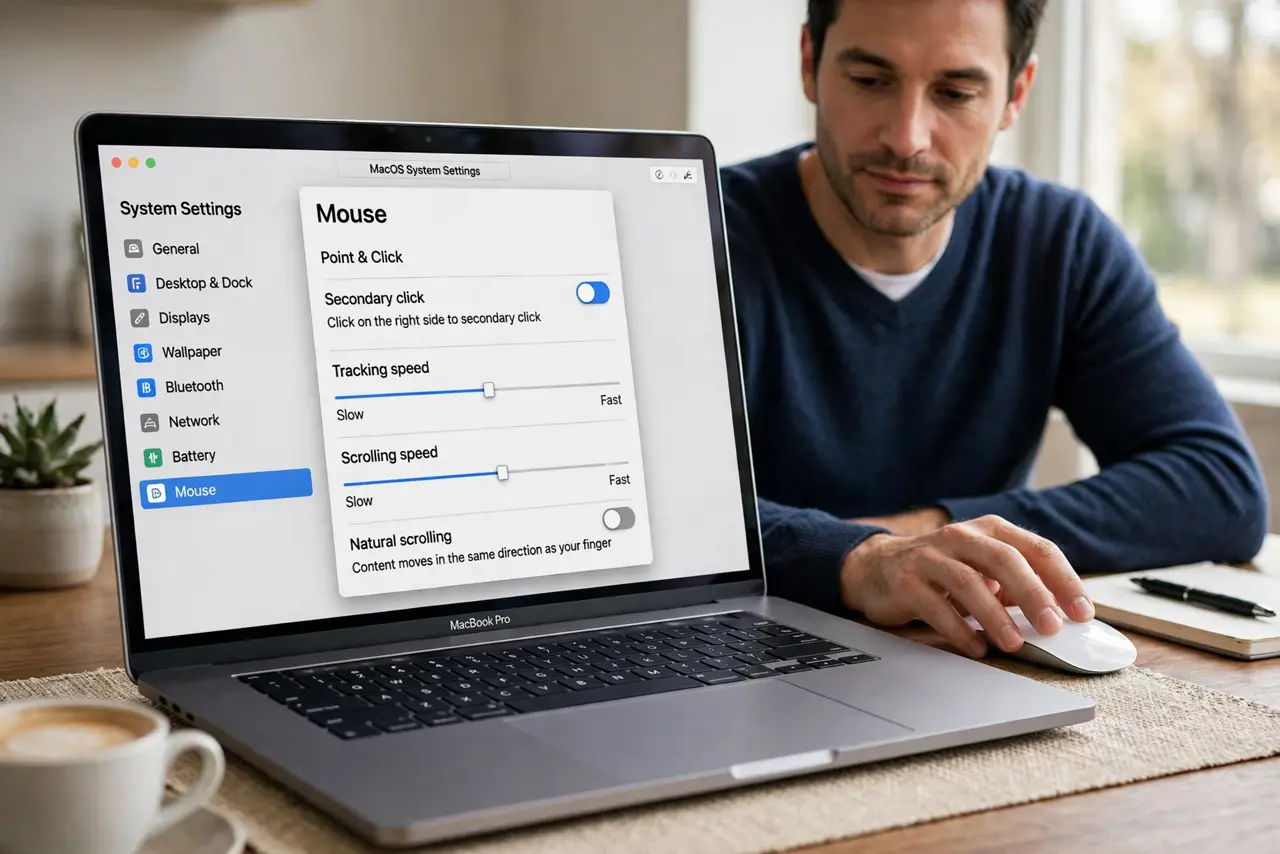
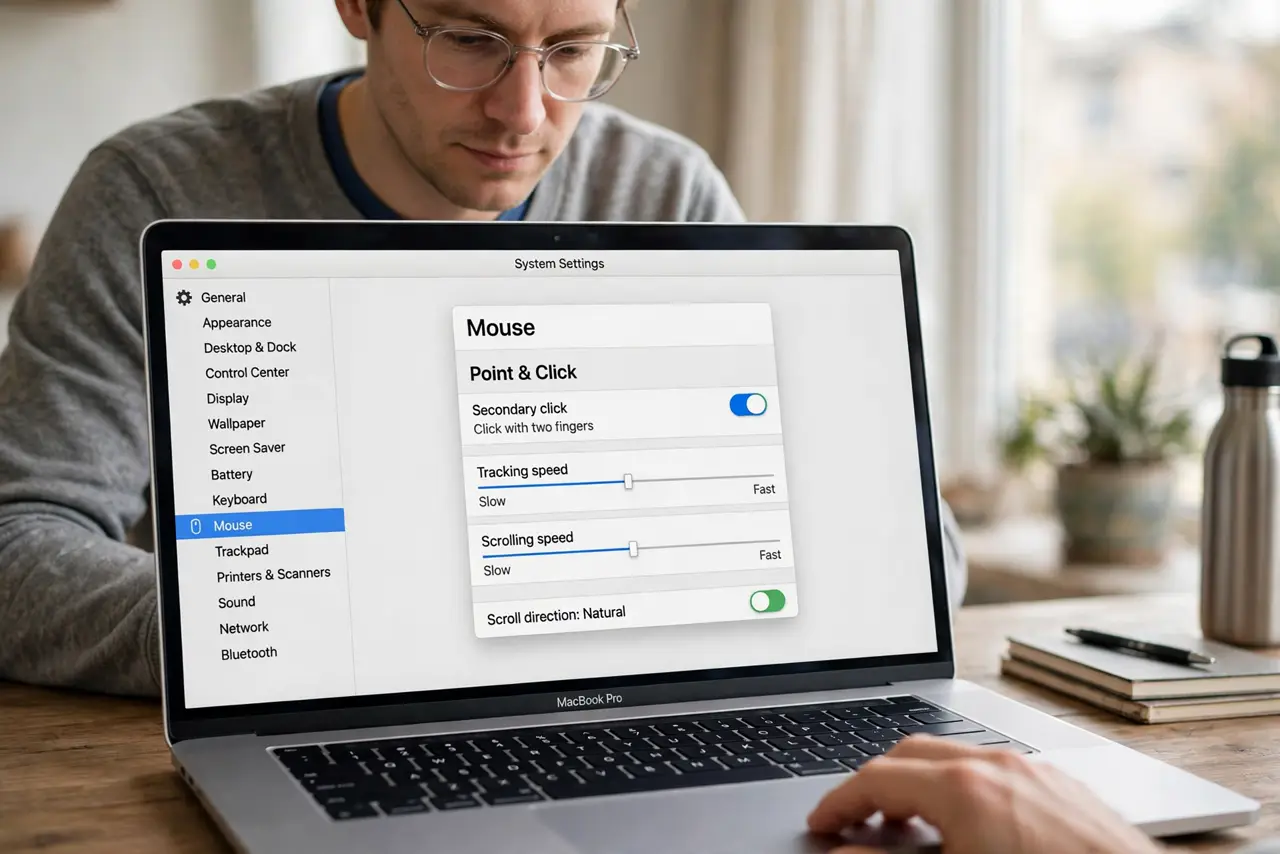
Quick fix: open System Settings, then Mouse, and toggle Natural scrolling. Then scroll a web page both ways to confirm it feels right. If you use a trackpad too, check its own scroll setting separately, since the two can differ.
Follow these steps
- Open Mouse settings. Click the Apple menu, then System Settings, then Mouse. This page controls scroll direction for a connected mouse.
- Toggle Natural scrolling. Turn Natural scrolling off if it is on, or on if it is off, then scroll a web page. Pick the direction that matches how you expect the page to move.
- Check the trackpad setting separately. Open System Settings, then Trackpad, then Scroll and Zoom, and check its scroll direction too. A mouse and a trackpad can use different directions on the same Mac.
- Test each mouse on its own. If you use more than one mouse, disconnect the others and test one at a time. A mouse with its own software can override the system scroll setting.
- Check the mouse maker's software. If the mouse has its own app, open it and check for a scroll direction or reverse scroll option that may conflict with the macOS setting.
- Restart the mouse connection. Turn the mouse off and on again, or unplug and reconnect it, then scroll again. A fresh connection makes the mouse re-read the current setting.
What NOT to do
- Do not reinstall macOS for a scroll setting. Natural scrolling is one toggle, and a reinstall would change far more than you need.
- Do not change trackpad and mouse settings at random together. Change one device at a time, so you know which toggle fixed it.
- Do not buy a new mouse first. A reversed scroll direction is a setting in almost every case, not a broken scroll wheel.
- Do not ignore a mouse app conflict. If the mouse maker's app reverses scrolling, the system toggle alone will not hold.
Frequently asked questions
What is Natural scrolling?
It is Apple's name for content tracking your finger: scrolling up moves the page content up, like touching a phone screen. Turning it off reverses that.
Why does my trackpad scroll differently from my mouse?
macOS stores scroll direction separately for each device type, so one can feel natural while the other feels reversed.
Will the setting stay after a restart?
Yes. Once you set Natural scrolling for a device, it stays until you change it again or a conflicting mouse app overrides it.