Reverse the Scroll Direction on Mac
Scrolling feels backwards on your new Mac: you push up and the page goes down. Apple calls it natural scroll, mimicking a touchscreen, but decades of mouse habits disagree. This guide flips it to the classic direction in seconds.
TL;DR / Quick Fix
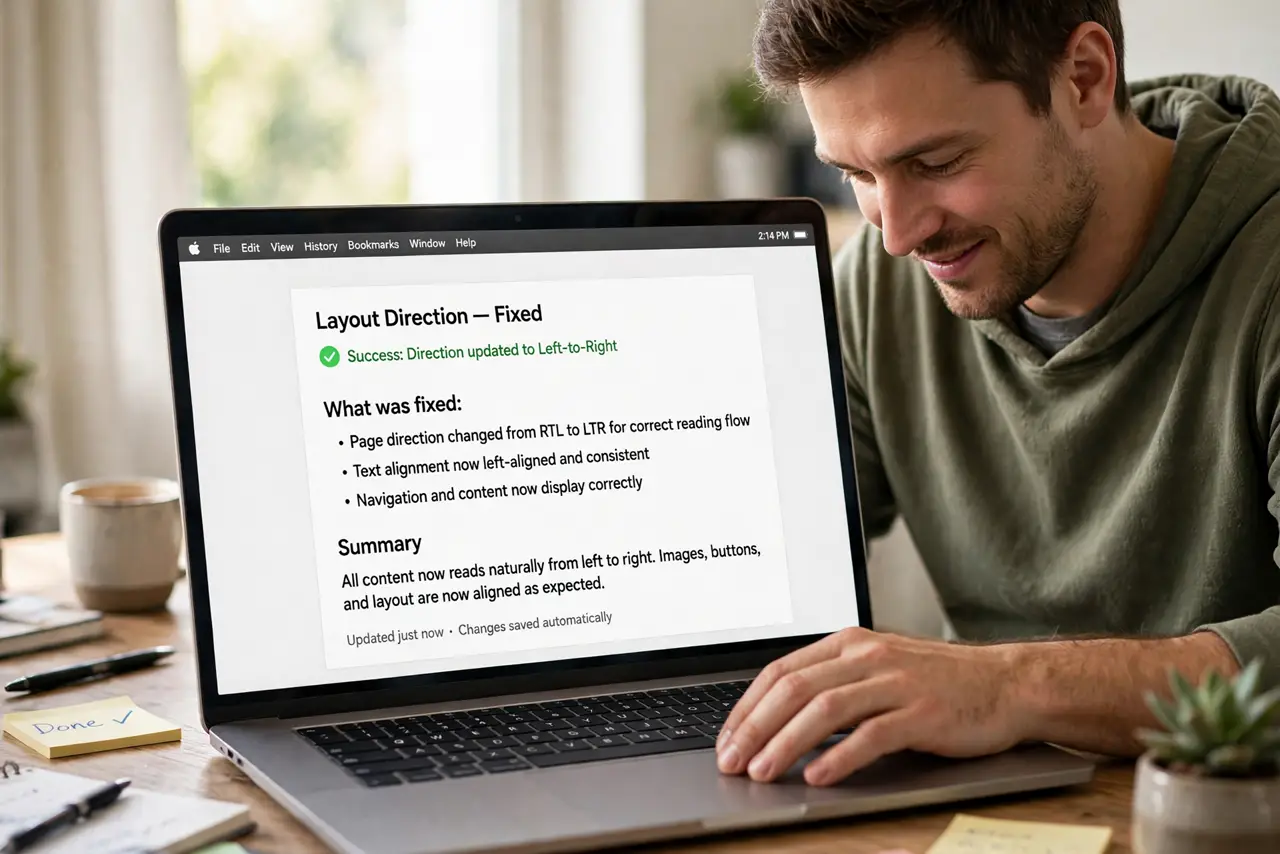
Quick fix: open System Settings, go to Trackpad or Mouse, and turn off Natural Scrolling completely. Test in a real browser window immediately; the change applies instantly with no restart needed, and you can flip it back just as fast anytime.
Follow these steps
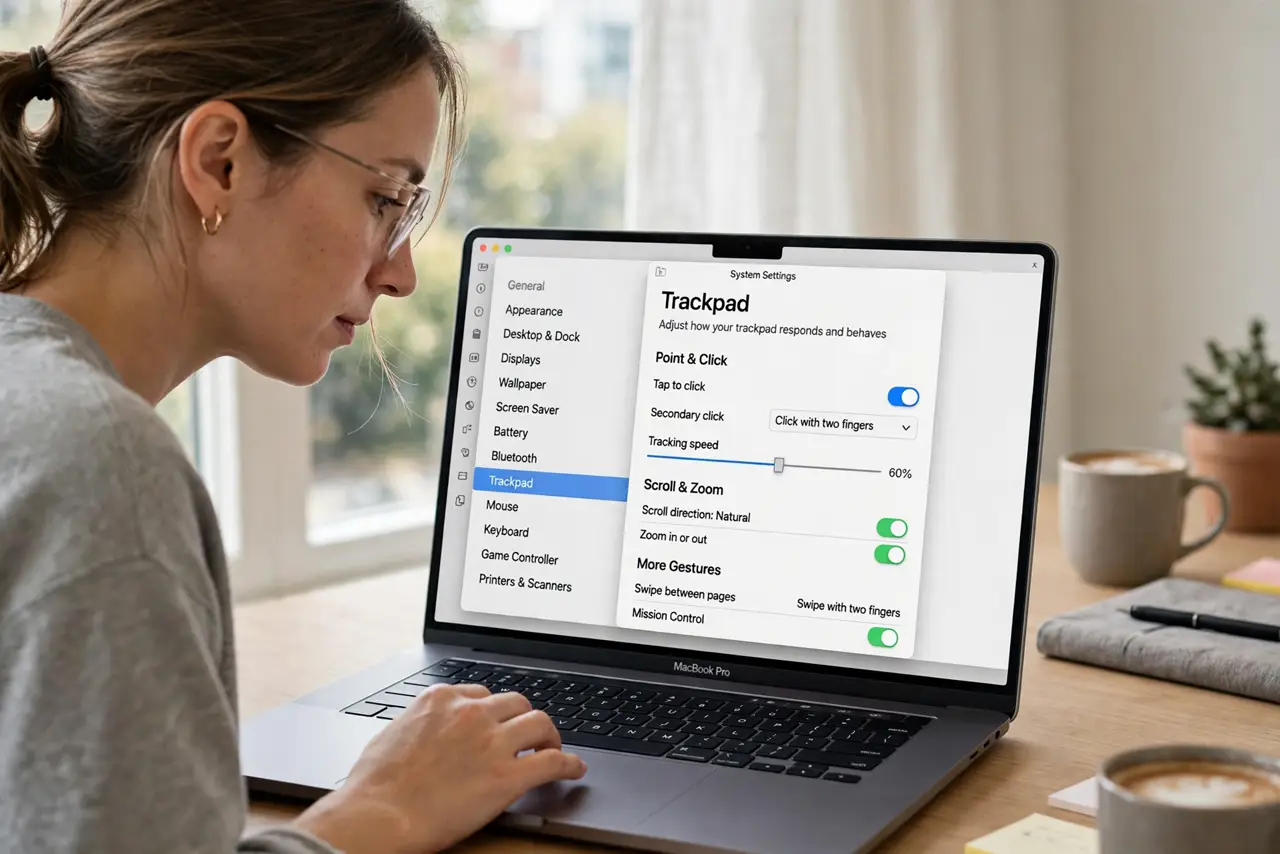
- Open the Trackpad or Mouse settings. Go to System Settings and choose Trackpad for a laptop or Mouse for a desktop. The scroll direction lives with the device you actually scroll with.
- Turn off Natural Scrolling. Toggle Natural Scrolling off. Off means classic scroll: push up, page goes up. The change applies the moment you flip the switch.
- Set it per device if needed. The trackpad and the mouse have separate toggles. You can keep natural scroll on the trackpad while the mouse uses classic, or the reverse.
- Test in a real page. Scroll a long webpage or document right away. Muscle memory judges in seconds whether the new direction feels right.
- Fix related trackpad annoyances together. While you are in trackpad settings, also sort out any click problems. One visit can fix the whole pointing experience.
- Give it a day before deciding. A direction that feels wrong at first can feel right after a day. If it still fights your habits tomorrow, the classic setting stays.
What NOT to do
- Do not install a scroll-reversing utility. The built-in toggle does the job with zero extra software.
- Do not change it for someone else's account. Scroll direction is per-user, so set it in your own login.
- Do not confuse this with scroll speed. Direction and speed are separate sliders; fix the direction first, then tune speed.
- Do not fight it for weeks out of pride. If classic scroll matches your brain, use classic scroll.
Frequently asked questions
What is natural scrolling?
Apple's touchscreen-style direction: content follows your fingers. Push up and the page content moves up, like dragging paper.
Why does Apple default to natural?
To match iPhone and iPad gestures. It feels obvious on a trackpad and alien on a mouse wheel for many people.
Can the trackpad and mouse differ?
Yes. Each device keeps its own scroll direction setting in System Settings.