The News App? Basics
Apple News on Mac collects top stories, your favorite topics, and magazine-style reading in one calm app — no account needed for the basics. It is genuinely pleasant for morning reading, with clean typography and offline downloads. The free tier is solid; the paid News+ tier adds magazines and newspapers. Here is the plain setup.
TL;DR / Quick Fix
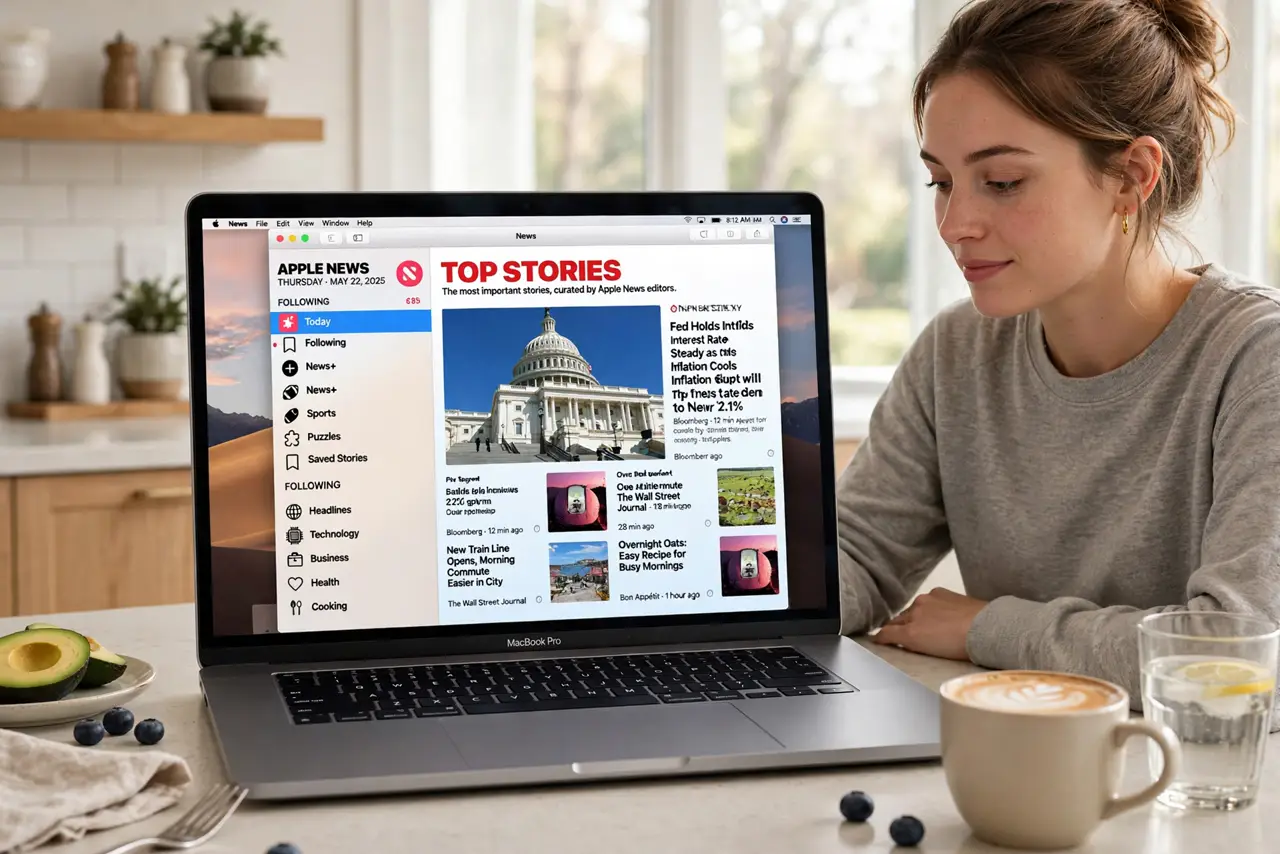
Quick fix: open the News app on your Mac and browse Top Stories — no sign-in needed. Tap Following and add topics and channels you care about to personalize the feed. Save stories to read later with the bookmark icon. Turn on automatic downloads for offline reading.
Follow these steps
- Open the app and browse. Find News in Applications or Launchpad. Top Stories greets you immediately — no account, no setup. Scroll, click, read. It is the calmest news reader on the Mac.
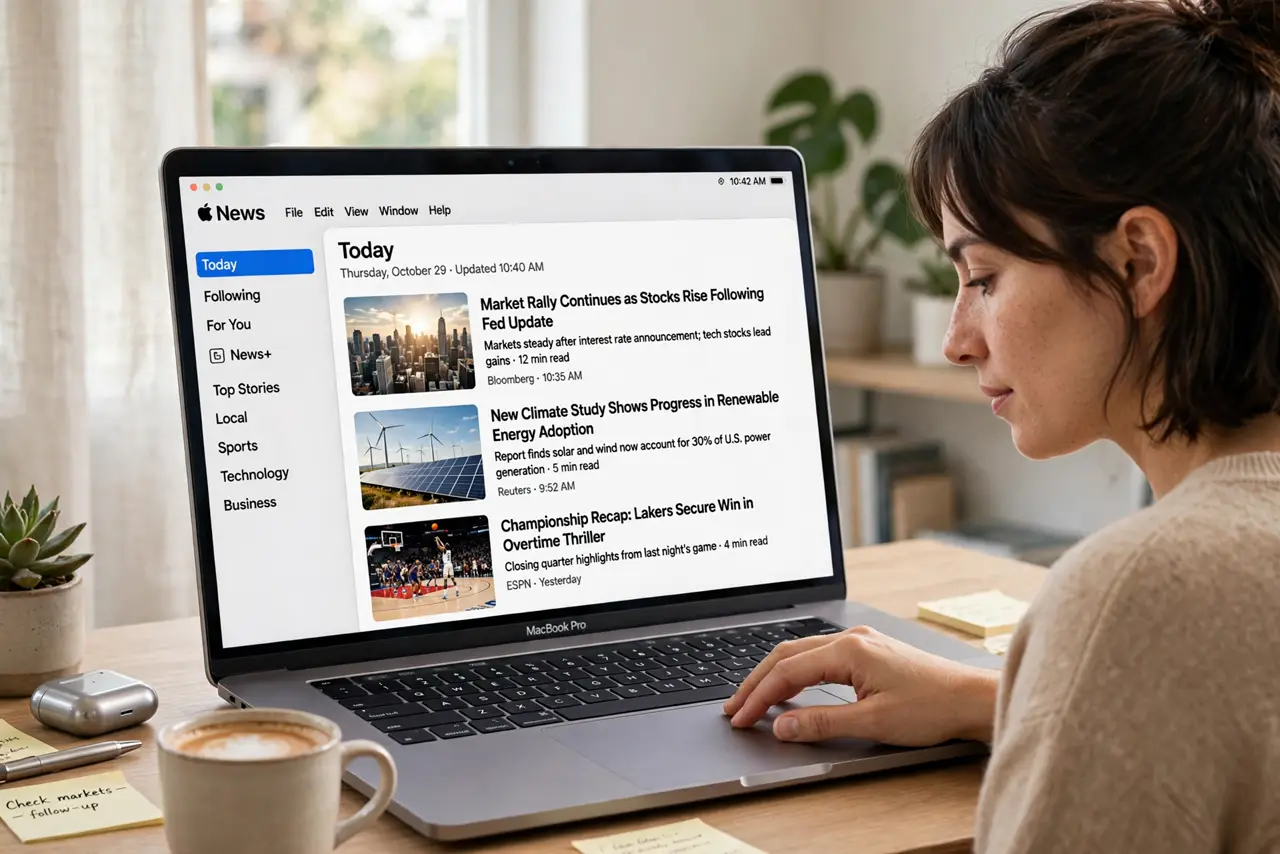
- Follow topics and channels. Click Following in the sidebar, then add topics like Technology or Science and channels you trust. Your feed reshapes around your interests within a day or two of reading.
- Save stories for later. The bookmark icon saves any story to Saved Stories. Build a reading list through the week and clear it on the weekend — the offline reading habit pairs nicely with saved articles.
- Enable offline downloads. In News settings, turn on automatic downloads. New issues and saved stories download on Wi-Fi, ready for flights and dead zones — hotel Wi-Fi will not stream your morning paper.
- Understand News+. News+ is the paid tier: hundreds of magazines and several newspapers for one monthly price. Start a free trial only if you read magazines regularly — the free tier covers daily news fine.
- Manage notifications. News can ping breaking stories. In System Settings, Notifications, decide which channels may interrupt you — top-stories-only keeps it calm.
What NOT to do
- Do not start a News+ trial casually. It auto-renews monthly — set a reminder to evaluate before the trial ends.
- Do not follow everything at once. A hundred followed topics recreates the chaos the app was meant to fix — curate slowly.
- Do not confuse saved stories with bookmarks in Safari. They live in different apps; pick one system.
- Do not expect every newspaper. Licensing limits which papers appear — check your must-reads are included before paying.
Frequently asked questions
Is Apple News free?
Yes, the core app with top stories and followed topics is free. News+ is the optional paid tier adding magazines and newspapers.
Can I read offline?
Yes — enable automatic downloads in settings, and issues plus saved stories download over Wi-Fi for offline reading.
Why am I seeing stories I do not care about?
Your follows shape the feed. Open Following, remove topics you never read, and the recommendations adjust within days.