Turn Off Night Shift Stuck On Your Mac
Night Shift warms your screen color at night to reduce blue light, but when it stays on during the day everything looks orange. It is usually a schedule setting or a manual toggle left on, not a display fault. Turn it off in Displays settings.
TL;DR / Quick Fix
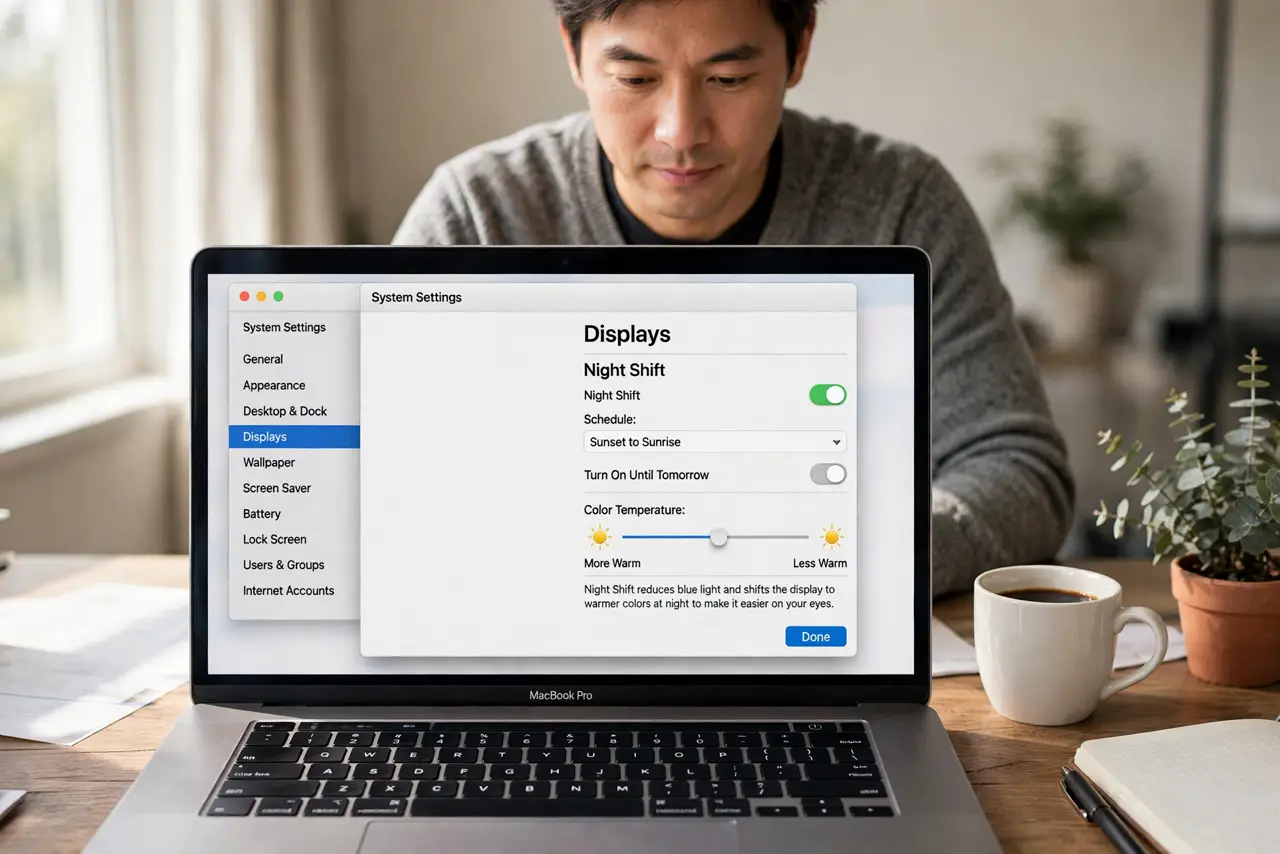
Quick fix: open System Settings, then Displays, then Night Shift, and turn it off. Then check the schedule: if it is set to Sunset to Sunrise or a custom time that covers daytime, change it to Off or to hours that suit you.
Follow these steps
- Open Night Shift settings. Click the Apple menu, then System Settings, then Displays, then Night Shift. This page controls the warm color shift and its schedule.
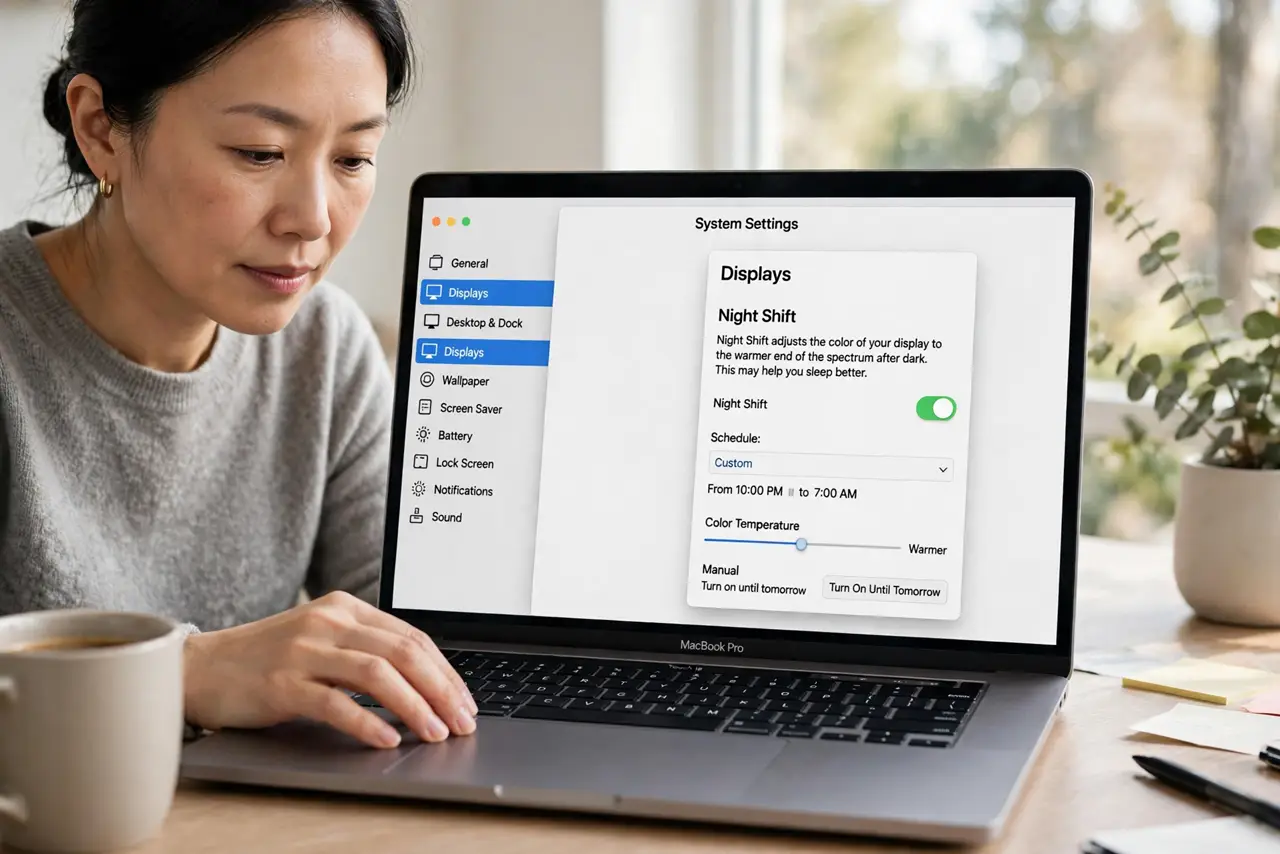
- Turn Night Shift off. Set the schedule to Off or click the manual toggle to turn Night Shift off now. The screen should return to normal color at once.
- Check the schedule times. If Night Shift is set to a custom schedule, check its start and end times. A schedule that accidentally covers daytime will keep the screen warm all day.
- Check Sunset to Sunrise. If the schedule is Sunset to Sunrise, confirm your location and time zone are correct. A wrong location can shift the sunset time far from reality.
- Test color with a photo. Open a photo you know well and check whether whites look white again. If they do, Night Shift was the cause, not the display.
- Restart if the color sticks. If the screen stays warm with Night Shift off, restart the Mac and check Night Shift settings again. A stuck color profile can clear with a restart.
What NOT to do
- Do not adjust the display color profile to compensate. Fix Night Shift first, since a profile change would distort color even after Night Shift turns off.
- Do not buy a new display for an orange screen. A warm tint that follows a schedule is Night Shift, not a failing display.
- Do not leave Night Shift on all day as a workaround. Set a proper schedule, so daytime color stays accurate and nighttime color stays warm.
- Do not change every Displays setting at once. Turn Night Shift off first, then check color, so you know which change fixed it.
Frequently asked questions
What is Night Shift?
It is a macOS feature that warms screen colors at night to reduce blue light. It should turn off in the morning unless its schedule says otherwise.
Why is my screen orange during the day?
Night Shift is probably still on from a manual toggle or a schedule that covers daytime hours.
Does Night Shift damage the display?
No. It only changes the color temperature shown on screen. Turning it off restores normal color immediately.