You Forgot a Locked Note Password on Mac
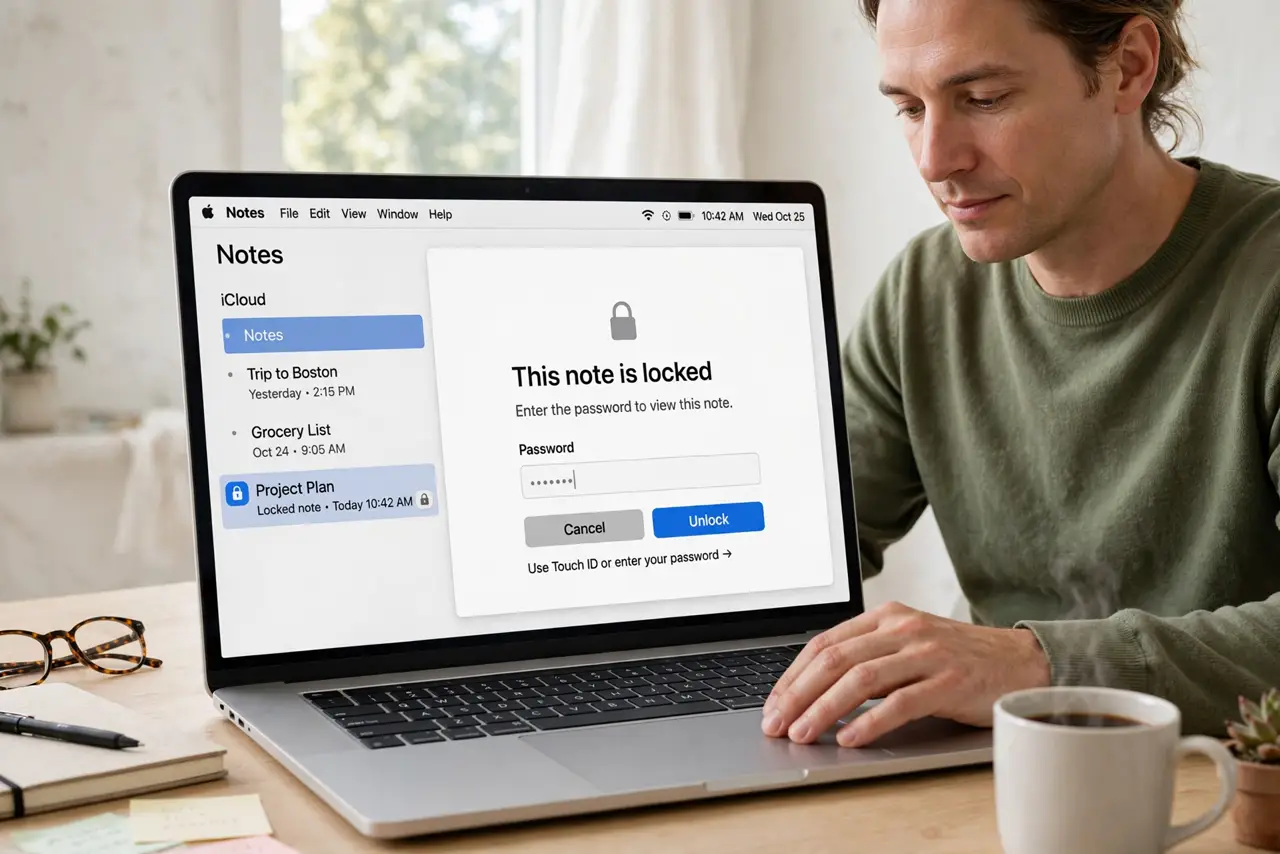
A forgotten locked note password is a hard problem by design: the note is encrypted with that password, so there is no back door. What you can do is reset the password for future notes, and rescue any note you can still open another way.
TL;DR / Quick Fix
Quick fix: open Notes settings and reset the locked-note password for future notes, which does not unlock old ones. If you still remember the old password for one note, open it now, copy the contents out, and re-lock it with the new password.
Follow these steps
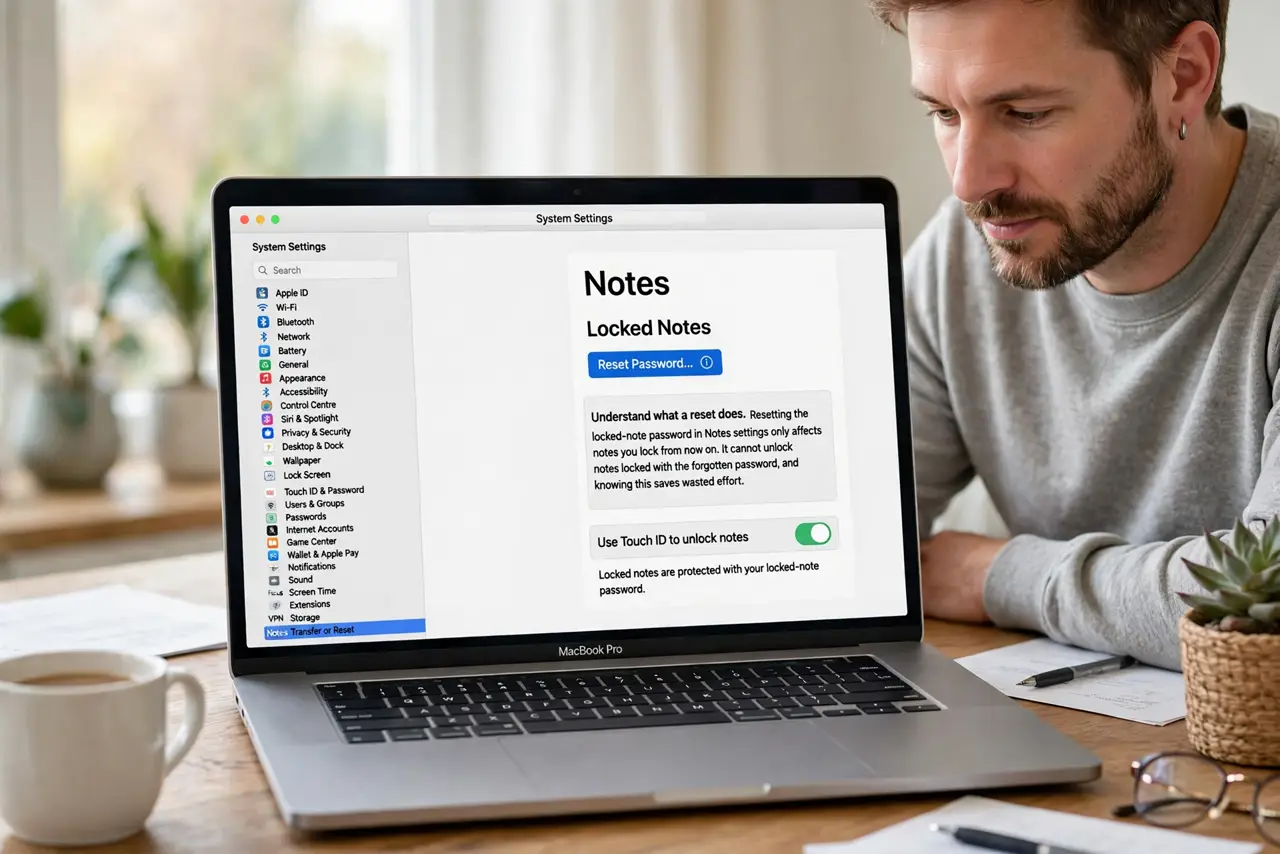
- Understand what a reset does. Resetting the locked-note password in Notes settings only affects notes you lock from now on. It cannot unlock notes locked with the forgotten password, and knowing this saves wasted effort.
- Try the passwords you actually use. Before anything else, try the handful of passwords you reuse for notes, calmly, one at a time. A single correct guess opens the note, so do not rush past the obvious candidates.
- Check your password manager. Search your password manager for a Notes entry. Many people save the locked-note password there once and forget they did, so check before giving up.
- Open any note you can still unlock. If one locked note opens with a different or remembered password, copy its contents into a new note right away. Rescue what is reachable before touching settings.
- Reset for future notes. In Notes settings, reset the locked-note password and choose a new one you will store safely. Future locked notes will use the new password.
- Store the new password properly. Save the new password in your password manager and, if you use a hint, make it a hint only you would understand. A good hint rescues you next time without giving the password away.
What NOT to do
- Do not keep guessing wildly until Notes locks you out of attempts. Slow, deliberate tries with your real candidates beat a long string of random guesses.
- Do not delete the locked note in frustration. A deleted note may still be unrecoverable, while a kept note can be opened later if the password comes back to you.
- Do not trust a tool that promises to unlock encrypted notes. Legitimate recovery does not exist for this encryption, and such tools risk your data.
- Do not reuse the forgotten password for future notes without storing it. The same problem will return unless the new password is saved somewhere safe.
Frequently asked questions
Can Apple reset my locked note password?
Apple can help you reset the password for future notes, but it cannot unlock notes already locked with a forgotten password.
Will resetting delete my locked notes?
No. Resetting changes the password for new locks only, and your existing locked notes stay exactly as they are.
How do I avoid this next time?
Store the locked-note password in a password manager the day you set it, and use a hint that genuinely reminds you.