Notification Center Widgets Show Stale Data
Widgets showing yesterday's weather, calendar, or stocks feel broken, but they usually just failed to refresh. A widget refreshes on its own schedule, and when that refresh stalls, the old data sits there looking current.
TL;DR / Quick Fix
Quick fix: open Notification Center, right-click the stale widget, and reload or remove it, then add it again. Check that the widget's app has permission to refresh, and confirm the Mac is online so new data can actually arrive. Test the fix, then keep the setting that works.
Follow these steps
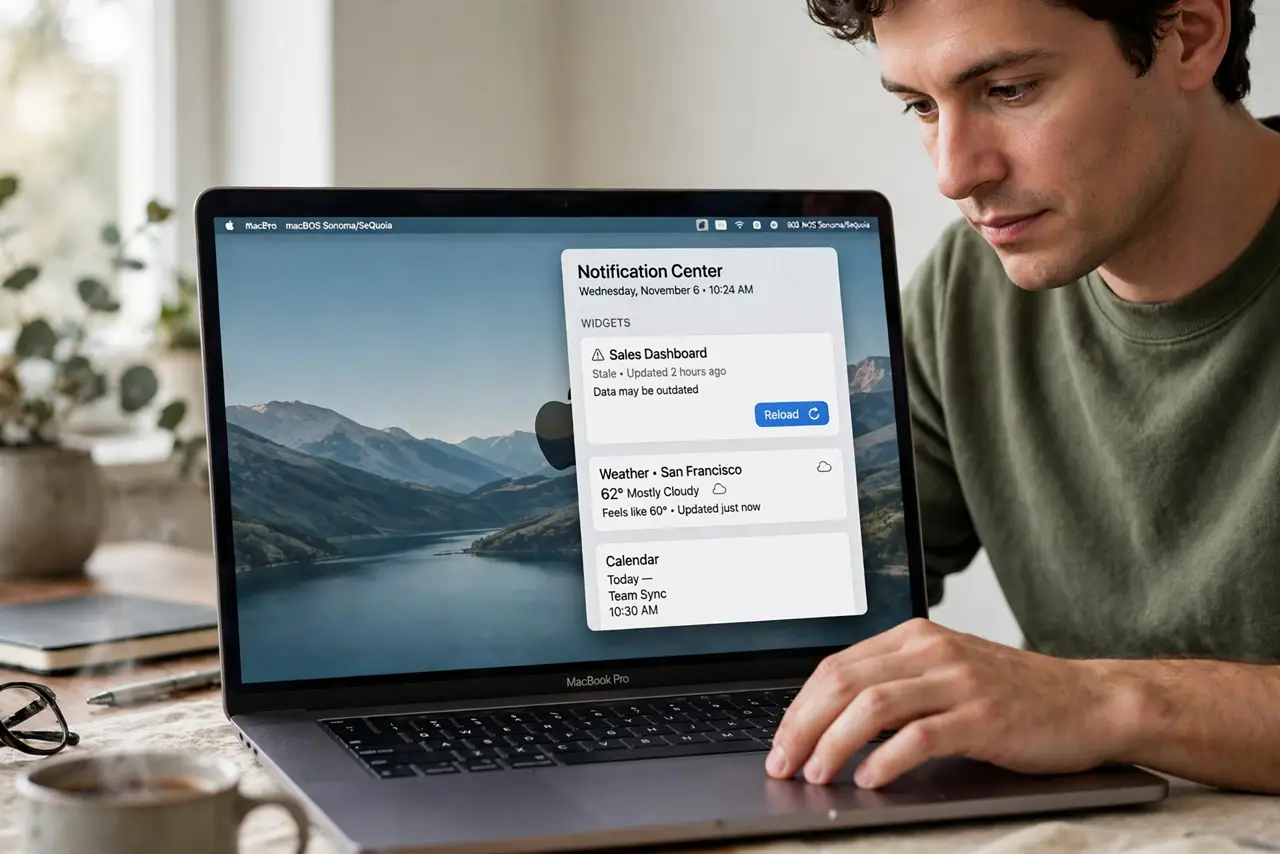
- Reload the widget. Open Notification Center, find the stale widget, and use its reload or refresh option if offered. A manual reload often pulls fresh data immediately.
- Remove and re-add it. Remove the widget from Notification Center, then add it again from the widget gallery. Re-adding forces a fresh data fetch and clears a stuck widget state.
- Check the app behind it. Open the app the widget shows data from, such as Calendar or Weather, and confirm it shows fresh data itself. A widget cannot show what its app does not have.
- Check permissions. Confirm the app has the permissions its widget needs, such as location for weather. A denied permission leaves the widget frozen at its last successful fetch.
- Check the connection. Confirm the Mac is online and can reach the service. Widgets need a connection to refresh, and an offline Mac keeps showing the last data it fetched.
- Wait one refresh cycle. After re-adding, give the widget time for its next scheduled refresh before judging. Some widgets update hourly, not constantly, so patience is part of the test.
What NOT to do
- Do not delete the app because its widget is stale. The widget and the app refresh separately, and deleting the app destroys data the widget problem never touched.
- Do not keep removing and re-adding every few minutes. Repeated re-adding interrupts the refresh cycle and can make the widget look even staler.
- Do not trust a stale widget for time-sensitive decisions. Open the app itself for weather, stocks, or calendar details until the widget proves fresh again.
- Do not turn off all widgets over one stale widget. Fix or replace the one widget, and leave the working ones alone.
Frequently asked questions
Why does my widget show old data?
Because its last refresh stalled, or its app lacks permission or connection to fetch new data. The widget shows the last data it successfully fetched.
How often do widgets refresh?
It depends on the widget. Some refresh every few minutes, others hourly, so a widget can look stale simply because its cycle has not run yet.
Will removing and re-adding fix it?
Often yes. Re-adding forces a fresh fetch and clears the stuck state that kept showing old data.