Change Notification Grouping
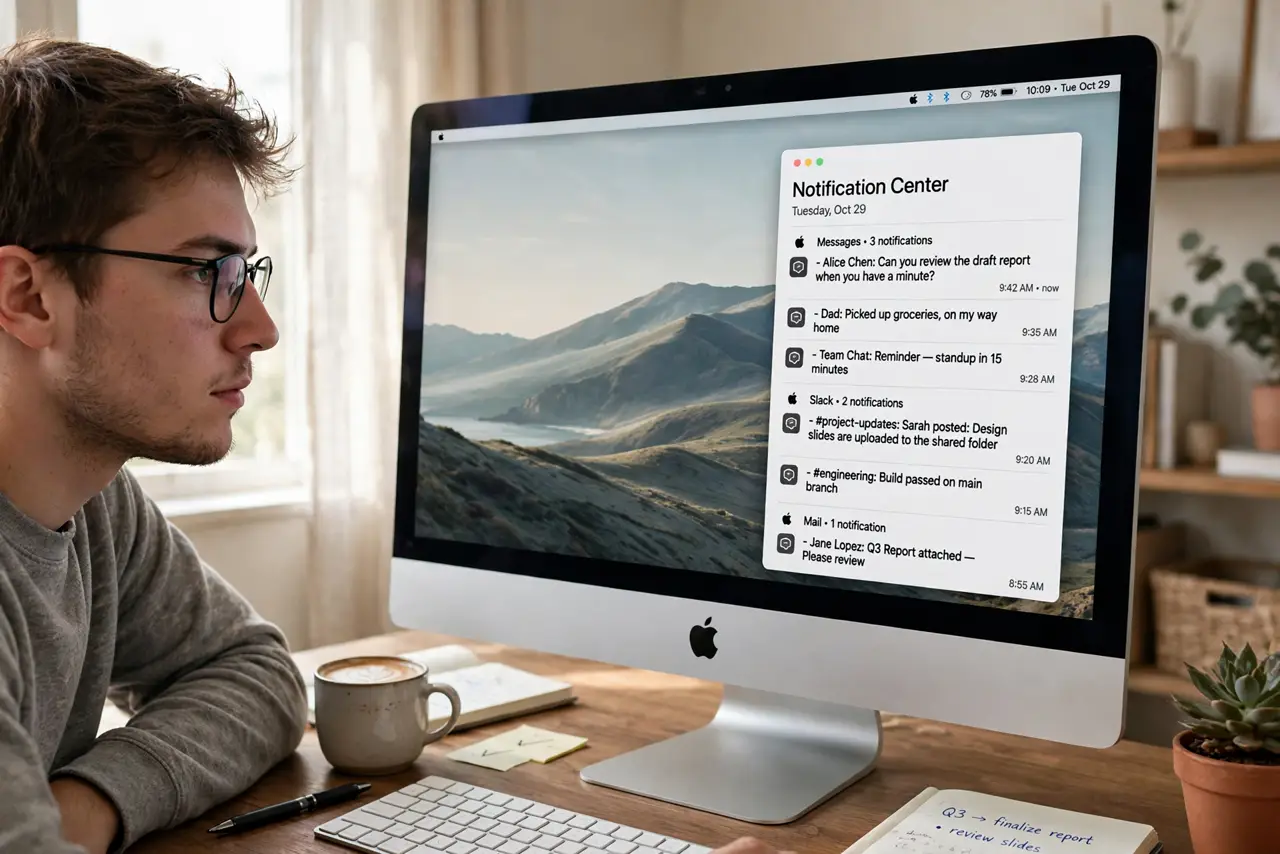
One chatty group chat buries your Notification Center under forty separate alerts, while important mail hides somewhere in the pile. Grouping controls how alerts stack per app — bundled neatly, fully listed, or left to the system. Set per app, in seconds each.
TL;DR / Quick Fix
Quick fix: open System Settings > Notifications, pick an app, and change its notification grouping to By App, Automatic, or Off. By App stacks one app's alerts into one tidy bundle; Off lists every alert separately. Automatic lets the system decide. Tune chatty apps to By App first.
Follow these steps
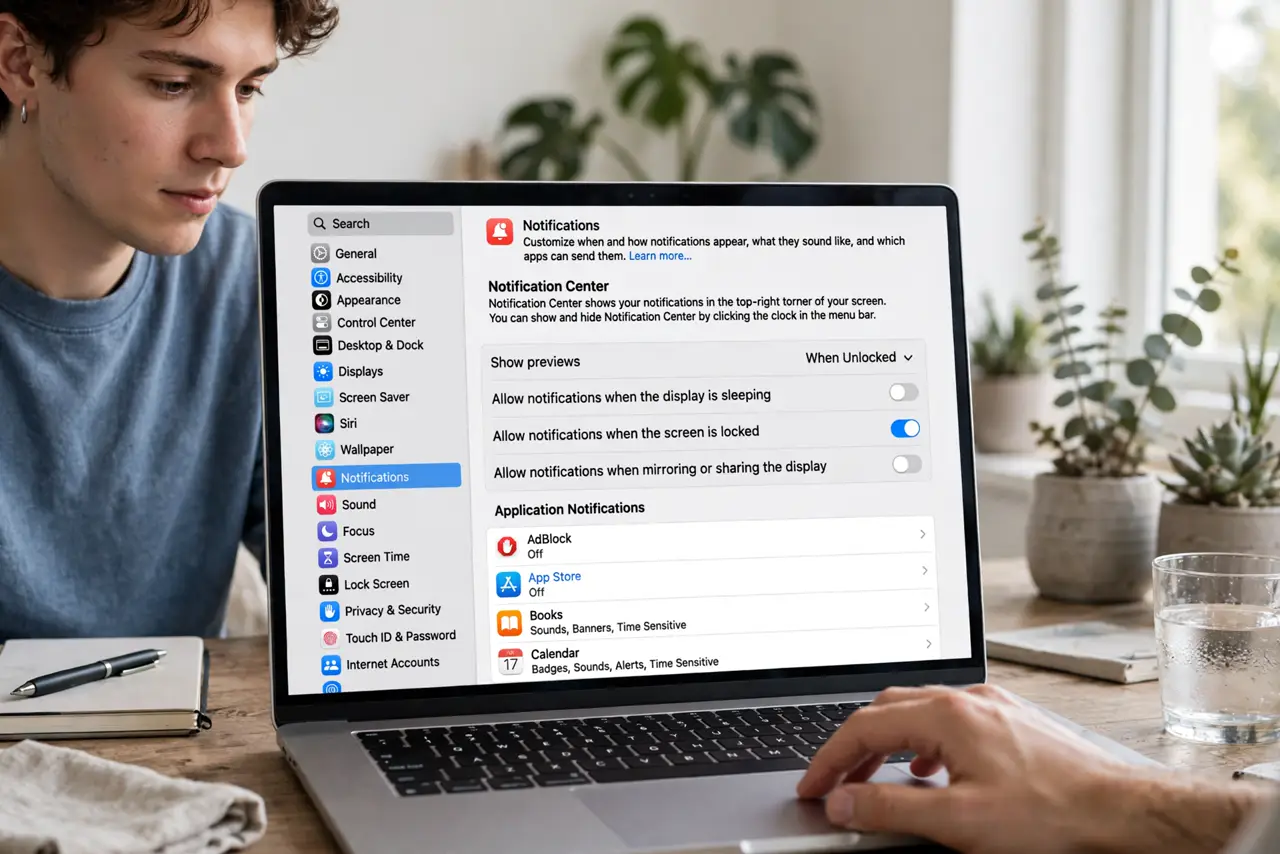
- Open Notifications settings. Open System Settings and go to Notifications. Every app with notification permission is listed.
- Pick the noisy app. Click the app that floods you — the group chat, the news app, the store with opinions about sales.
- Set grouping to By App. Choose By App from the grouping control. The app's alerts collapse into one expandable stack.
- Understand Automatic. Automatic groups by thread or topic when the app provides that info, otherwise by app. A decent middle ground for most apps.
- Use Off sparingly. Off lists every single alert separately. Useful for an app where each notification truly matters alone — noisy for everything else.
- Pair with [[lock screen previews|lock-screen-notification-preview-hide-content]]. Grouping organizes the pile; preview settings control how much of each alert shows on the lock screen.
What NOT to do
- Do not set everything to Off. Forty ungrouped alerts is the problem you are trying to solve, not the solution.
- Do not expect grouping to reduce counts. It organizes alerts; silencing them is a separate setting per app.
- Do not confuse grouping with the summary. Grouping stacks per app; the scheduled summary batches by time — they compose nicely.
- Do not forget banners vs alerts. The alert style (banner or persistent alert) is separate from grouping and matters just as much.
Frequently asked questions
What does Automatic grouping actually do?
It groups by conversation thread when the app supports it, falling back to per-app grouping. Smarter than By App for messaging apps.
Will grouping hide important notifications?
No — grouped stacks expand with a click, and badges still count. Nothing is silenced, only tidied.
Can I group all apps at once?
No global switch exists; it is per app. Start with the three noisiest and you will feel the difference.