Passkeys on Mac
Passwords get phished, leaked, and forgotten — passkeys fix all three by replacing them with a cryptographic key unlocked by Touch ID. On the Mac they live in Safari and the Passwords app, sync across your Apple devices, and sign you in with a fingerprint. Here is how to start using them.
TL;DR / Quick Fix
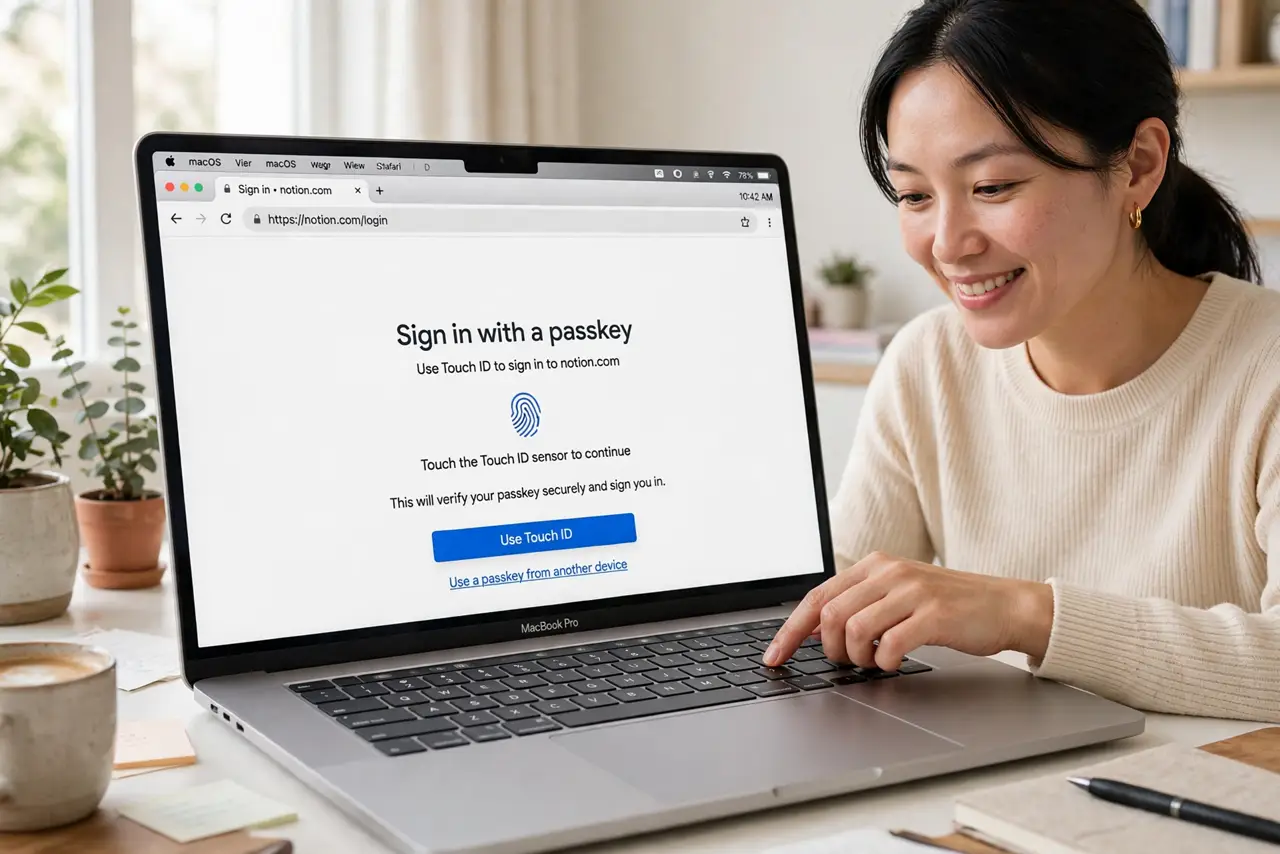
Quick fix: on Mac, passkeys live in the Passwords app and Safari — sites that support them offer Create a passkey at sign-in, and you confirm with Touch ID. They sync through iCloud Keychain to your other Apple devices. No passwords to remember, nothing to phish.
Follow these steps
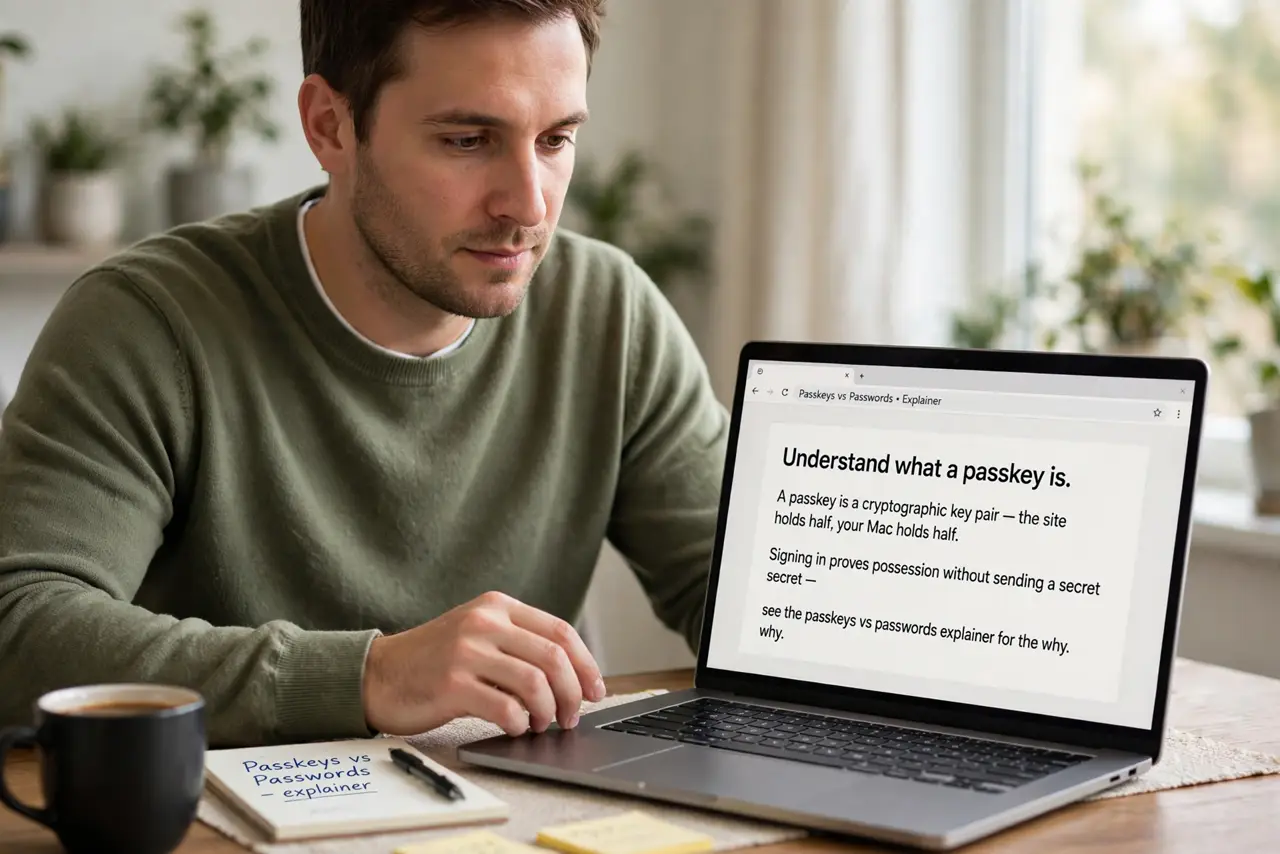
- Understand what a passkey is. A passkey is a cryptographic key pair — the site holds half, your Mac holds half. Signing in proves possession without sending a secret — see the passkeys vs passwords explainer for the why.
- Create one on a supported site. At sign-in, supporting sites offer Create a passkey. Accept, confirm with Touch ID, and it saves to the Passwords app — Safari manages the flow via the Safari passkeys integration.
- Sign in with Touch ID. Next visit, choose sign in with passkey and touch the sensor. No password typed, nothing to phish — the phishing resistance is the whole point.
- Let them sync. iCloud Keychain syncs passkeys to your iPhone and iPad — see how passkeys sync for the details. One enrollment, every device.
- Keep a fallback. Not every site supports passkeys yet. Keep the password manager entries until the transition completes — see the Android side if you straddle platforms.
- Revoke carefully. If you stop using a device, remove its passkeys in the Passwords app. Stale passkeys on sold devices are a quiet risk.
What NOT to do
- Do not delete the password too soon. Keep the old password until the passkey works reliably everywhere you sign in.
- Do not skip iCloud Keychain. Without sync, a passkey lives on one Mac — lose the Mac, lose the passkey.
- Do not expect every site to offer them. Adoption is growing but incomplete — passwords remain the fallback for now.
- Do not share passkeys casually. They are credentials — treat them with the same care as the passwords they replace.
Frequently asked questions
Are passkeys really safer?
Against phishing, dramatically — there is no secret to steal. A fake site simply cannot complete the cryptographic handshake.
What if I lose my Mac?
Synced passkeys live on your other Apple devices via iCloud Keychain. That is why sync matters more than the device.
Can I use them on Windows?
Yes, with cross-device sign-in — your iPhone can provide the passkey to a Windows browser via QR code.