Location Reminders
You keep forgetting the milk until you are home and the store is behind you. Location reminders fire when you arrive or leave a place — remind me to buy milk when I get to the store — turning your phone into a memory that knows where you are.
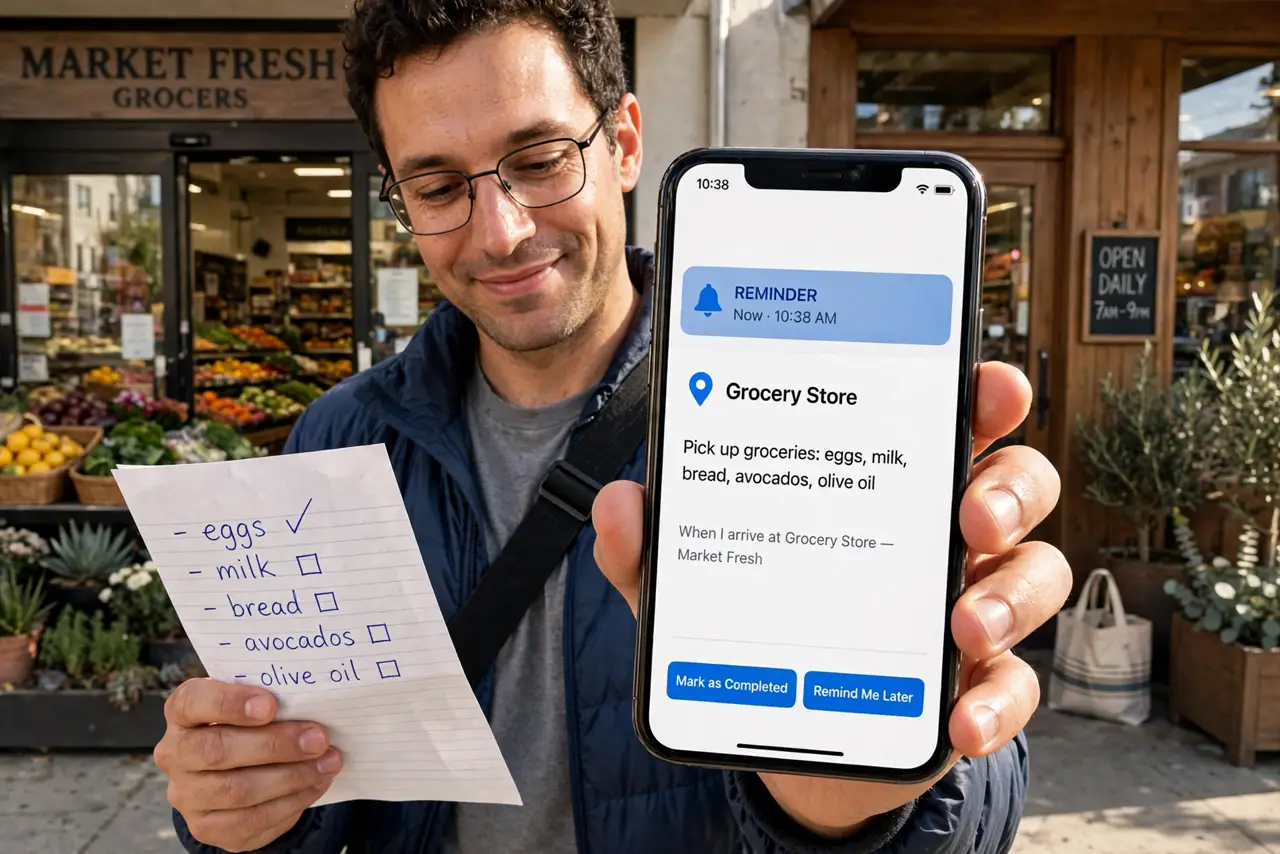
TL;DR / Quick Fix
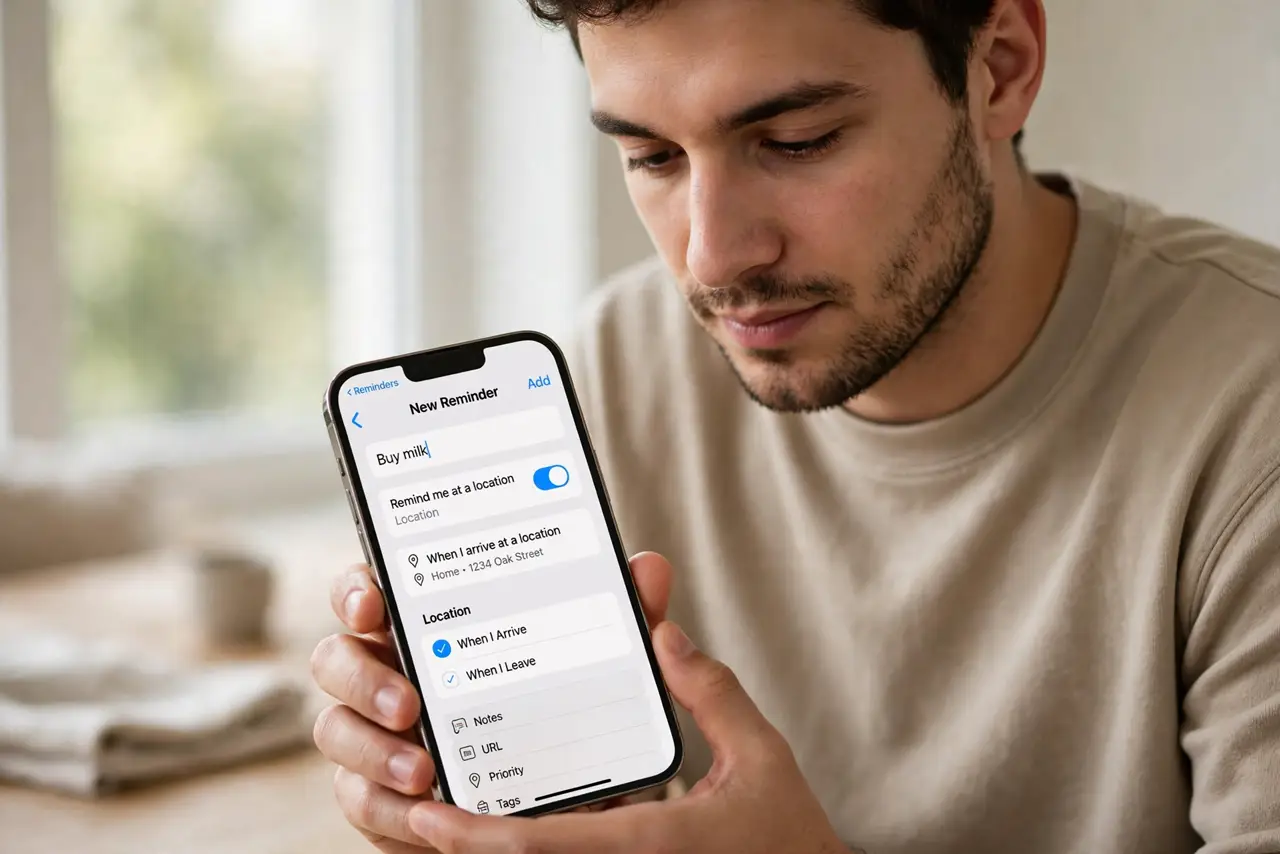
Quick fix: in Reminders, create a reminder, tap the i, turn on Remind me at a location, and choose arriving or leaving with an address. Keep the radius reasonable — too tight and GPS misses it. Location reminders need Location Services on for Reminders, so check that permission first.
Follow these steps
- Create the reminder. Open Reminders, add the task — Buy milk — like any other reminder. The location part comes next.
- Enable the location trigger. Tap the i on the reminder, turn on Remind me at a location, and pick Arriving or Leaving. Arriving suits stores; Leaving suits home.
- Set the address. Choose a contact address or drop a custom pin. Custom pins beat street addresses for odd locations like a friend's cabin.
- Tune the radius. Drag the circle bigger for sprawling places like malls. A tiny radius around a big store means the alert never fires.
- Check Location Services. Go to Settings, Privacy, Location Services and confirm Reminders is allowed. No permission, no trigger — the most common failure.
- Combine with lists. Location reminders shine inside smart lists — one Groceries list with store triggers beats scattered one-offs.
What NOT to do
- Do not set the radius too tight. GPS drifts tens of meters; a pinpoint radius around a shop often never triggers.
- Do not rely on them underground. Parking garages and subways kill GPS — add a time backup for critical reminders.
- Do not forget they need battery. Location monitoring sips power; on a nearly-dead phone, charge first.
- Do not use them for precise timing. Arriving triggers when you arrive, not five minutes before — plan accordingly.
Frequently asked questions
Why did my location reminder never fire?
Usually Location Services off for Reminders, a too-tight radius, or no GPS signal at the spot. Check all three.
Can I set a reminder for leaving a place?
Yes — choose Leaving instead of Arriving. Perfect for grab your badge when leaving home.
Do location reminders work on Mac?
They sync from iPhone, but the Mac cannot trigger them well without GPS. Set them on iPhone; view everywhere.