Reminders Not Syncing via iCloud? Fix It
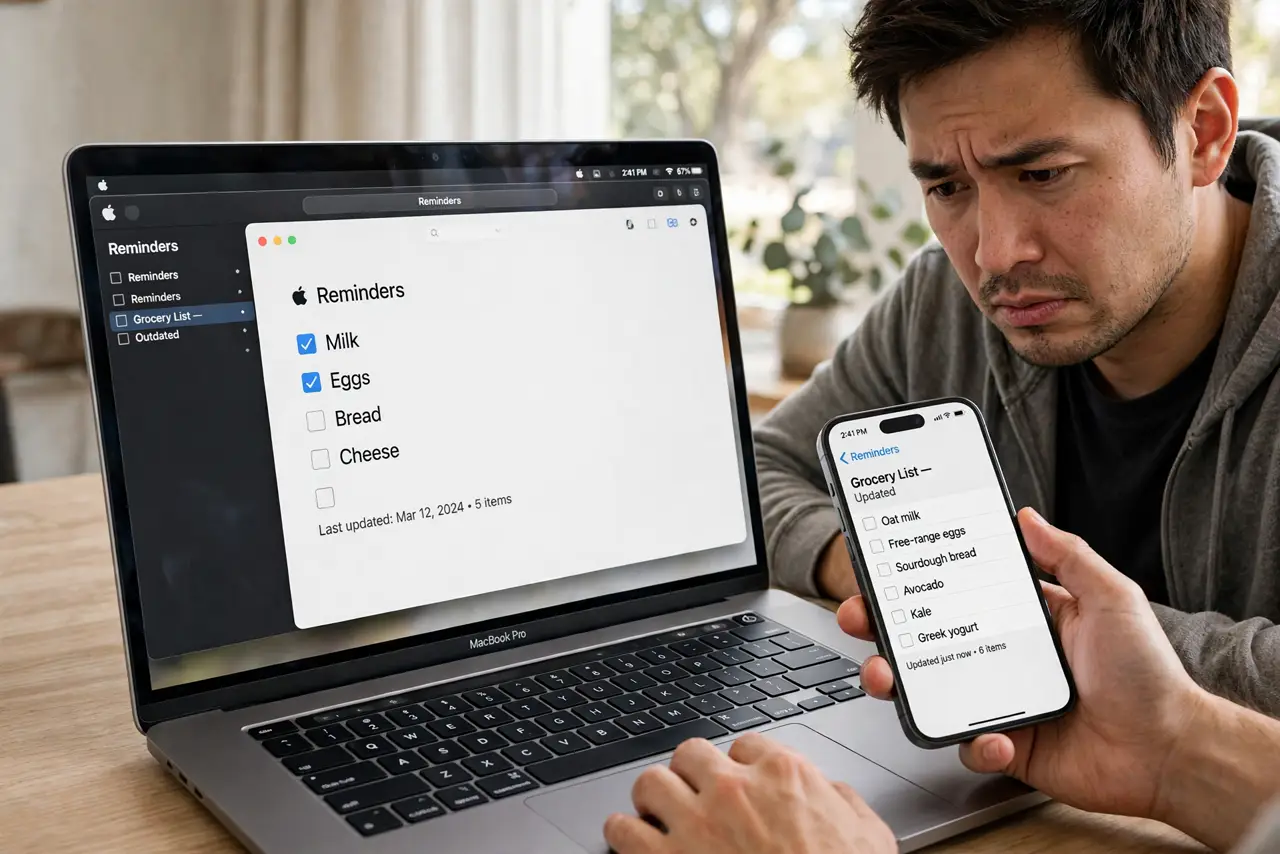
Reminders you add on the iPhone never appear on the Mac, or the Mac's lists are frozen days behind. Reminders sync through iCloud like Notes and Messages, and the same account and toggle checks fix it. This guide walks the chain.
TL;DR / Quick Fix
Quick fix: confirm the same Apple ID on both devices, then on the Mac open System Settings, Apple ID, iCloud, and make sure Reminders is enabled. Open the Reminders app and wait on Wi-Fi; toggling the switch off and on restarts a stalled sync.
Follow these steps
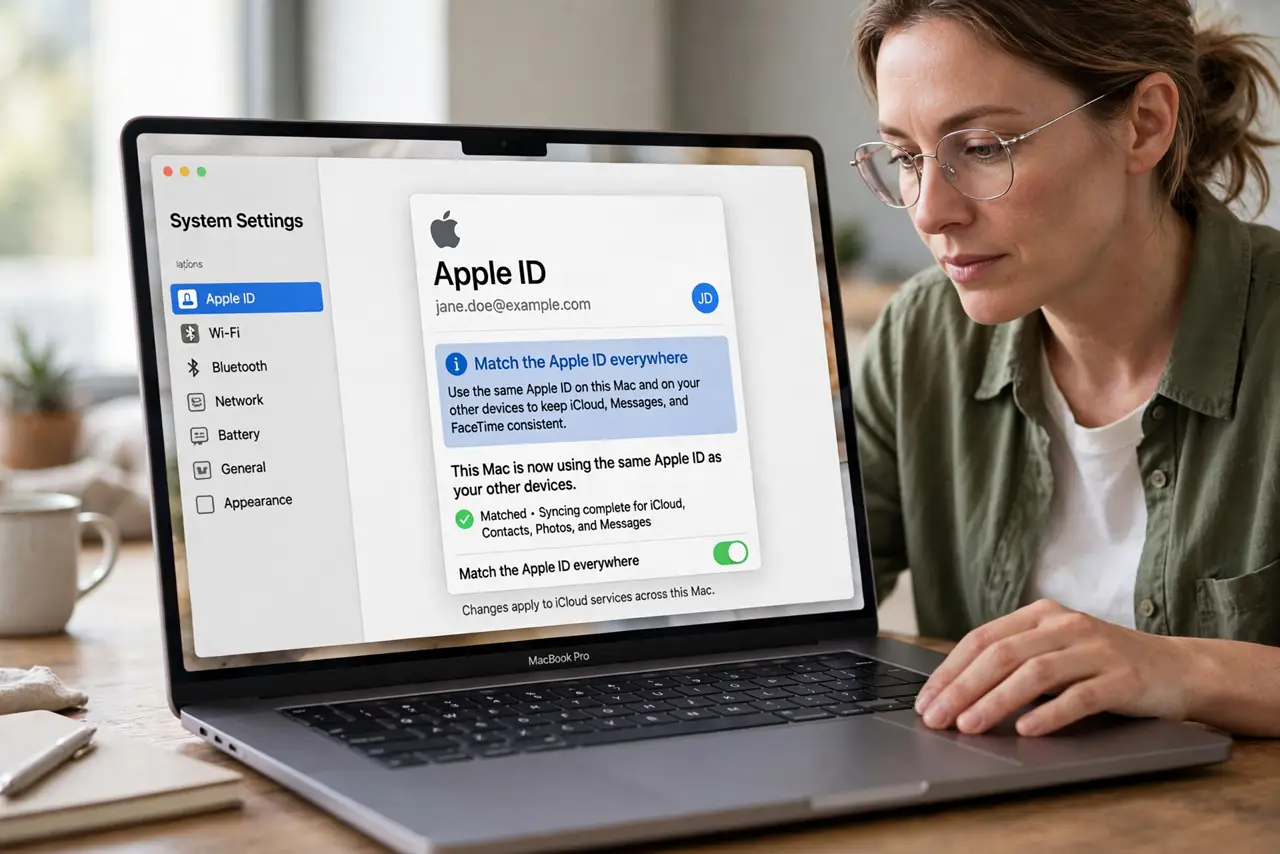
- Match the Apple ID everywhere. Check the signed-in Apple ID on the Mac and the iPhone. Reminders sync only within one account, so a mismatch splits your lists in two.
- Enable Reminders in iCloud. On the Mac, open System Settings, then Apple ID, then iCloud, and toggle Reminders on. Do the same on the iPhone under its iCloud settings.
- Check which list is the default. In Reminders settings, confirm new reminders go to an iCloud list. Items added to On My Mac or a local list never sync anywhere.
- Compare with Notes sync. If Notes also vanished, the iCloud account itself is the shared cause. Fix the account once instead of chasing each app separately.
- Toggle the sync once. Turn Reminders off in iCloud settings, wait a minute, and turn it back on. Choose to keep the local copies when asked, so nothing is lost.
- Wait on Wi-Fi, plugged in. Reminders data is small but syncs on a schedule. Give it fifteen minutes on Wi-Fi before trying anything stronger.
What NOT to do
- Do not delete lists to force a sync. Deletion syncs everywhere, so you can wipe shared lists off every device at once.
- Do not mix local and iCloud lists unknowingly. Decide which lists should sync and move stray items into iCloud lists.
- Do not sign out of iCloud as a first step. A toggle of the single Reminders switch is safer and faster.
- Do not expect shared lists to update instantly. Collaborator changes can lag several minutes even when everything works.
Frequently asked questions
Why do reminders sync on one device only?
New items are probably landing in a local On My Mac list instead of an iCloud list. Check the default list setting.
Will I lose reminders by toggling sync?
No, if you keep the local copies when prompted. They re-upload when sync returns.
Do shared reminder lists need anything special?
Both people need iCloud Reminders on and an invitation accepted. The sharer's list must be an iCloud list.