Messages Out of Sync Between Mac and iPhone
Texts arrive on your iPhone but never show up on the Mac, or conversations on the Mac are missing recent replies. Messages syncs through iCloud, and when the two devices disagree, one of them is signed in wrong or syncing is paused. This guide lines them up again.
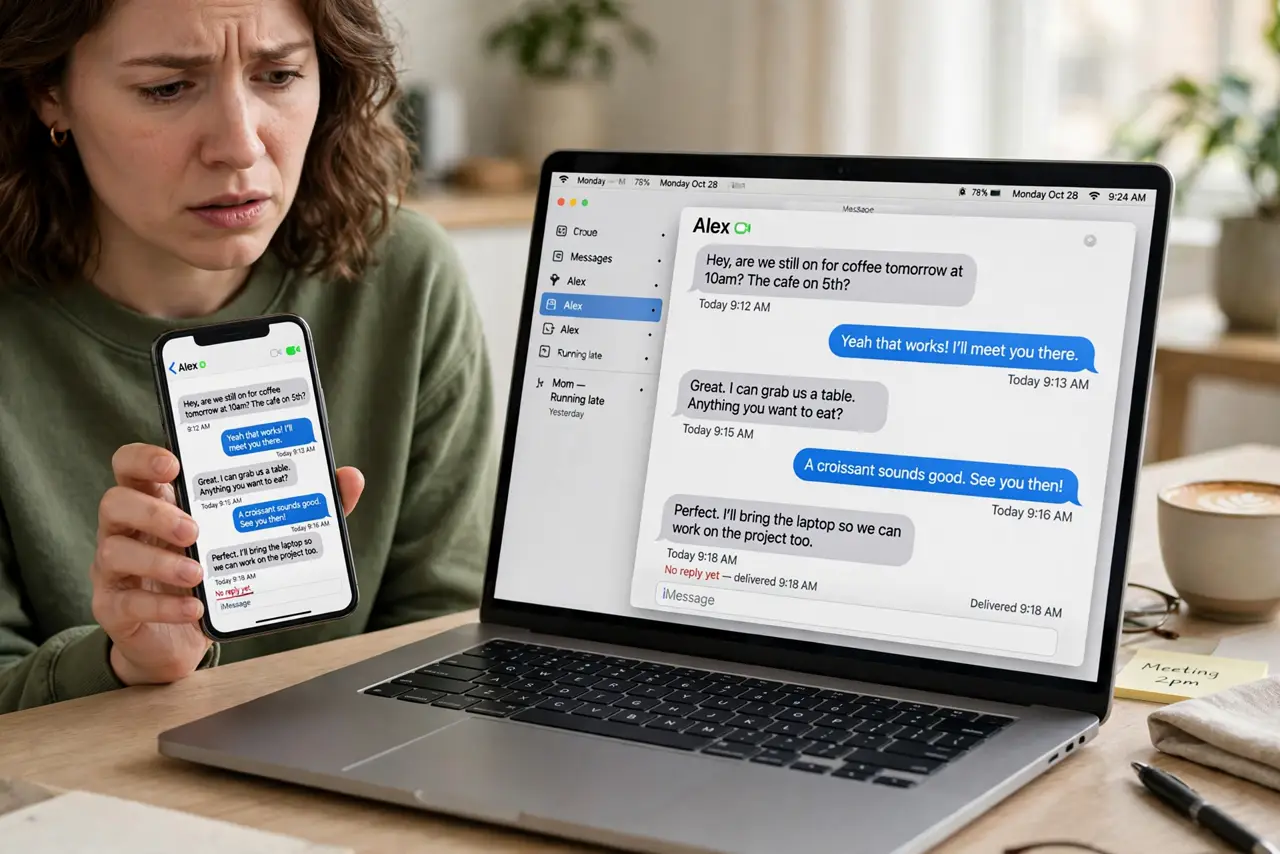
TL;DR / Quick Fix
Quick fix: on the Mac, open Messages settings and confirm iMessage is signed in with the same Apple ID as the iPhone, then enable Messages in iCloud on both devices. Toggle the sync off and on once, and give it ten minutes on Wi-Fi.
Follow these steps
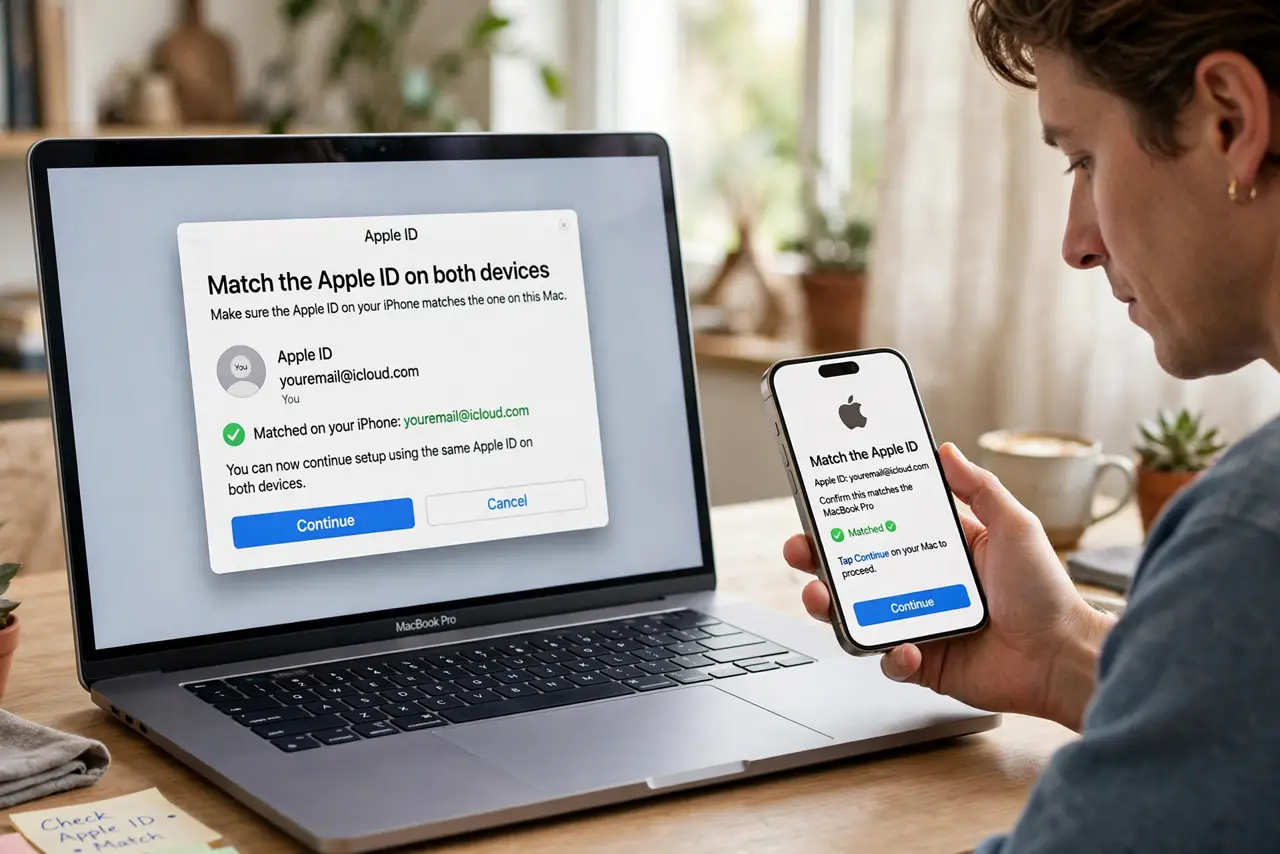
- Match the Apple ID on both devices. On the iPhone check Settings and your Apple ID; on the Mac check Messages settings. Even one letter different means two separate message histories.
- Enable Messages in iCloud on both. On the iPhone, go to Apple ID settings, then iCloud, and turn on Messages. On the Mac, open Messages settings, then iMessage, and enable Messages in iCloud there too.
- Check that iMessage is active on the Mac. In Messages settings on the Mac, confirm the phone number and email addresses are checked. An unchecked number means those messages never reach the Mac.
- Toggle the sync once. Turn Messages in iCloud off on the Mac, wait a minute, and turn it back on. This restarts a stalled sync without deleting anything.
- Give it time on Wi-Fi. A big history can take a long while to merge, especially on slow Wi-Fi. Leave both devices plugged in and connected for an hour before judging.
- Compare with other iCloud sync issues. If text replacements are also missing on the phone, the Apple ID or iCloud itself is the common cause, so fix the account first.
What NOT to do
- Do not sign out of iCloud in a panic. Signing out can trigger a full re-download and, if timed badly, look like data loss.
- Do not delete conversations on one device to force a sync. Deletion syncs too, so you can wipe messages everywhere at once.
- Do not mix two Apple IDs across devices. One ID for messages on both devices is the only setup that syncs cleanly.
- Do not judge the sync after two minutes. Large histories need real time, so wait before trying more drastic steps.
Frequently asked questions
Why do some texts reach my iPhone but not my Mac?
The Mac is likely signed into a different Apple ID, has Messages in iCloud off, or the sender's address is unchecked in its settings.
Will turning sync off delete my messages?
No, if you choose to keep them on the device. They stay local and re-merge when you turn sync back on.
Do green SMS texts sync to the Mac?
Only with Text Message Forwarding enabled on the iPhone. Blue iMessages sync through iCloud instead.