Does This App Need Rosetta?
You downloaded an app and macOS asked to install Rosetta — or the app just feels sluggish on your Apple Silicon Mac. Rosetta 2 is Apple's translator that lets Intel-era apps run on Apple Silicon chips. Here is how to tell whether an app needs it and what to do about it.
TL;DR / Quick Fix
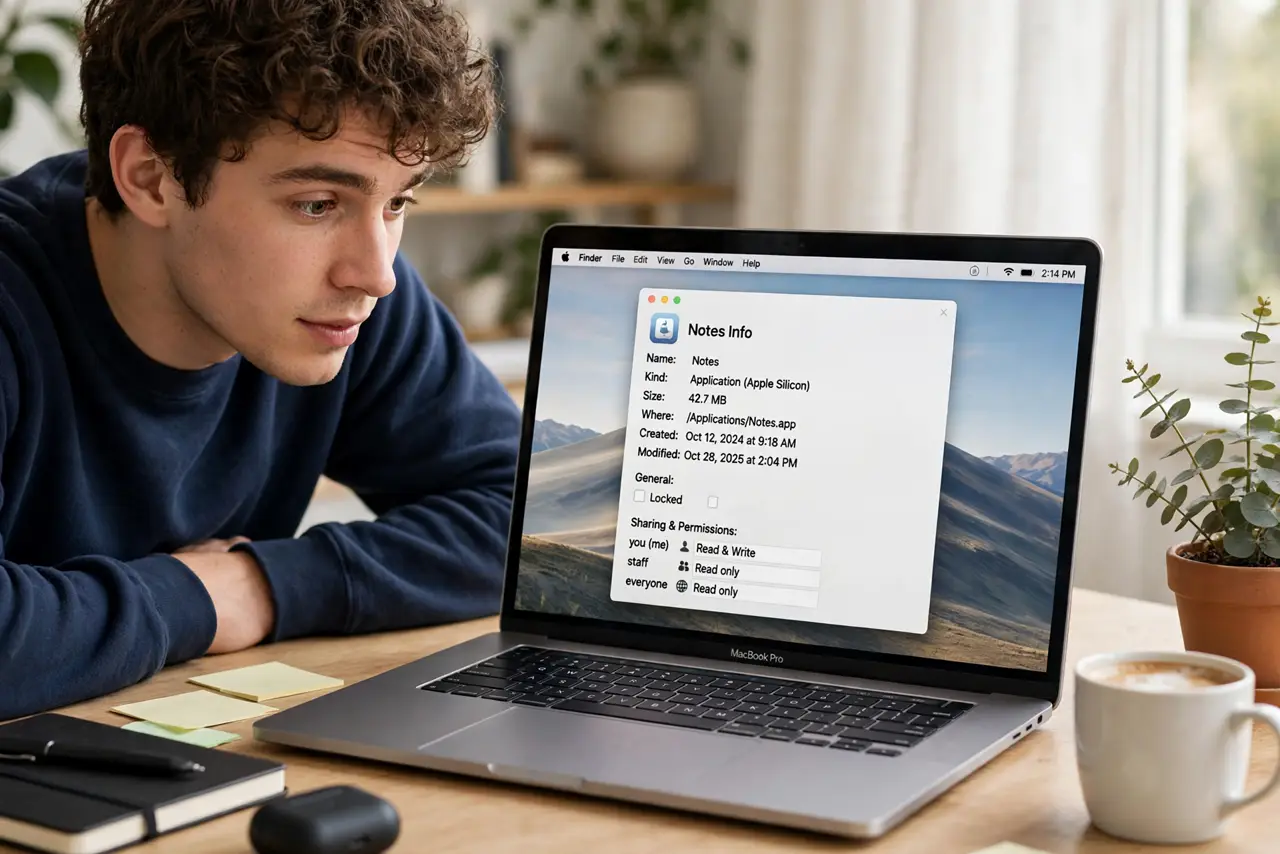
Quick fix: right-click the app, choose Get Info, and look at 'Kind' — 'Intel' means it runs through Rosetta translation, 'Apple Silicon' or 'Universal' means native. Native apps run faster and cooler. Install Rosetta when prompted; it is safe and automatic.
Follow these steps
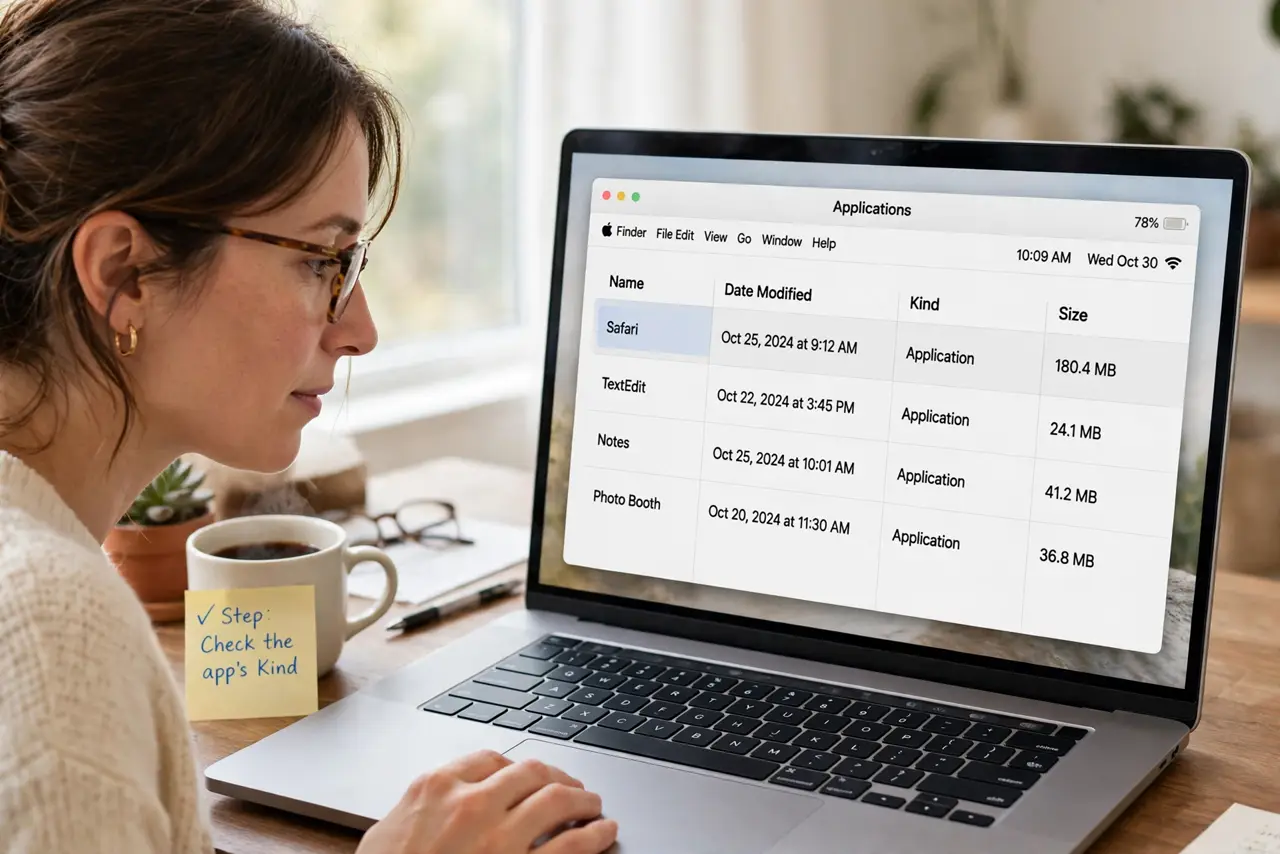
- Check the app's Kind. Right-click the app in Finder, Get Info, and read the Kind line. Intel means translated; Apple Silicon or Universal means native.
- Install Rosetta when asked. If macOS prompts to install Rosetta, say yes — it is Apple's official translator, small, safe, and needed once for all Intel apps.
- Look for a native version first. Before settling for the Intel build, check the developer's site for an Apple Silicon or Universal download. Native is always better.
- Expect slightly slower, warmer Intel apps. Translation costs a little performance and battery. If an Intel app is your daily driver, the native version is worth hunting down.
- Keep Rosetta updated via macOS updates. Rosetta improves with system updates. An Intel app that stuttered last year may run fine after updating macOS.
- Do not fear the prompt. The Rosetta prompt looks technical but it is routine — millions of Macs run Intel apps this way with no drama.
What NOT to do
- Do not download 'Rosetta' from random websites. It comes only through Apple's own prompt or system update.
- Do not assume an Intel app is broken. Slower or warmer is normal under translation — not a bug.
- Do not delete Rosetta to 'save space.' It is tiny, and every Intel app stops working without it.
- Do not confuse Rosetta with an emulator you manage. There are no settings — it just works in the background.
Frequently asked questions
Is Rosetta safe?
Yes — it is built and signed by Apple, installed through the official prompt.
Will Intel apps ever stop working?
Apple has not announced an end date. Native versions remain the long-term answer.
How do I know if Rosetta is installed?
If Intel apps launch without a prompt, it is installed. The prompt only appears the first time.