Mac Asks to Install Rosetta? What It Means
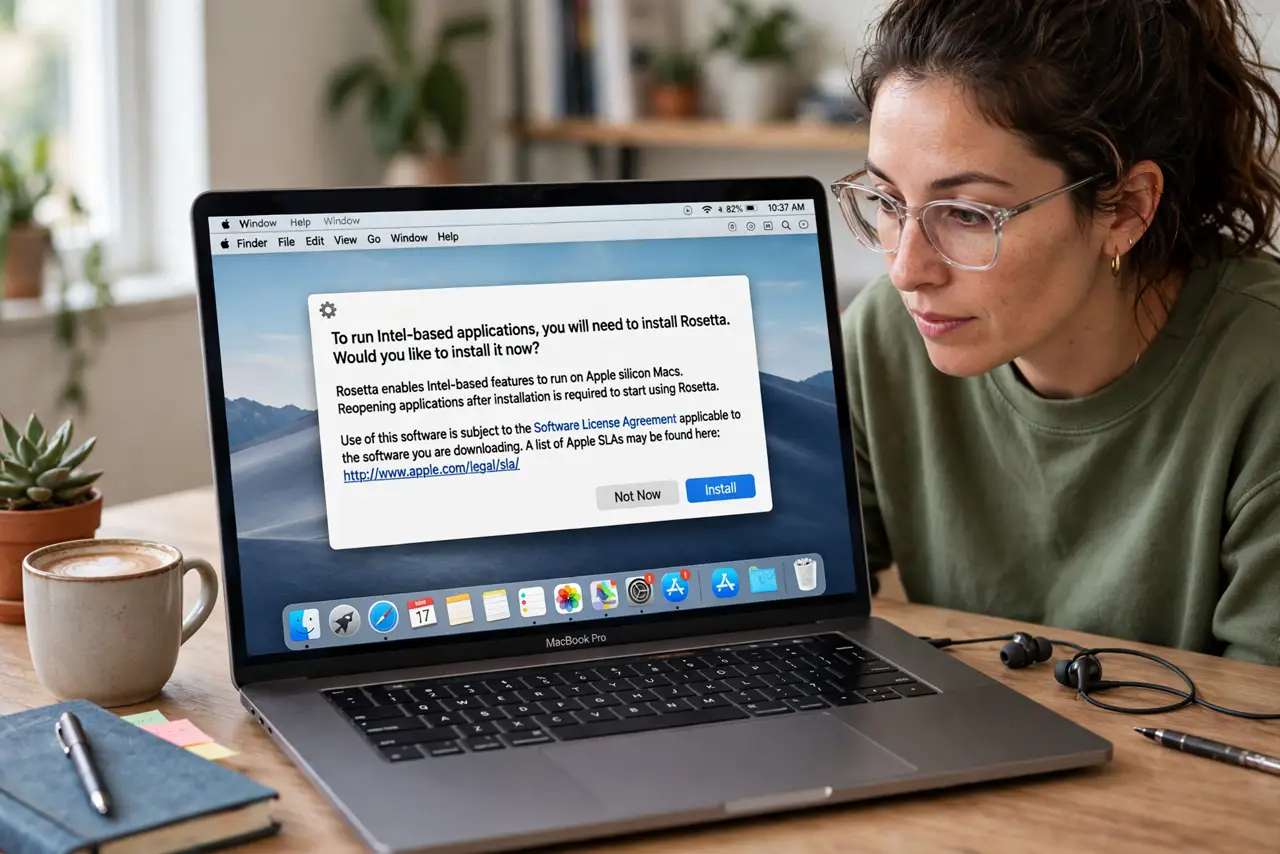
Your Mac asks to install Rosetta before opening an app, and you wonder what you are agreeing to. Rosetta 2 is Apple's translator that lets apps built for Intel Macs run on Apple silicon — it is official, safe, and a one-time install. This guide explains it and gets the app running.
TL;DR / Quick Fix
Quick fix: click Install — Rosetta 2 is Apple's official, free, one-time translator for Intel apps on Apple silicon Macs. If you prefer native speed, check the developer's site for an Apple silicon or Universal build of the app instead.
Follow these steps
- Understand what Rosetta is. Rosetta 2 translates Intel app code to Apple silicon code automatically. It is built by Apple, ships with macOS, and runs quietly in the background after install.
- Install it when prompted. Click Install on the prompt and enter your password. The download is small, the install takes a minute, and you never think about it again.
- Check for a native version first. Visit the app developer's website for an Apple silicon or 'Universal' build. Native apps run faster and skip Rosetta entirely — worth two minutes of checking.
- Know it is one-time. Rosetta installs once per Mac, not per app. Every Intel app afterward opens without another prompt.
- Expect slightly slower first launches. Translated apps take a moment longer on first open while Rosetta does its work. Later launches are faster as the translation caches.
- Keep macOS updated. Apple improves Rosetta in system updates. If an Intel app misbehaves, an update — not a reinstall of Rosetta — is the likely fix.

What NOT to do
- Do not decline Rosetta and then force the app open. Without the translator, an Intel app on Apple silicon simply cannot run.
- Do not download 'Rosetta' from any website. The real Rosetta comes only from Apple's own prompt — anything else is malware wearing its name.
- Do not worry that Rosetta spies on you. It is a code translator, not a monitoring tool; it does not report your app usage anywhere.
- Do not reinstall Rosetta repeatedly for app crashes. If an Intel app crashes under Rosetta, the app needs an update — reinstalling the translator changes nothing.
Frequently asked questions
What is Rosetta on a Mac?
Apple's built-in translator that runs Intel apps on Apple silicon Macs. It installs once, free, from Apple's own prompt.
Is Rosetta safe to install?
Yes. It is Apple software delivered by macOS itself — as safe as any system component.
Do I need Rosetta on an Intel Mac?
No. Intel Macs run Intel apps natively; Rosetta 2 is only for Apple silicon Macs.