Reading List vs Bookmarks on Safari, Explained
Reading List and bookmarks look similar in Safari, but they answer different needs: one is a short pile of pages to read soon, the other is a lasting collection you return to again and again. Mixing them up is why saved pages seem to disappear.
TL;DR / Quick Fix
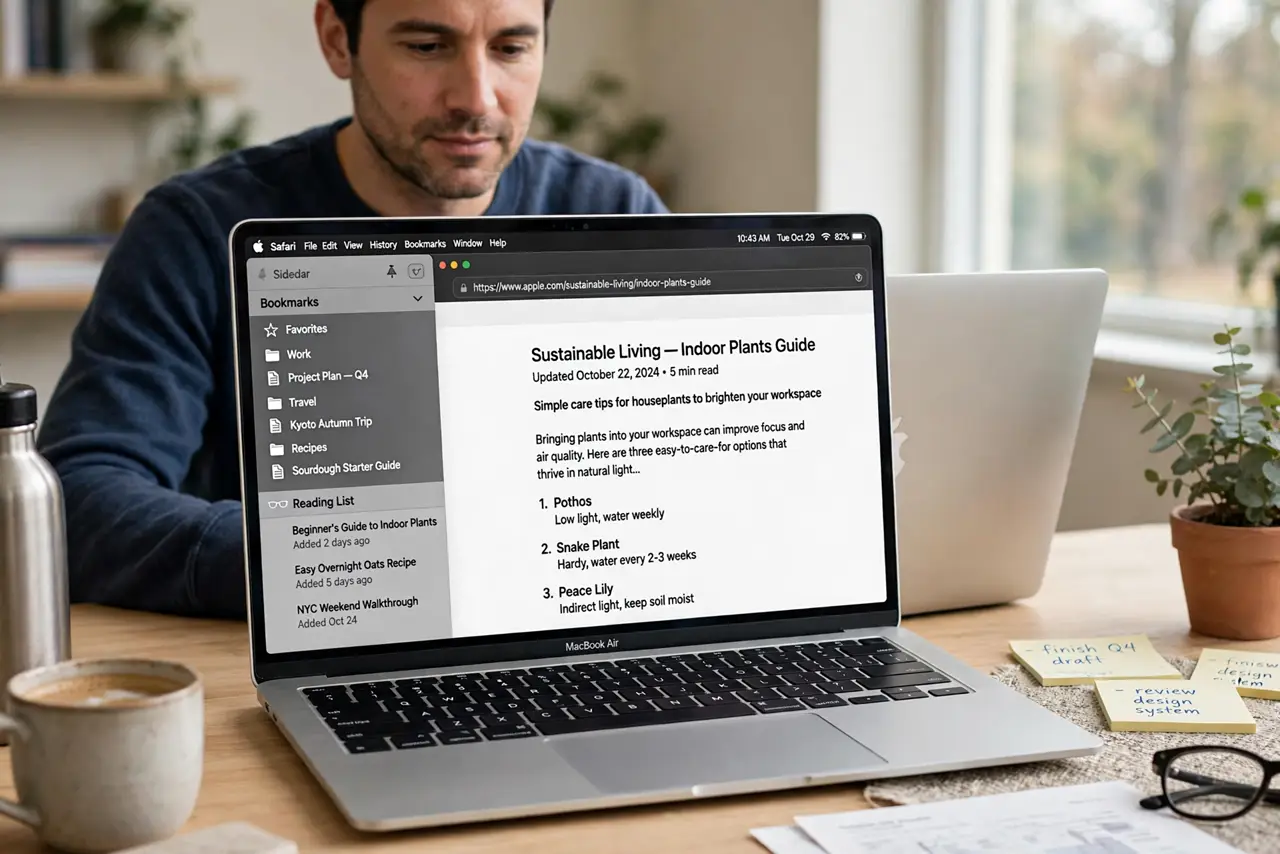
Quick fix: use Reading List only for articles you plan to read in the next few days, and use bookmarks for pages you want to keep long term. Reading List is found in the sidebar, bookmarks live in the bookmarks bar, menu, or start page favorites.
Follow these steps
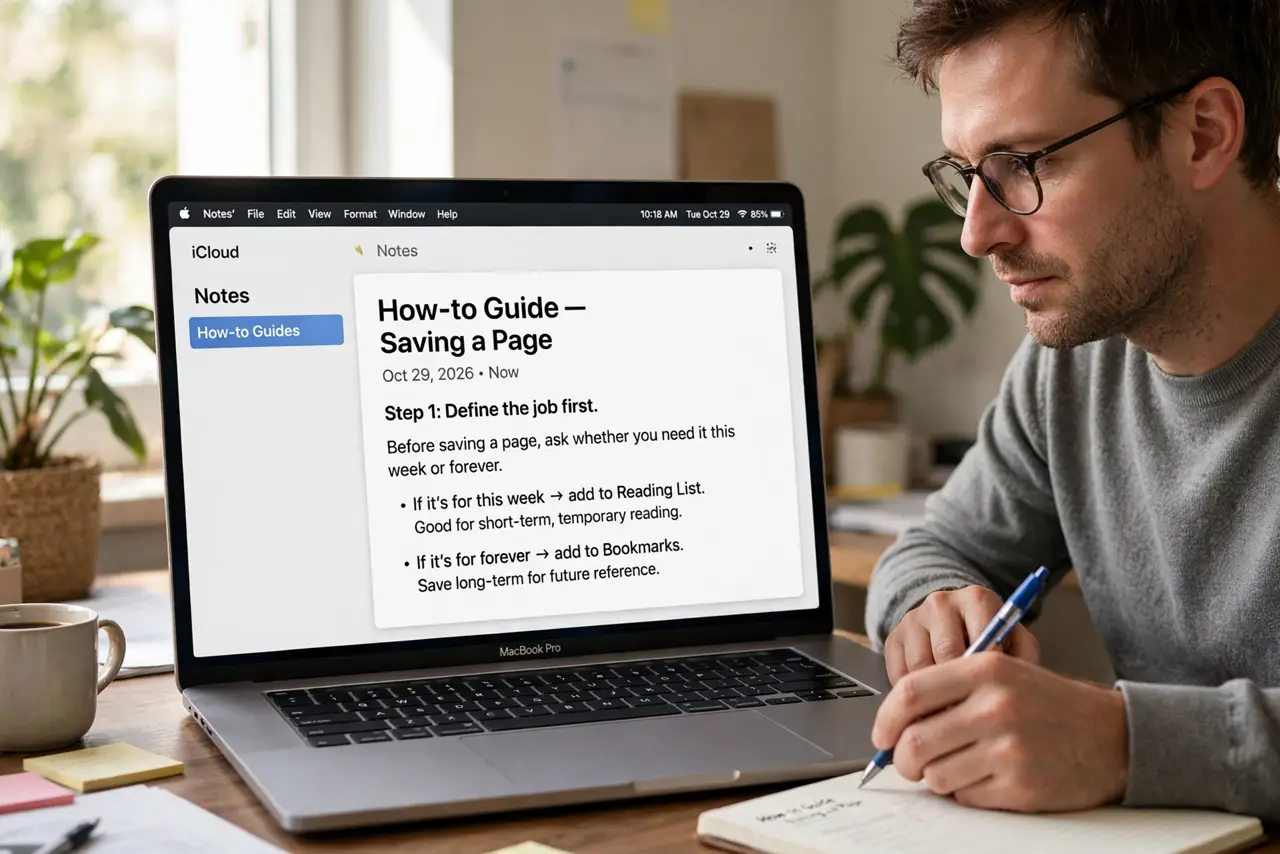
- Define the job first. Before saving a page, ask whether you need it this week or forever. A this-week page belongs in Reading List, while a forever page belongs in bookmarks.
- Save to Reading List for later. Use the share or bookmarks menu to add the page to Reading List when you want to read it soon. It stays in a simple dated list until you read it or remove it.
- Bookmark pages you keep. Save lasting pages as bookmarks in a named folder, such as Work or Recipes. A named folder beats a long unsorted list when you need the page months later.
- Find Reading List again. Open the sidebar and choose Reading List to see everything waiting to be read. Unread items stand out, so you can work through the pile in order.
- Find bookmarks again. Check the bookmarks bar, the Bookmarks menu, or the favorites on a new tab page. If a bookmark is missing from one spot, check the folder it was saved in.
- Move items between them. When a Reading List article turns out to be a keeper, bookmark it properly, then remove it from Reading List. That keeps the short pile short and the lasting collection useful.
What NOT to do
- Do not save everything to Reading List. A pile of hundreds of unread pages stops being a reading list and becomes a second junk drawer.
- Do not save short-term articles as permanent bookmarks. They clog your folders and bury the pages you actually return to.
- Do not delete a Reading List item you still need elsewhere. Bookmark it first, then remove it from Reading List.
- Do not assume Reading List syncs like a bookmark folder. They are separate lists, so check both places before deciding a page is lost.
Frequently asked questions
What is Reading List for?
It is a short-term pile of pages you intend to read soon, kept in the Safari sidebar until you read or remove them.
What are bookmarks for?
Bookmarks are a lasting collection of pages you return to, organized in folders and shown in the bar, menu, or start page.
Can a page be in both?
Yes. Save it to Reading List to read this week, and bookmark it too if it is worth keeping long term.