Safari Tab Groups Vanish After Restart
Tab groups that vanish after a restart feel like lost work, but they are usually just hidden or closed, not deleted. Before you rebuild everything by hand, check the sidebar and the recently closed windows, where Safari often keeps them.
TL;DR / Quick Fix
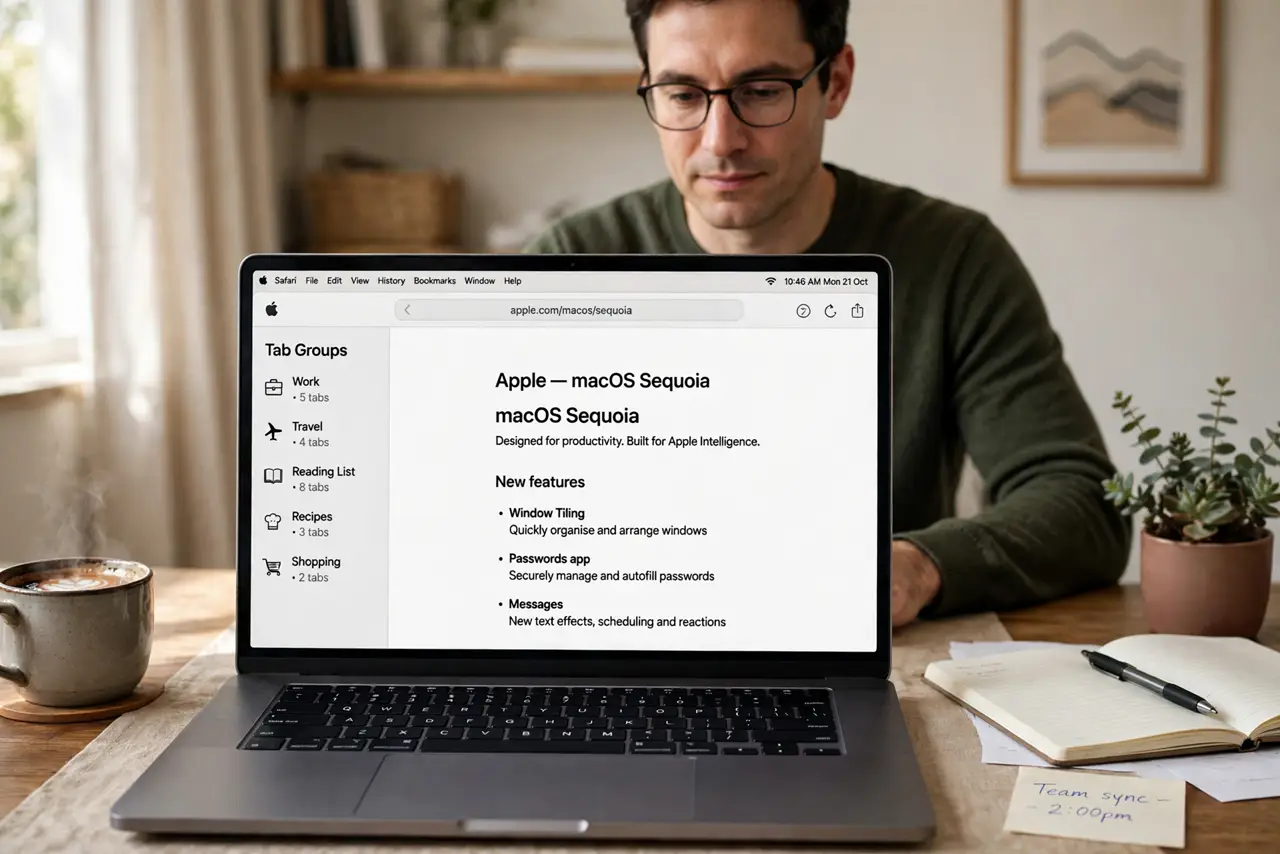
Quick fix: open Safari, show the sidebar, and look for your tab group name in the list. If it is missing, use the History menu to reopen closed windows. Once the group is back, leave it saved and avoid quitting Safari with only a private window open.
Follow these steps
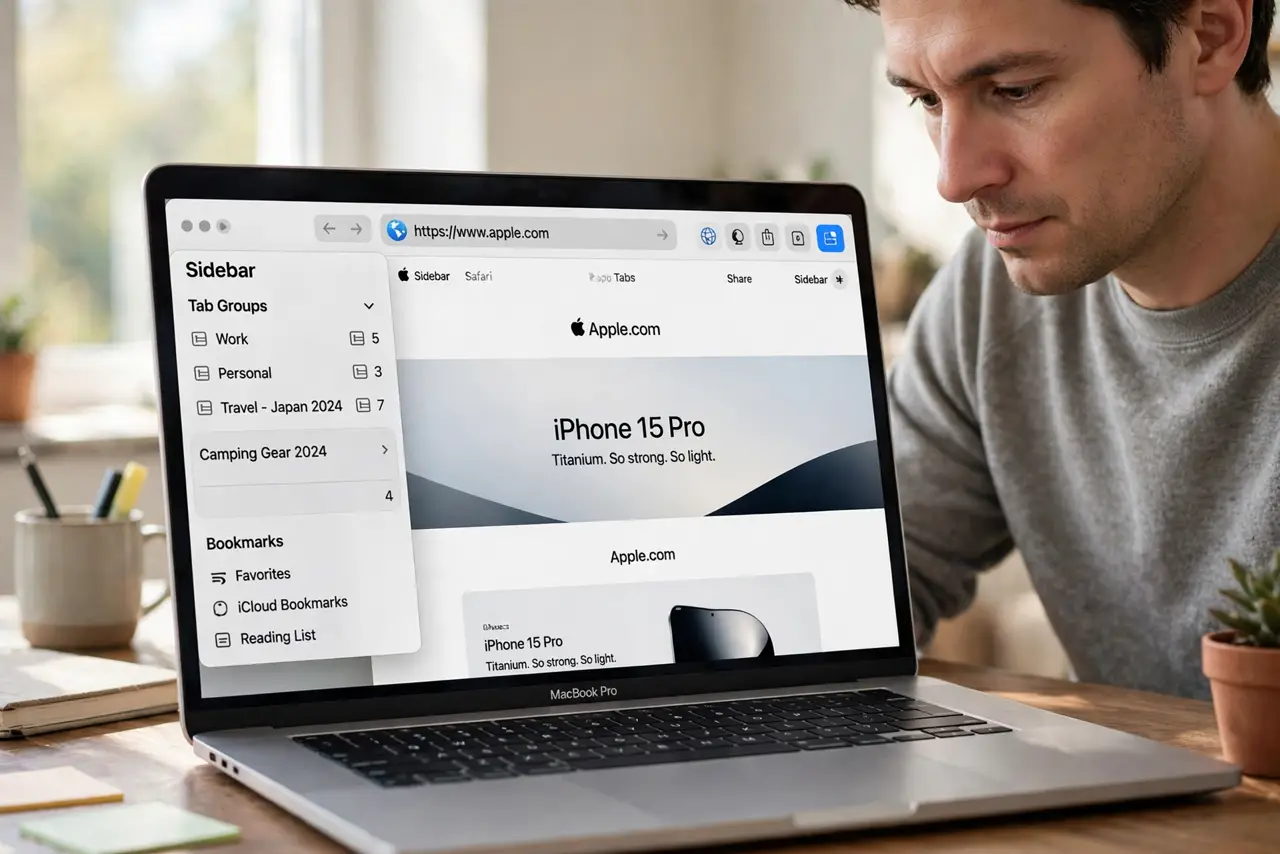
- Show the sidebar first. Open Safari and show the sidebar, then look down the tab group list for the missing group name. A group that looks gone is often just collapsed or sitting below the groups you use daily.
- Check recently closed windows. Open the History menu and look for recently closed windows. Reopening a closed window can bring back the whole group exactly as you left it.
- Look in the other profile. If you use Safari Profiles, open each profile and check its tab groups. A group saved in one profile never appears in another, so a profile switch looks like a loss.
- Restart Safari once, cleanly. Quit Safari fully, wait a few seconds, and open it again. A stuck Safari session can hide groups that return once the app reloads properly.
- Save the group again. Once the group is visible, keep it as a saved tab group with a clear name. An unnamed or temporary set of tabs is far easier to lose in the next restart.
- Test with a restart. Close Safari, reopen it, and confirm the group is still listed. If it survives a normal quit and reopen, it should survive the next system restart too.
What NOT to do
- Do not rebuild the group from memory straight away. Check the sidebar and closed windows first, or you may end up with two half-finished copies of the same group.
- Do not clear history and website data as a first step. That removes the recently closed list that could have restored the group in one click.
- Do not assume an update deleted your groups. A profile switch or a closed window explains the same symptom without any data loss.
- Do not keep important tabs only in an unsaved window. Save them as a named tab group, so a restart has something to restore.
Frequently asked questions
Are my tab groups deleted forever?
Usually not. They are most often hidden, in another profile, or in a recently closed window that Safari can reopen.
Why did only one group disappear?
That group may have lived in a window you closed, or in a different profile, while your other groups stayed in the main window.
How do I stop this happening again?
Keep groups saved with clear names, and avoid closing the window that holds a group you still need.