Mac Safari Tabs Keep Reloading? Stop the Loop
Safari tabs reload again and again, losing your place and your form entries. The usual causes are low memory, a heavy page, or a misbehaving extension. Close the pressure first, then test the page cleanly.
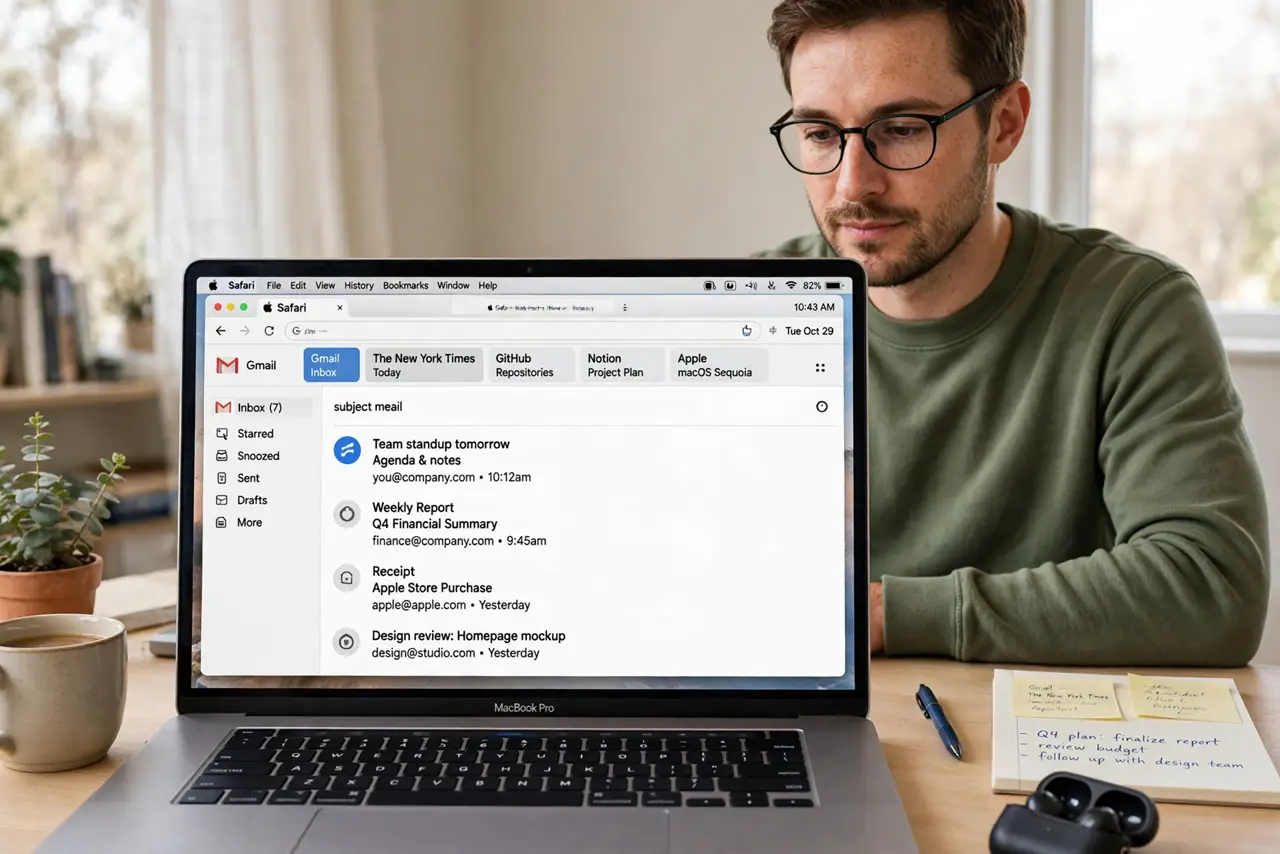
TL;DR / Quick Fix
Quick fix: close tabs you do not need, quit heavy apps, then reload the page once. Turn extensions off and test again; if the page stays stable, turn extensions back on one at a time. Then test the fix for a full day before changing anything else.
Follow these steps
- Close tabs you do not need. Close extra tabs, especially video and social tabs that keep updating. Fewer live tabs means more memory for the page you actually use.
- Quit heavy apps. Quit apps you are not using, particularly video editors and large browsers. Freeing memory stops Safari from unloading and reloading tabs to cope.
- Reload the page once, cleanly. Press Command and R to reload, and wait for the page to finish. Repeated rapid reloads can make the problem look worse than it is.
- Turn extensions off and test. Open Safari, then Settings, then Extensions, and turn them all off. If the page stops reloading, one extension was the cause.
- Turn extensions back on one at a time. Re-enable one extension, test the page, then repeat. When reloading returns, you have found the extension to leave off or update.
- Clear website data for that site only. In Safari settings, manage website data and remove data for just the problem site. Avoid clearing all website data, which signs you out everywhere.
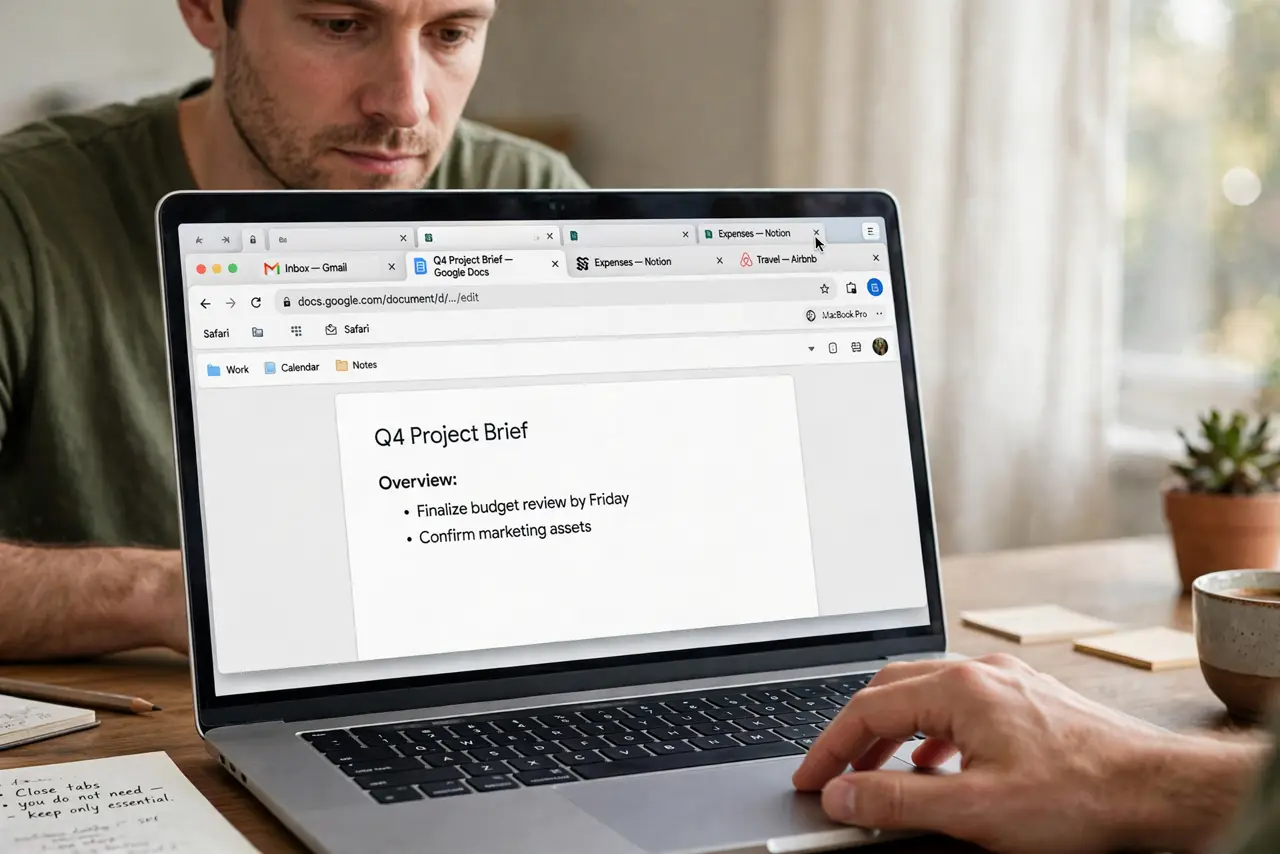
What NOT to do
- Do not clear all history and website data first. That signs you out of sites and rarely fixes a reloading tab.
- Do not install a tab manager or memory tool to fix this. Extra tools add their own load and can make reloading worse.
- Do not keep twenty video tabs open and blame Safari. Tab load is real, and closing tabs is the fastest honest fix.
- Do not force quit Safari during a reload loop. Let one clean reload finish, then judge whether the problem persists.
Frequently asked questions
Why do tabs reload on their own?
Safari unloads tabs when memory runs low, then reloads them when you return. Heavy pages and many tabs make this happen often.
Is a reloading tab a virus?
Almost never. It is usually memory pressure, a heavy page, or an extension, not malware.
What if only one site reloads?
That site is likely heavy or has a faulty script. Test it with extensions off and compare it with a lighter site.