Screen Recording Permission Denied? Fix It
When screen recording permission is denied, the app records a black screen or refuses to start, even though the app itself works fine. macOS blocks screen capture until you grant it explicitly, so the fix is to grant the permission in Privacy settings and restart the app, not to reinstall it.
TL;DR / Quick Fix
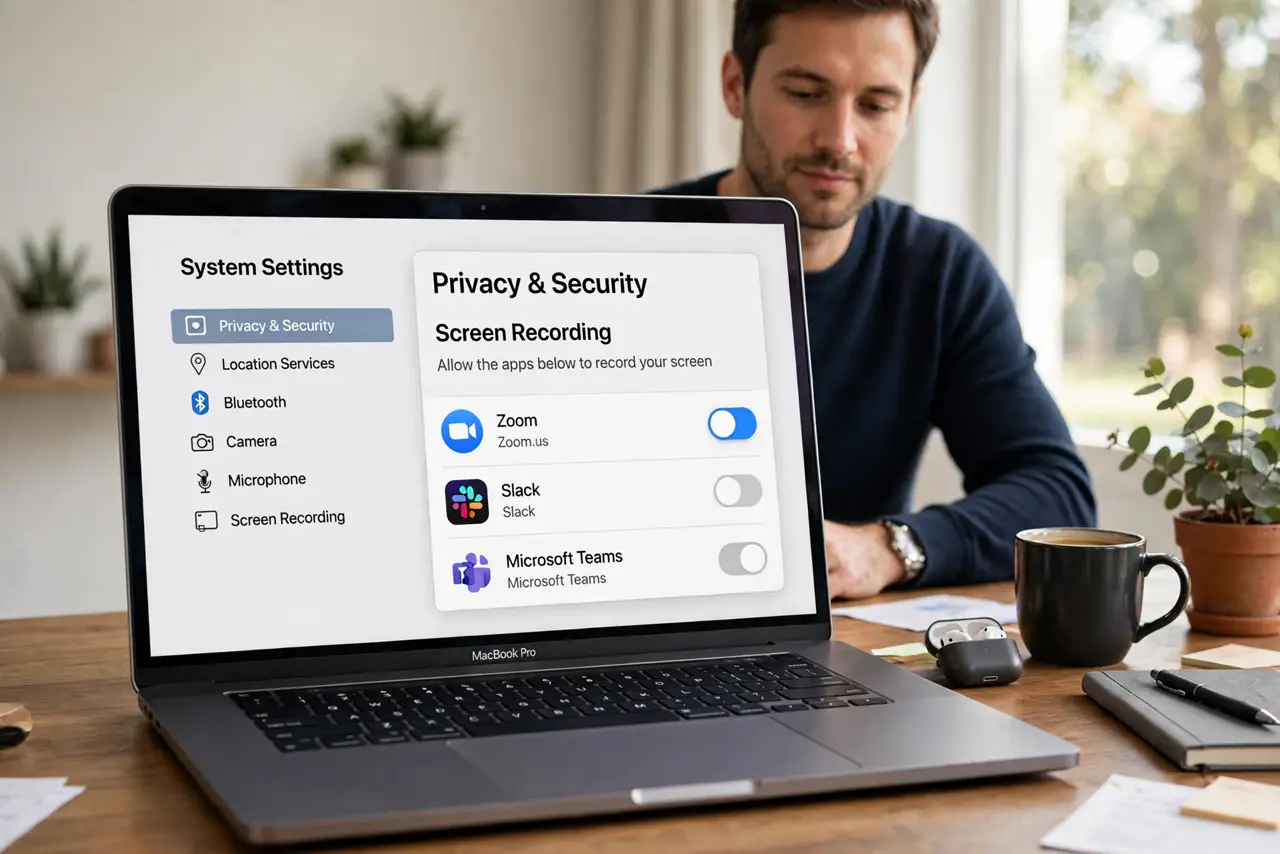
Quick fix: open System Settings, then Privacy and security, then Screen Recording, and turn on the app you want to record with. Quit the app fully, reopen it, and try recording again. The permission only takes effect on a fresh launch.
Follow these steps
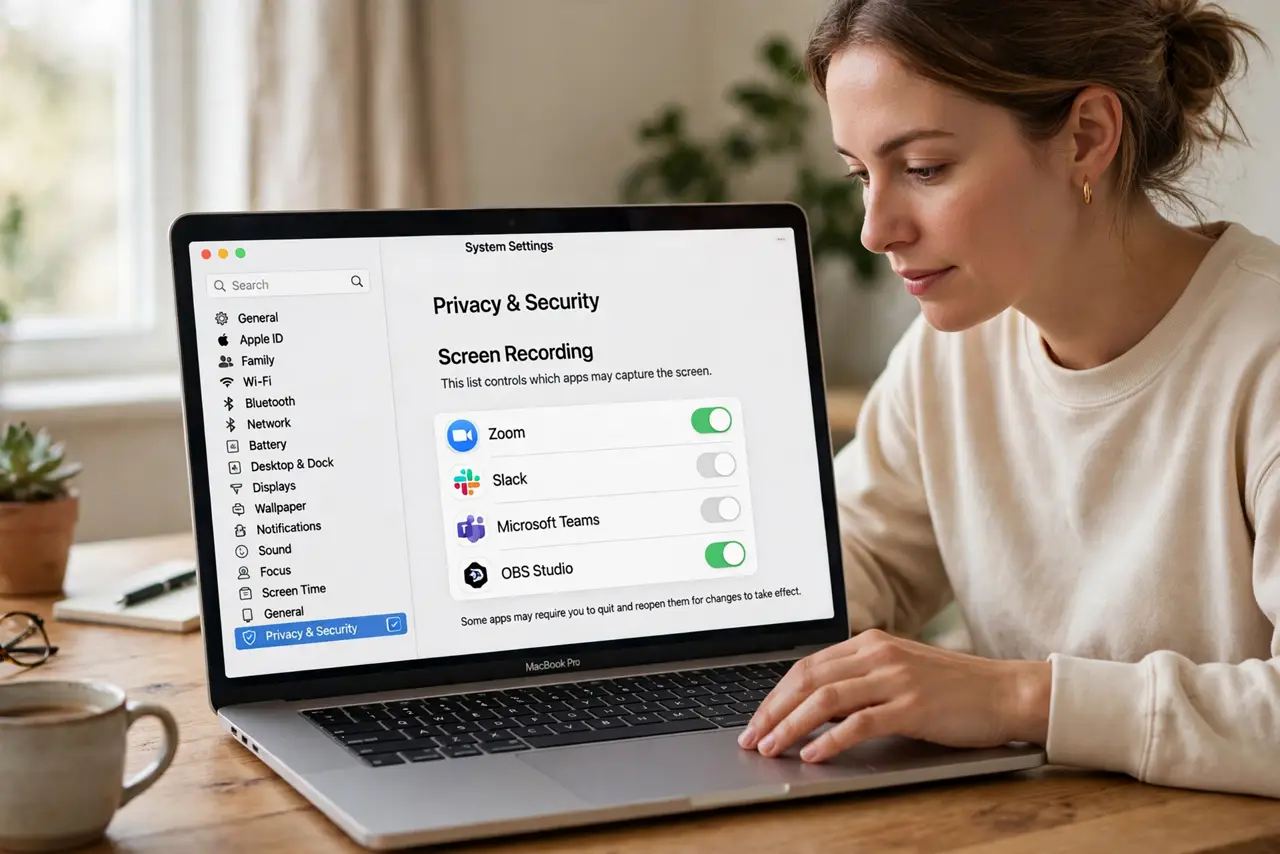
- Open Screen Recording settings. Open System Settings, then Privacy and security, then Screen Recording. This list controls which apps may capture the screen.
- Turn on the app you need. Find the app in the list and turn its switch on. If the app is not listed, open the app and start a recording, because macOS adds it to the list when it first asks.
- Quit the app fully. Quit the app, not just its window, so it closes completely. A permission granted while the app runs often does not apply until the next launch.
- Reopen the app and test. Reopen the app and record a short test clip. Play the test back and confirm the screen appears, not a black frame.
- Check the app own recording setting. If the test still shows black, check the app own settings for a screen source or display choice. An app set to capture a disconnected display will record black even with permission granted.
- Restart if the permission still does not stick. Restart the Mac, then check the Screen Recording list again. A restart clears a permission state where the switch looks on but the app still cannot capture.
What NOT to do
- Do not reinstall the recording app before you check permissions. Reinstalling does not grant screen recording permission, and the new install will ask again anyway.
- Do not grant screen recording to every app that asks. Grant it only to apps you trust and actually record with, and leave the rest off.
- Do not record a long session before a test clip. A black long recording cannot be fixed afterwards, while a short test proves the permission works.
- Do not turn off all privacy protections to fix one permission. Only the Screen Recording switch for that app needs changing, and other protections should stay on.
Frequently asked questions
Why is the recording black if the app works?
Because macOS blocked screen capture for that app. The app runs normally, but it cannot see the screen until you grant Screen Recording permission.
Why must I quit and reopen the app?
Because macOS applies the new permission on launch. An app already running keeps its old denied state until it restarts.
What if the app never appears in the list?
Trigger a recording attempt in the app first. macOS adds the app to the list when it first requests screen recording permission.