Click Corners to Right-Click
Two-finger tap for right-click works — until it does not, registering as a left click or a scroll at the worst moment. Clicking a trackpad corner instead is the old reliable: a physical-feeling click in a fixed spot your thumb learns in a day. This guide switches secondary click to a corner and picks the right one. For the pressure side of trackpad tuning, see how to tune trackpad clicks.
TL;DR / Quick Fix
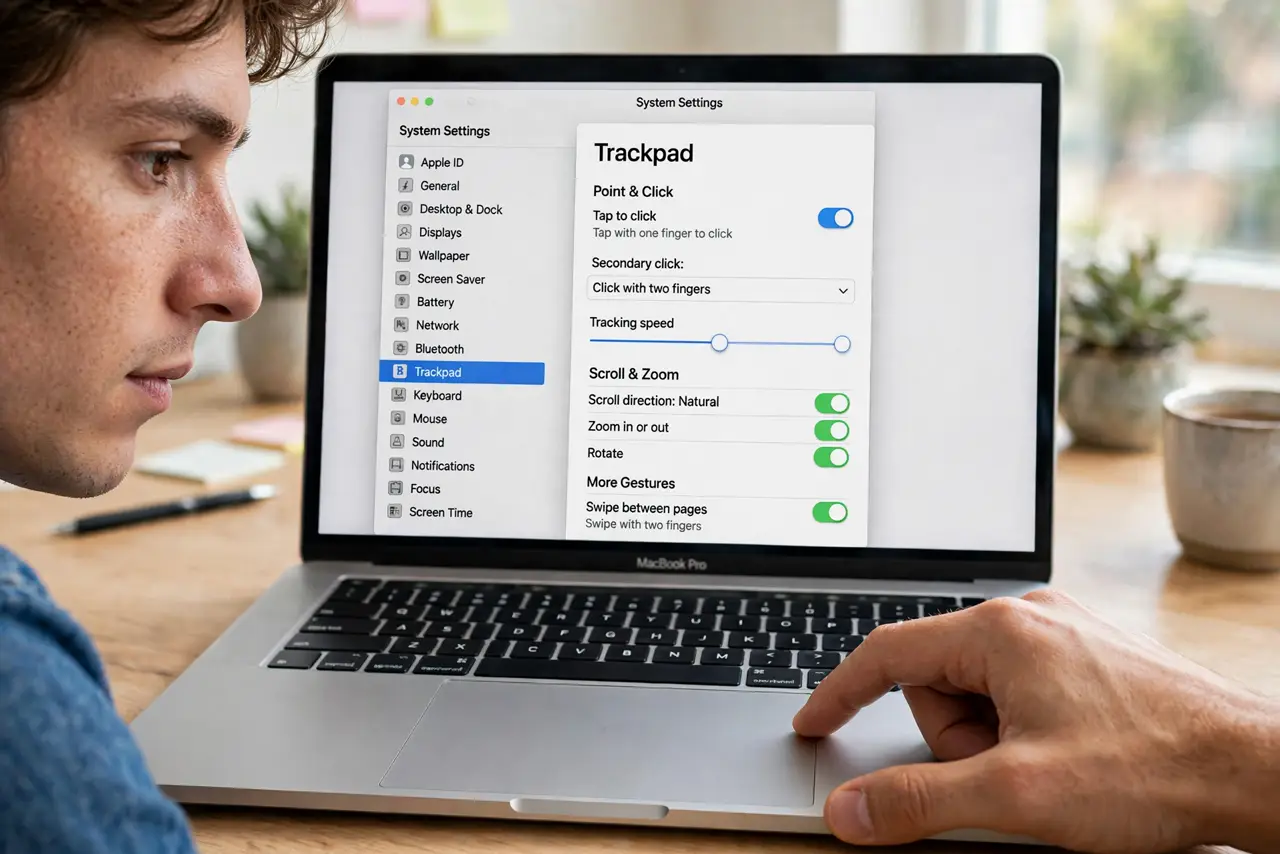
Quick fix: open System Settings, go to Trackpad, and set Secondary click to Click in bottom-right corner — or bottom-left for left-handed use. Corner clicks register far more reliably than two-finger taps. Practice for a day; the muscle memory forms fast.
Follow these steps
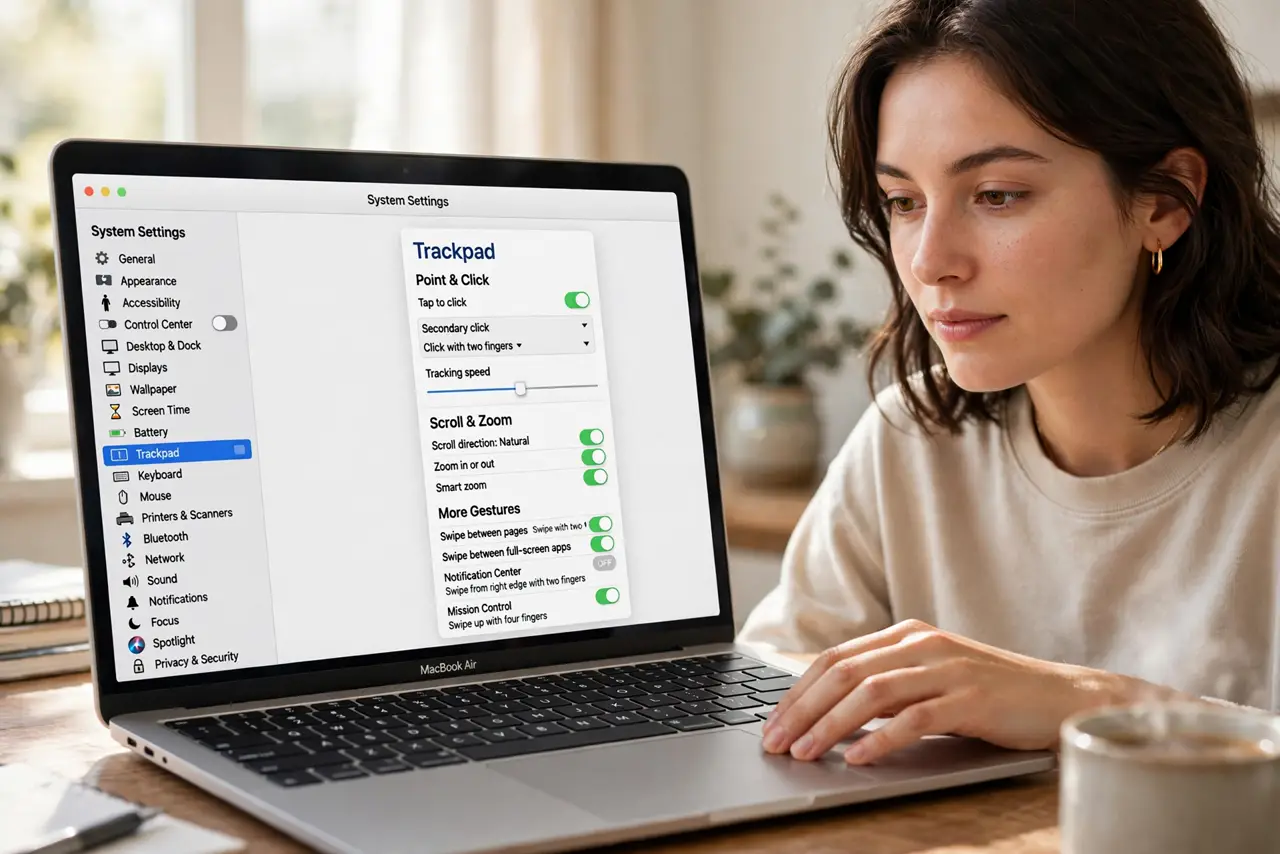
- Open Trackpad settings. Go to System Settings, then Trackpad. The Secondary click dropdown on the Point and Click tab controls the right-click behavior.
- Choose a corner. Set Secondary click to Click in bottom-right corner — the classic spot. Left-handed users often prefer bottom-left; either beats the unreliable two-finger tap.
- Test it everywhere. Try the corner click in Finder, browsers, and documents. It should feel like a distinct physical click zone — if it misfires, your corner choice may fight your grip style.
- Adjust for your grip. Palm-rest typists sometimes trigger corner clicks accidentally. If that happens, try the opposite corner or reduce click firmness slightly.
- Keep two-finger tap as backup. The corner becomes primary, but the two-finger tap still works. Two methods for one action is fine — redundancy beats fumbling.
- Apply to external trackpads too. If you use Apple's external trackpad, set the same corner there. Consistent behavior across devices is what builds lasting muscle memory.
What NOT to do
- Do not fight the two-finger tap if it never worked for you. The corner click exists precisely for hands that cannot do the tap reliably.
- Do not choose a corner you rest on. Accidental clicks are worse than missed ones — pick the corner your palm avoids.
- Do not forget this is per-device. The built-in trackpad and an external one each need the setting.
- Do not give up after an hour. Any new click method feels wrong at first — a full day of use is the fair trial.
Frequently asked questions
Which corner is best?
Bottom-right for right-handed users is the standard. Bottom-left suits left-handed users. Top corners work but feel less natural.
Can I still two-finger tap?
Yes — changing the secondary click style does not disable the tap. Both work simultaneously.
Why does my corner click sometimes not register?
Click firmly in the corner zone, not near the edge. Very light taps at the extreme edge can miss the sensor area.