Sidecar Keeps Disconnecting the iPad
You set up the iPad as a second display and it keeps dropping — the screen goes black, Sidecar disconnects, and you reconnect for the fifth time today. The wireless link is fragile to interference, distance, and power saving. This guide stabilizes the connection, wired or wireless.

TL;DR / Quick Fix
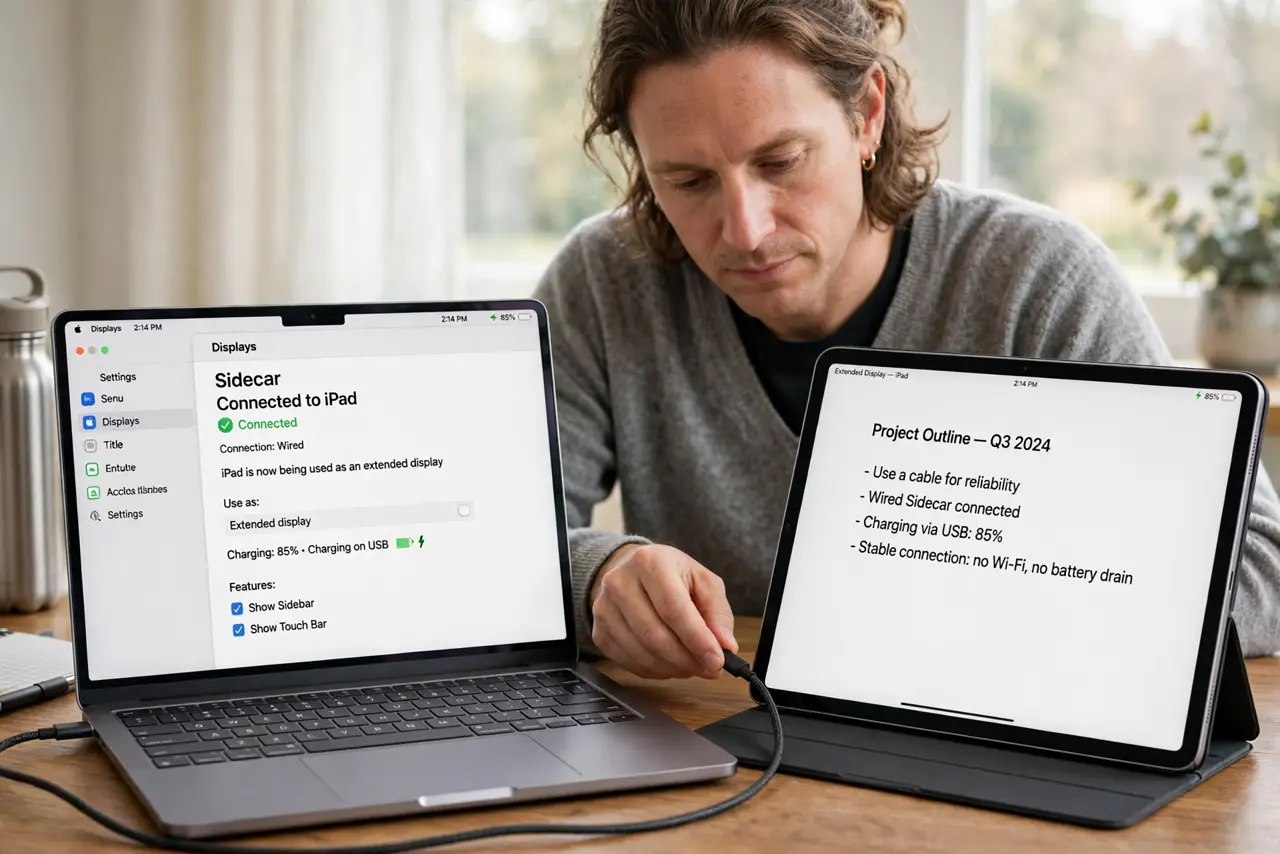
Quick fix: connect the iPad with a cable for a rock-solid Sidecar link — wireless is convenient but fragile. Keep both devices close on the same Apple ID, with Wi-Fi and Bluetooth on. Set the iPad's Auto-Lock to Never during sessions.
Follow these steps
- Use a cable for reliability. Connect the iPad to the Mac with a USB cable. Wired Sidecar also charges the iPad, eliminating two failure modes at once.
- Keep the devices close. For wireless Sidecar, keep the iPad within a few meters of the Mac with clear line of sight. Walls and distance are the top disconnect causes.
- Prevent iPad auto-lock. On the iPad, set Auto-Lock to Never during Sidecar sessions. An iPad that locks itself drops the Sidecar session every time.
- Confirm the same Apple ID. Both devices must be signed into the same Apple ID. Sidecar refuses or drops connections across different accounts.
- Reduce wireless interference. Move away from crowded 2.4 GHz Wi-Fi and USB 3 hubs near the Mac. Interference that you never notice in browsing kills a real-time display stream.
- Restart both devices fresh. Restart the Mac and the iPad, then start Sidecar from System Settings > Displays. A clean start clears the stuck session state behind repeated drops.
What NOT to do
- Do not use Sidecar for color-critical work wirelessly. Compression artifacts on the wireless link make it wrong for photo and video grading.
- Do not let the iPad battery die mid-session. A dead iPad ends the session abruptly; keep it charging during long Sidecar use.
- Do not expect touch to work like a Mac touchscreen. Sidecar mirrors or extends the display; touch input stays limited by design.
- Do not buy a new iPad over disconnects. The drops are connection issues, and a new iPad on the same shaky link drops just as often.
Frequently asked questions
Why does Sidecar keep disconnecting?
Wireless interference, distance, iPad auto-lock, or power saving. A cable fixes nearly all of it in one step.
Can I use Sidecar over USB?
Yes, and you should for reliability. A cable gives a stable, charging connection.
Does Sidecar work with any iPad?
No. Both the Mac and iPad must be recent enough to support Sidecar — check Apple's compatibility list for your models.