Spotlight Excludes a Folder You Need
When Spotlight never finds files in one folder, that folder is often listed under Spotlight Privacy exclusions. Spotlight deliberately skips excluded folders, so no search trick will find files inside one until you remove the exclusion.
TL;DR / Quick Fix
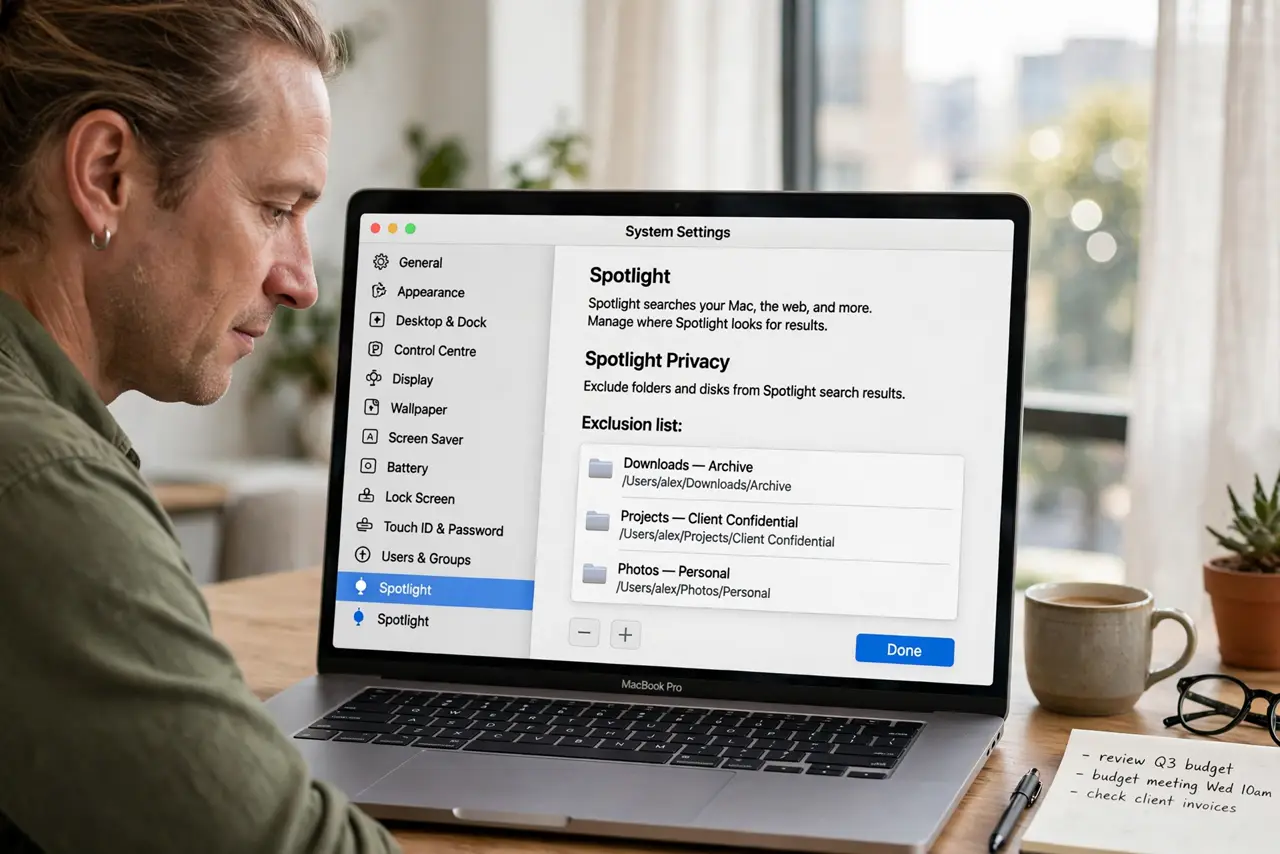
Quick fix: open System Settings, then Spotlight, then Privacy, and remove the folder from the exclusion list. Then search for a file you know is inside that folder, and wait for indexing if results do not appear instantly. Test the fix, then keep the setting that works.
Follow these steps
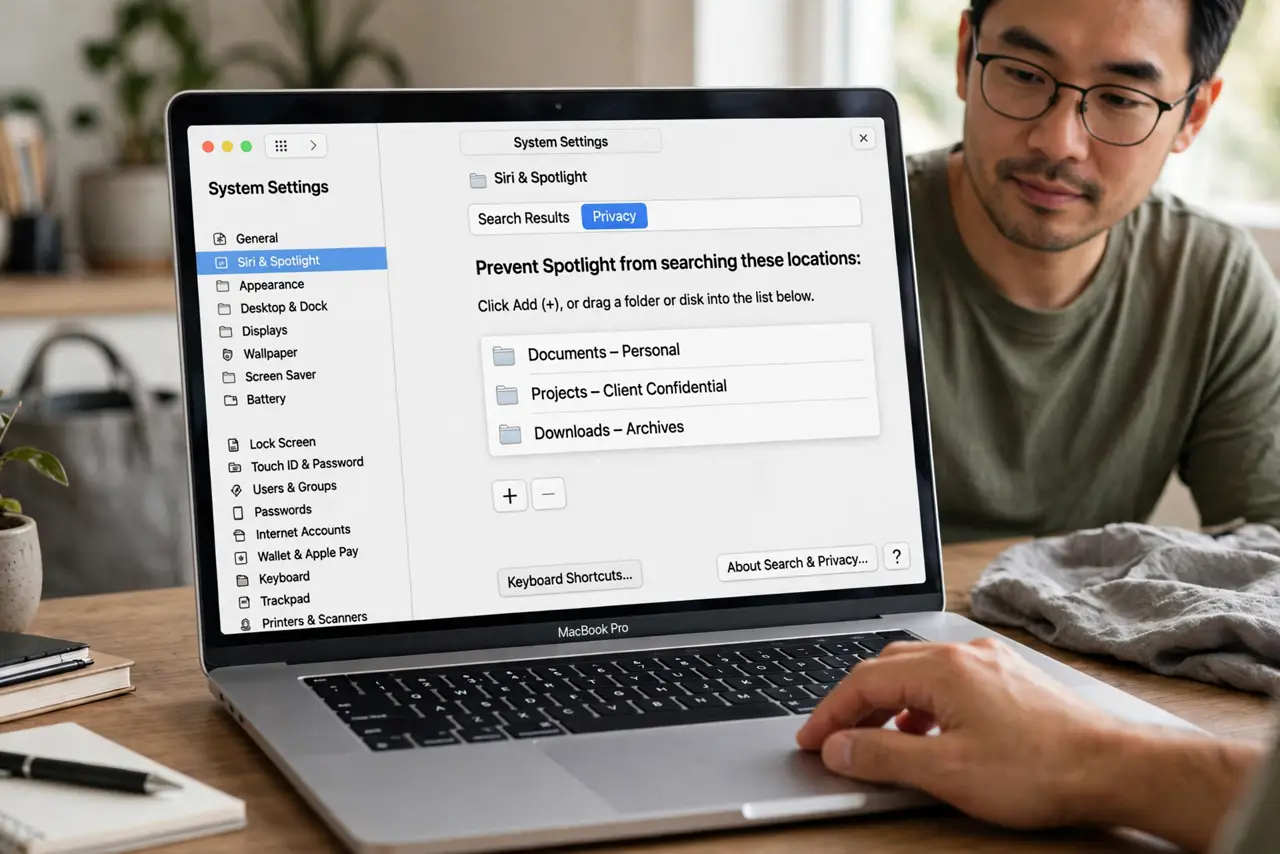
- Open Spotlight Privacy. Open System Settings, then Spotlight, and open the Privacy tab. This list is the set of places Spotlight deliberately never searches.
- Find the excluded folder. Scan the Privacy list for the folder you need. It may be listed directly, or its parent folder may be listed, which excludes everything inside it too.
- Remove the exclusion. Select the folder and remove it from the Privacy list. Spotlight will then include it in future searches once indexing catches up.
- Search for a known file. Type the name of a file you know lives in that folder. If it appears, the exclusion was the problem and the fix worked.
- Wait for indexing. If the file does not appear at once, wait and try again later. A newly included folder needs indexing time, especially if it holds many files.
- Check parent folders. If results still miss the folder, check whether a parent folder is still excluded. Removing the child alone does not help while the parent stays on the list.
What NOT to do
- Do not remove every Privacy exclusion to fix one folder. Exclusions exist for a reason, so remove only the folder you actually need searched.
- Do not rebuild the whole Spotlight index as a first step. Removing the exclusion and waiting is quicker, and a rebuild takes far longer.
- Do not move files out of the folder to make them searchable. Fix the exclusion instead, so your folder structure stays as you organized it.
- Do not assume the files are missing. Spotlight skipping a folder looks exactly like missing files, but the files are still there in Finder.
Frequently asked questions
Why does Spotlight ignore one folder?
Because that folder, or its parent, is listed under Spotlight Privacy exclusions, which tell Spotlight never to search there.
How long until the folder is searchable?
It depends on folder size. Small folders appear quickly, while large folders need indexing time before all files show up.
Will removing the exclusion delete files?
No. The Privacy list only controls searching. Removing an entry changes nothing about the files themselves.