Spotlight Keeps Reindexing? Fix It
Spotlight on your Mac seems to index forever — the fans spin, the Mac runs warm, and search never feels finished. A healthy index completes and goes quiet; a looping one is stuck on a corrupt entry or a folder that never stops changing. This guide finds the loop and lets the index finish.
TL;DR / Quick Fix
Quick fix: in System Settings > Siri & Spotlight > Spotlight Privacy, exclude folders that change constantly, like code projects and cloud sync folders. Then plug the Mac in and let it index undisturbed overnight — one clean run usually ends the loop.
Follow these steps
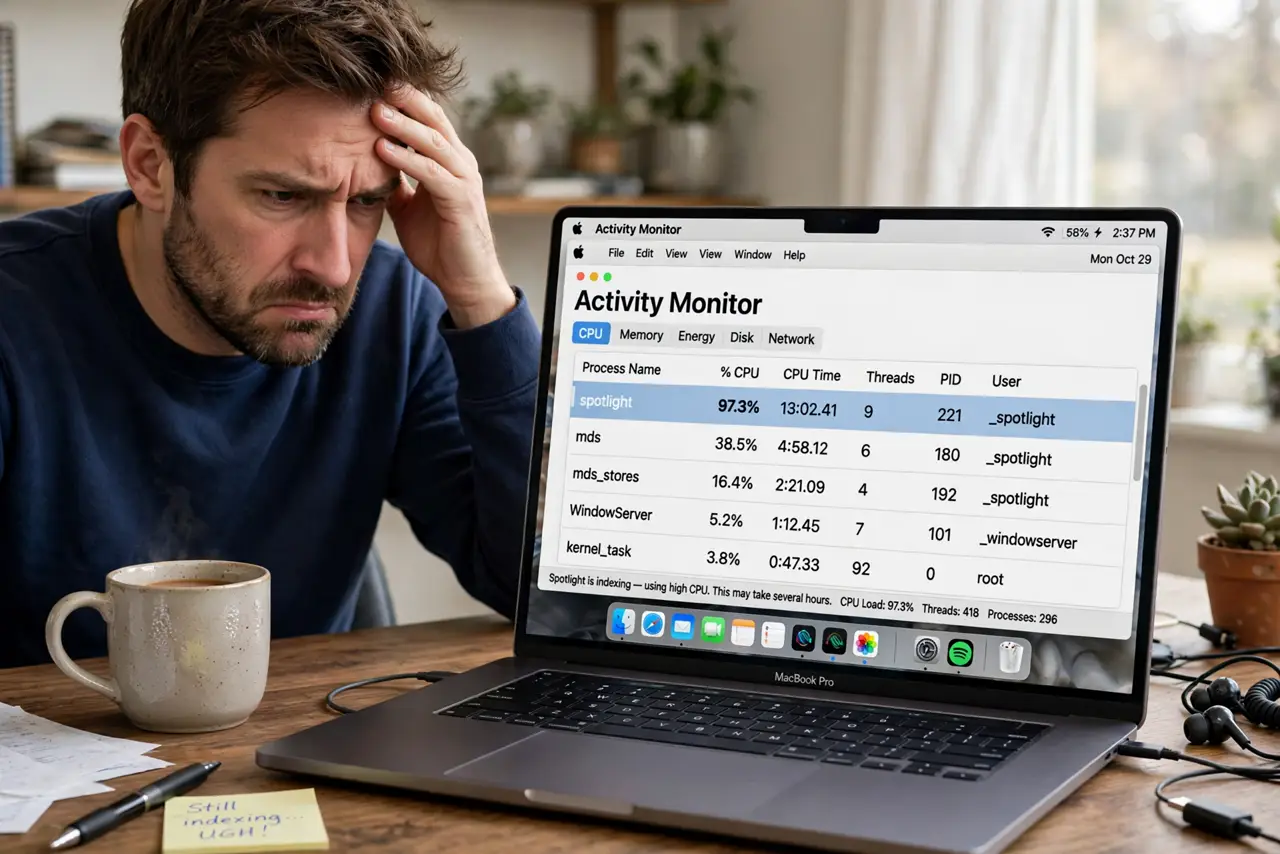
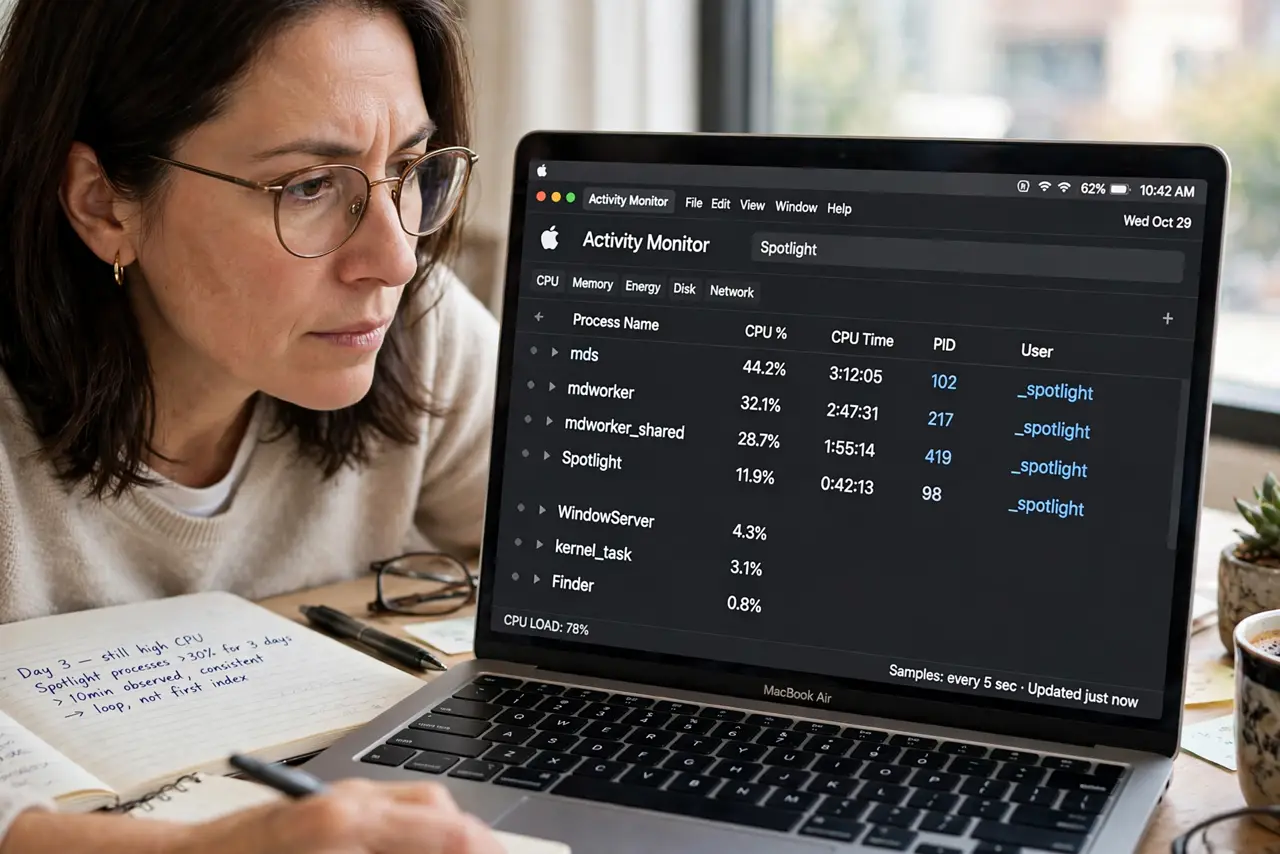
- Confirm it is really looping. Open Activity Monitor and watch the Spotlight processes over ten minutes. Constant high CPU for days — not hours — means a loop, not a first index.
- Exclude churning folders. Go to System Settings > Siri & Spotlight > Spotlight Privacy and add folders that change constantly: code projects, virtual machines, and cloud sync folders. Each excluded folder is work the indexer never repeats.
- Check for a stuck external drive. A failing external drive that mounts and unmounts repeatedly forces reindexing every time. Disconnect external drives one by one and watch whether the loop stops.
- Let it finish undisturbed. Plug the Mac into power, leave it awake overnight, and do not add big file batches. An interrupted index restarts, so one clean overnight run often ends the saga.
- Rebuild the index once. In Spotlight Privacy, add your whole drive, wait a minute, then remove it. This triggers a clean rebuild — do it once, then leave the Mac alone to complete it.
- Check available disk space. Spotlight needs free space for its index database. If the drive is nearly full, free several gigabytes first, since a starved index corrupts and restarts.
What NOT to do
- Do not disable Spotlight to stop the loop. You lose system-wide search, and the underlying corrupt entry or churning folder remains.
- Do not rebuild the index repeatedly. Each rebuild restarts hours of work — rebuild once, then let it finish.
- Do not exclude your whole home folder. Search becomes useless; exclude only the specific folders that churn.
- Do not assume the Mac is too old. A looping index is a data problem, not an age problem, and it happens on new Macs too.
Frequently asked questions
How long should Spotlight indexing take?
Hours on a full drive, not days. If it has run for days with no end, something is looping.
Why does Spotlight reindex after every restart?
A corrupt index or a drive that unmounts uncleanly at shutdown. Rebuild once and shut down properly.
Does FileVault slow down indexing?
Slightly on the first pass, since files decrypt as they index. It does not cause endless looping.