Spotlight Can't Find Your Apps? Fix It
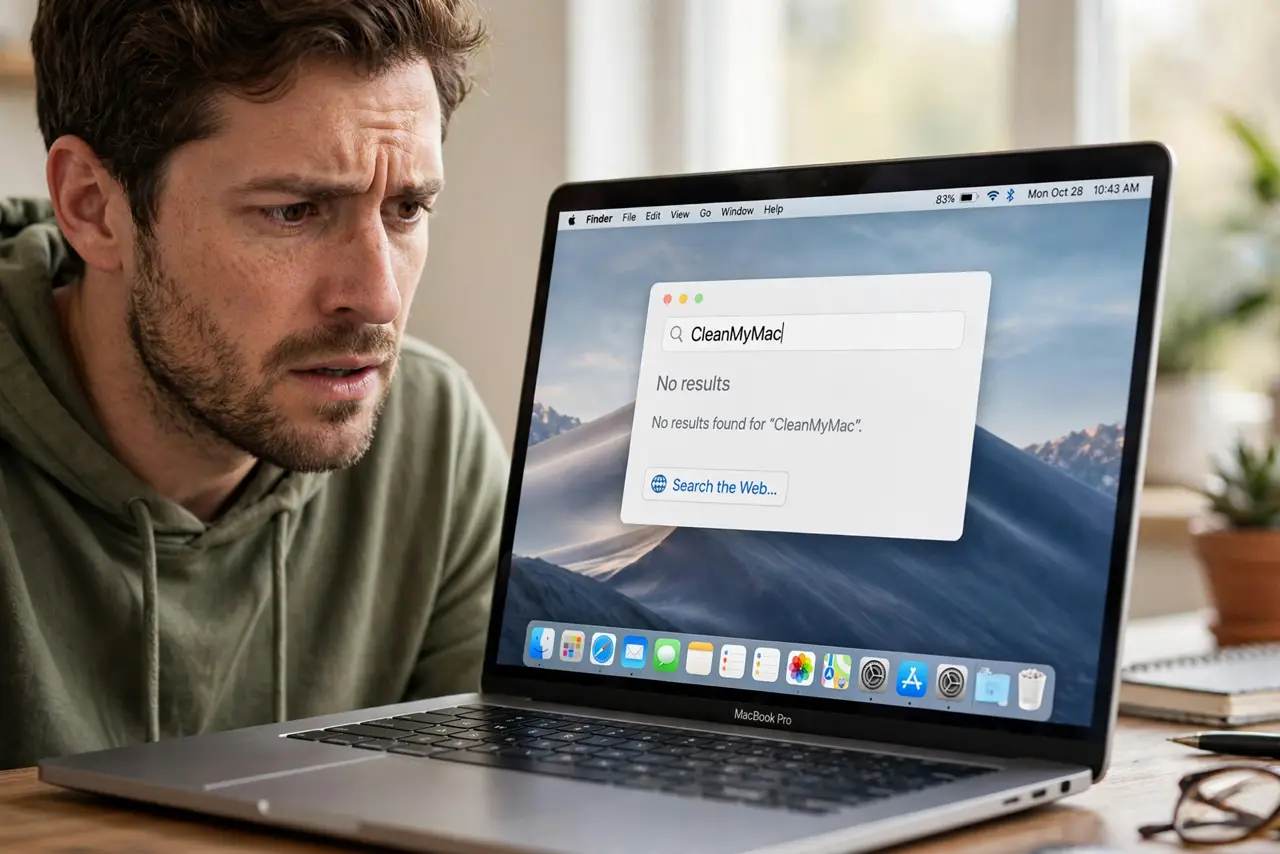
You type an app's name into Spotlight and get web suggestions instead of the app sitting right there in Applications. The app is not gone — Spotlight's index has a blind spot for it, usually from an exclusion, a permissions hiccup, or a stale index entry. This guide makes your apps findable again.
TL;DR / Quick Fix
Quick fix: confirm the app is in the Applications folder, then check System Settings > Siri & Spotlight > Spotlight Privacy for accidental exclusions. Make sure Applications is enabled under search result categories, and rebuild the index once if apps stay invisible.
Follow these steps
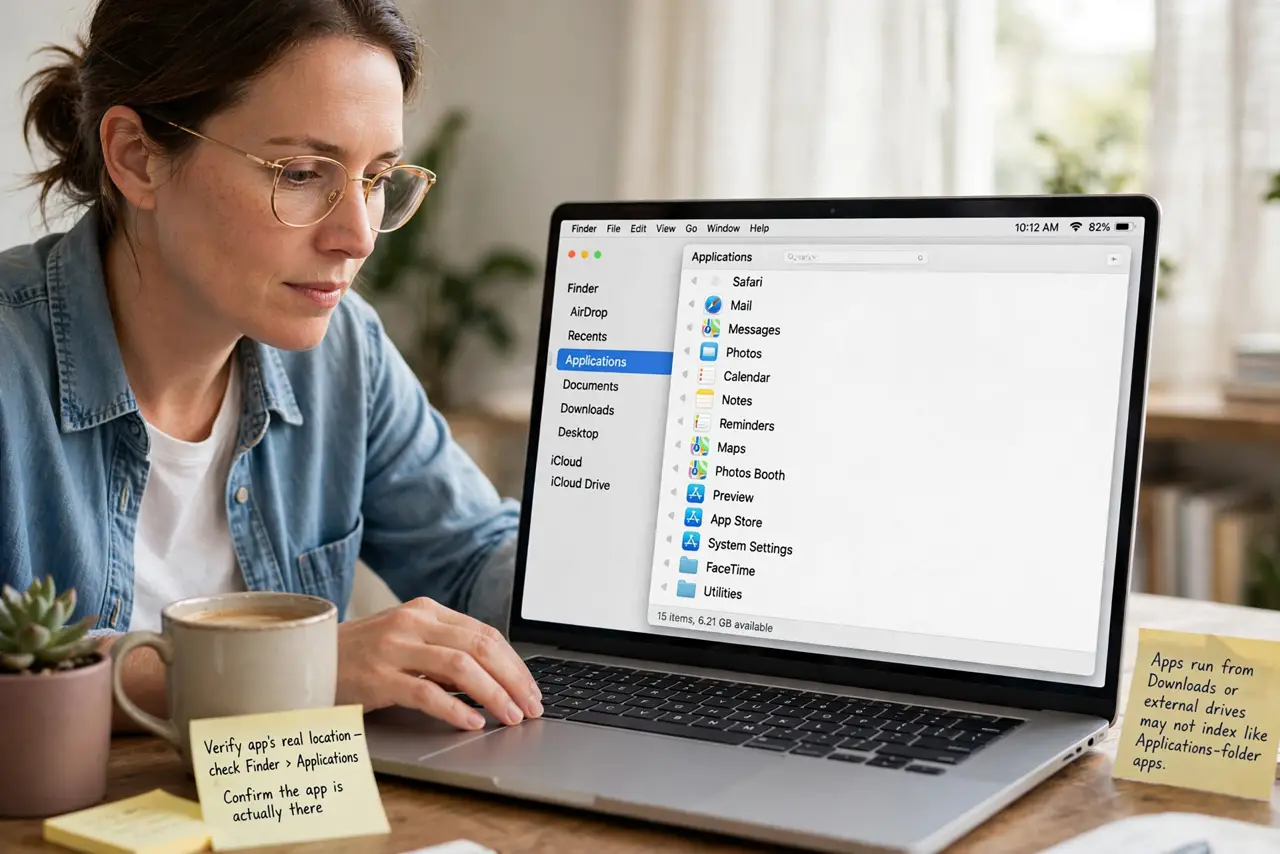
- Verify the app's real location. Open Finder > Applications and confirm the app is actually there. Apps run from Downloads or external drives may not index the way Applications-folder apps do.
- Check Spotlight Privacy exclusions. Go to System Settings > Siri & Spotlight > Spotlight Privacy. If Applications or the drive is listed, remove it — an exclusion hides everything inside it from results.
- Check the search result categories. In Siri & Spotlight settings, make sure Applications is enabled under search results. A disabled category hides apps no matter how good the index is.
- Look for a permissions problem. Select the app in Finder, press Command + I, and check permissions. An app your account cannot read may vanish from your personal search results.
- Rebuild the index. Add the drive to Spotlight Privacy, wait a minute, then remove it to trigger a rebuild. Leave the Mac plugged in until indexing finishes before testing.
- Test with the exact app name. Type the app's full name slowly. Spotlight learns from selections — opening the app from Finder a few times teaches it what you mean.
What NOT to do
- Do not reinstall the app first. The app is fine; reinstalling does not fix an index blind spot and wastes time.
- Do not drag the app out of Applications to 'help' Spotlight. Moving it can break the app's own expectations about its location.
- Do not disable web suggestions to force app results. The problem is the missing app entry, not competition from the web.
- Do not rebuild the index five times. One clean rebuild is the fix; repeating it only restarts the same hours of work.
Frequently asked questions
Why does Spotlight show the web instead of my app?
The app's index entry is missing or excluded, so Spotlight falls back to web suggestions. Fix the index, not the query.
Can Spotlight find apps on external drives?
Sometimes, but unreliably — especially if the drive was excluded or unmounts often. Keep daily apps on the internal drive.
Why did one app disappear after an update?
Updates can change the app's metadata or permissions. Rebuilding the index picks up the new entry.