Startup Chime? Turn It Off
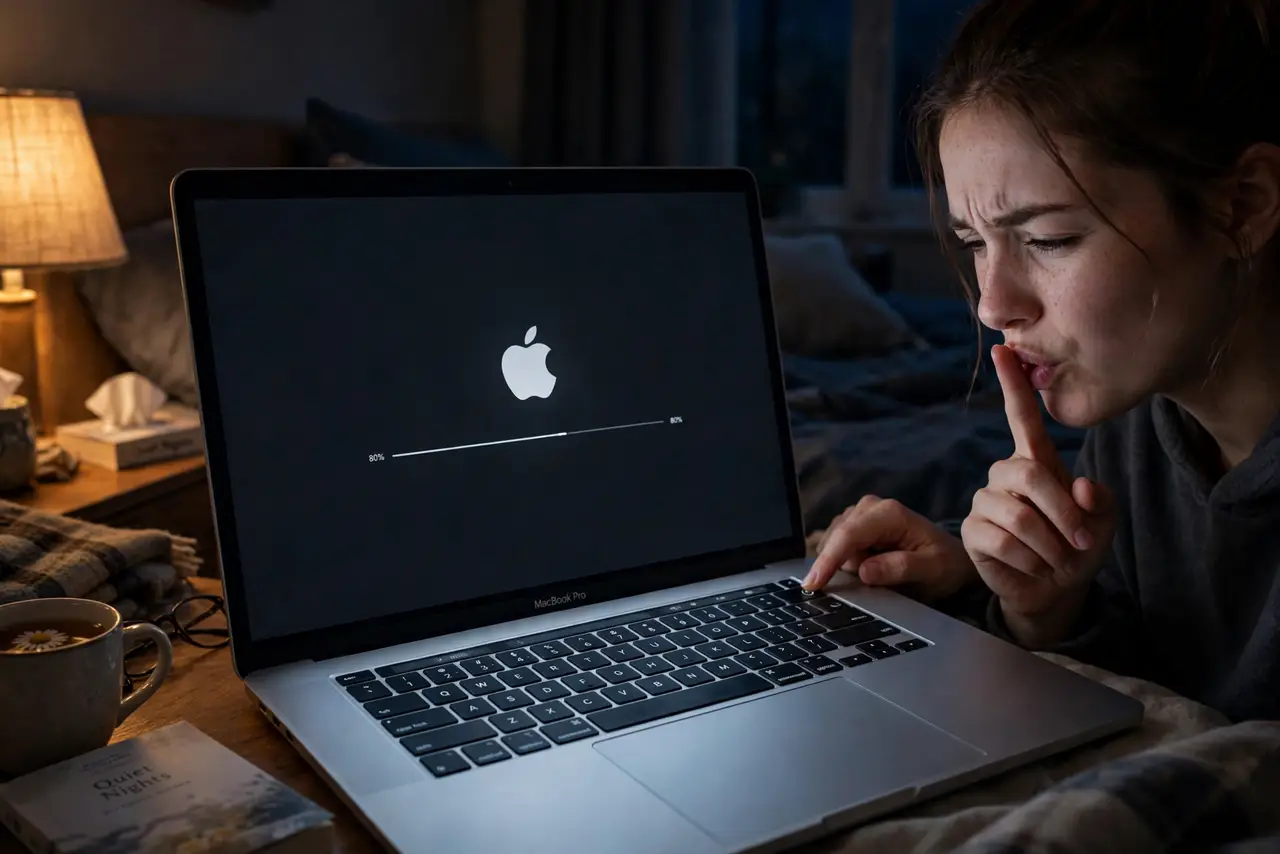
That famous chime when your Mac powers on — charming the first time, less charming at 6 a.m. in a quiet house or during a meeting. Apple brought the chime back on modern Macs after years of silence, and thankfully also gave it a simple off switch. Here is where it lives.
TL;DR / Quick Fix
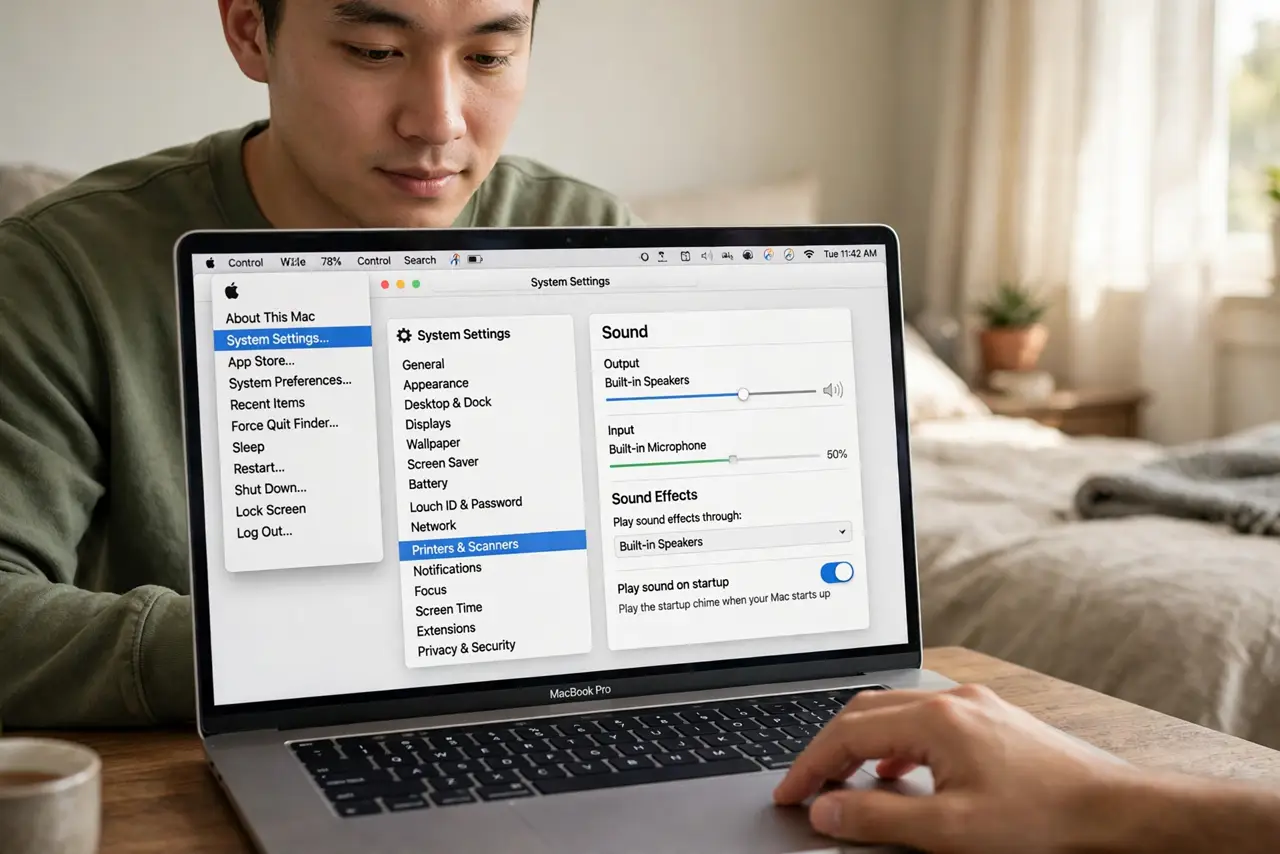
Quick fix: the Mac startup chime plays when you power on — handy, but loud in quiet rooms. Open System Settings, go to Sound, and turn off Play sound on startup. The setting is per-Mac and takes effect on the next boot.
Follow these steps
- Open the Sound settings. Click the Apple menu, choose System Settings, then Sound. The startup chime toggle lives here, not in any startup or power menu.
- Turn off Play sound on startup. Flip the switch off. The chime stops on the next boot — no restart needed to apply the setting itself.
- Know it is per-Mac, not per-user. The setting belongs to the machine. Other user accounts on the same Mac share your choice.
- Mute is not the same thing. Muting the volume before shutdown used to silence the old chime. On modern Macs the dedicated toggle is the reliable method.
- Turn it back on for diagnostics. The chime confirms the Mac passed its basic self-check. If your Mac ever refuses to boot, re-enabling it gives you an audible clue.
- Check it after major macOS upgrades. System upgrades occasionally reset sound preferences. If the chime returns unexpectedly, the toggle is the first place to look.
What NOT to do
- Do not hold the power button to 'skip' the chime. Interrupting startup risks filesystem checks, not silence.
- Do not confuse the chime with a fault beep. The chime is musical and single; hardware fault tones repeat in patterns.
- Do not disable it and then wonder why boot feels 'dead.' The chime is feedback — silent boots just feel longer psychologically.
- Do not look for the setting in Recovery or firmware. It is a plain Sound preference — no secret key combination needed.
Frequently asked questions
Why did Apple bring the chime back?
Nostalgia and function — it signals a successful self-test. Apple removed it for years, then restored it with a toggle so everyone chooses.
Can I change the chime volume separately?
No — it follows the system volume at shutdown time on some models, and the toggle is simply on or off. There is no dedicated chime volume slider.
Does disabling it affect anything else?
No. Boot speed, sounds in macOS, and alerts all work exactly as before — only the startup chime goes quiet.