Swap on Macs
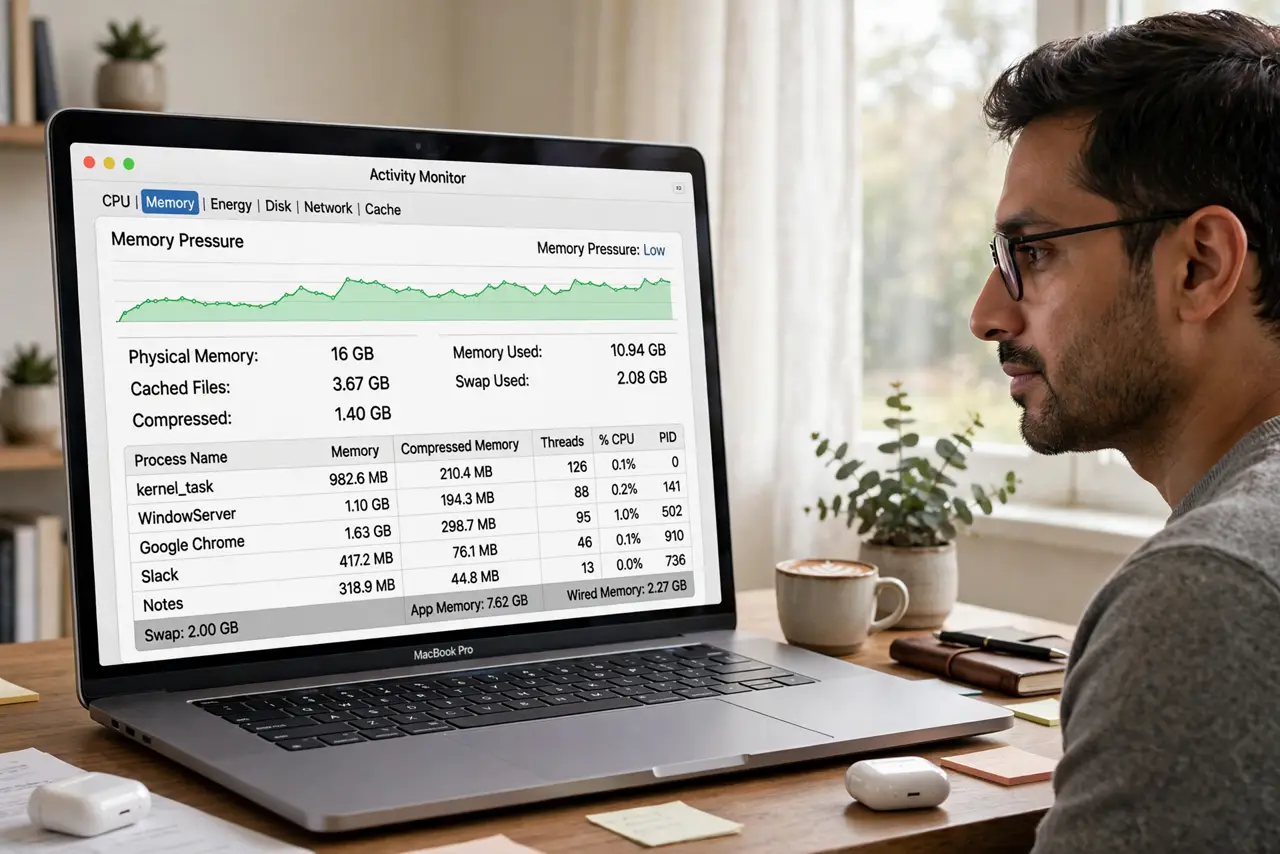
Activity Monitor shows gigabytes of 'swap used,' forums scream that your SSD is dying, and you are eyeing expensive RAM upgrades with dread. Breathe: swap is simply macOS borrowing SSD space as overflow memory, and modest amounts are completely normal — even healthy. It only becomes a problem at scale, paired with red memory pressure and sluggishness. Here is how to read it calmly. The memory pressure guide is the companion read.
TL;DR / Quick Fix
Quick fix: swap is macOS using your SSD as extra RAM when memory runs out — normal in small doses, a warning sign in large ones. If Activity Monitor shows gigabytes of swap with red memory pressure, close heavy apps or consider more RAM next time.
Follow these steps
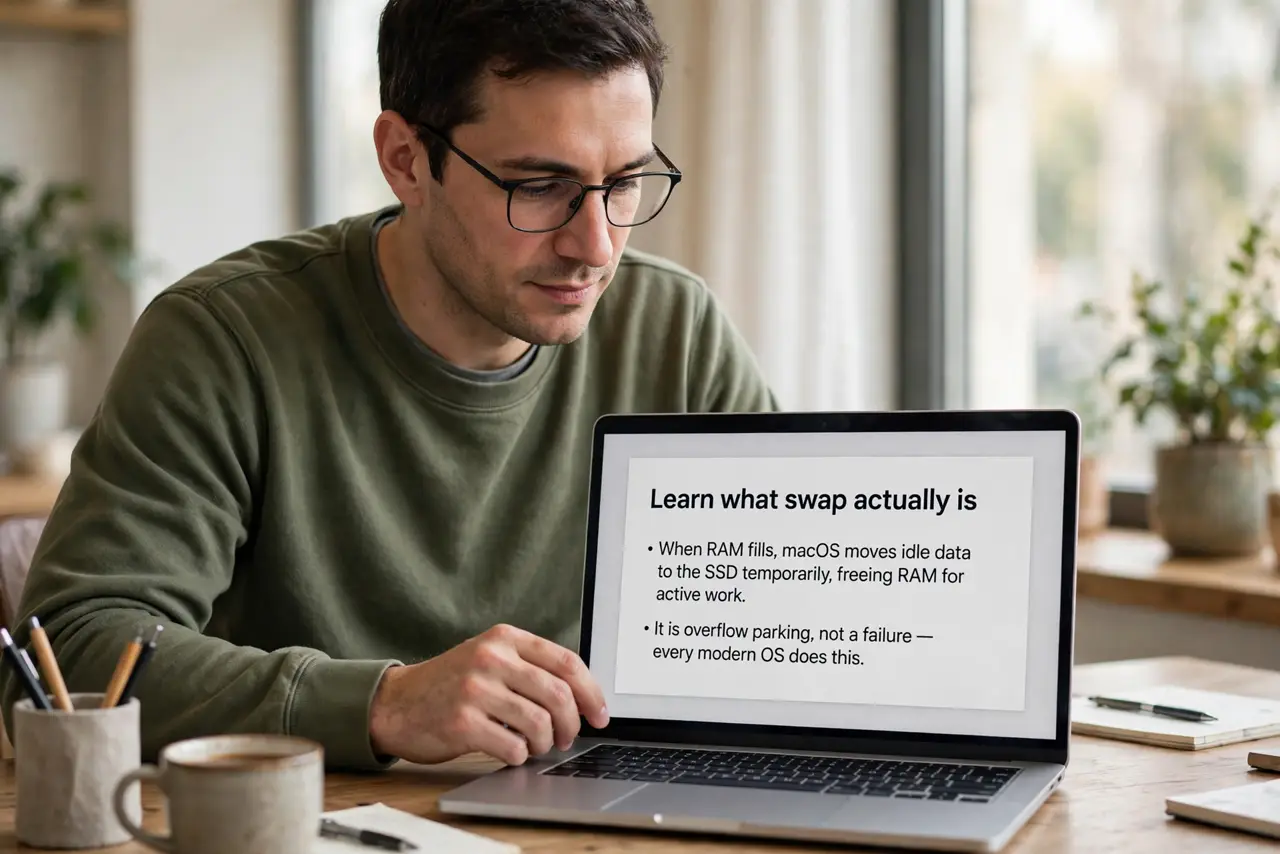
- Learn what swap actually is. When RAM fills, macOS moves idle data to the SSD temporarily, freeing RAM for active work. It is overflow parking, not a failure — every modern OS does this.
- Check the amount in context. A few hundred megabytes of swap during heavy work is nothing. Several gigabytes sustained, especially with red memory pressure, means the Mac is genuinely short of RAM.
- Pair it with the pressure graph. Swap plus green pressure: the system is managing fine. Swap plus red pressure: the Mac is struggling and you will feel it as stutters and beach balls.
- Find the memory hogs. Sort Activity Monitor by Memory to see which apps force the swapping. One bloated browser session is often the entire story.
- Close or restart the hogs. Quitting heavy apps or restarting a leaky one often drops swap back to near zero instantly. This is the free fix — try it first.
- Do not fear normal SSD wear. Modern SSDs handle swap traffic for many years of typical use. Swap wearing out your drive is a myth for normal users — heavy professional workloads excepted.
What NOT to do
- Do not panic over any swap number alone. Without red pressure and slowness, swap is just the system doing its job.
- Do not disable swap to 'protect the SSD.' You cannot safely disable it, and trying breaks things.
- Do not buy RAM based on one bad day. Sustained red pressure over weeks justifies an upgrade; one heavy project does not.
- Do not trust 'memory cleaner' apps. They purge useful caches and often increase swapping, not reduce it.
Frequently asked questions
Is swap bad for my SSD?
For normal use, no — modern SSDs are rated for far more writing than swap generates. Only extreme sustained workloads move the needle.
Why is swap high right after boot?
It should not be. High swap at idle suggests a runaway process — check Activity Monitor for the culprit.
Will more RAM eliminate swap?
Mostly. With ample RAM, macOS rarely needs overflow — but tiny amounts of swap can still appear and are harmless.