Touch ID Asks for a Password After Restart
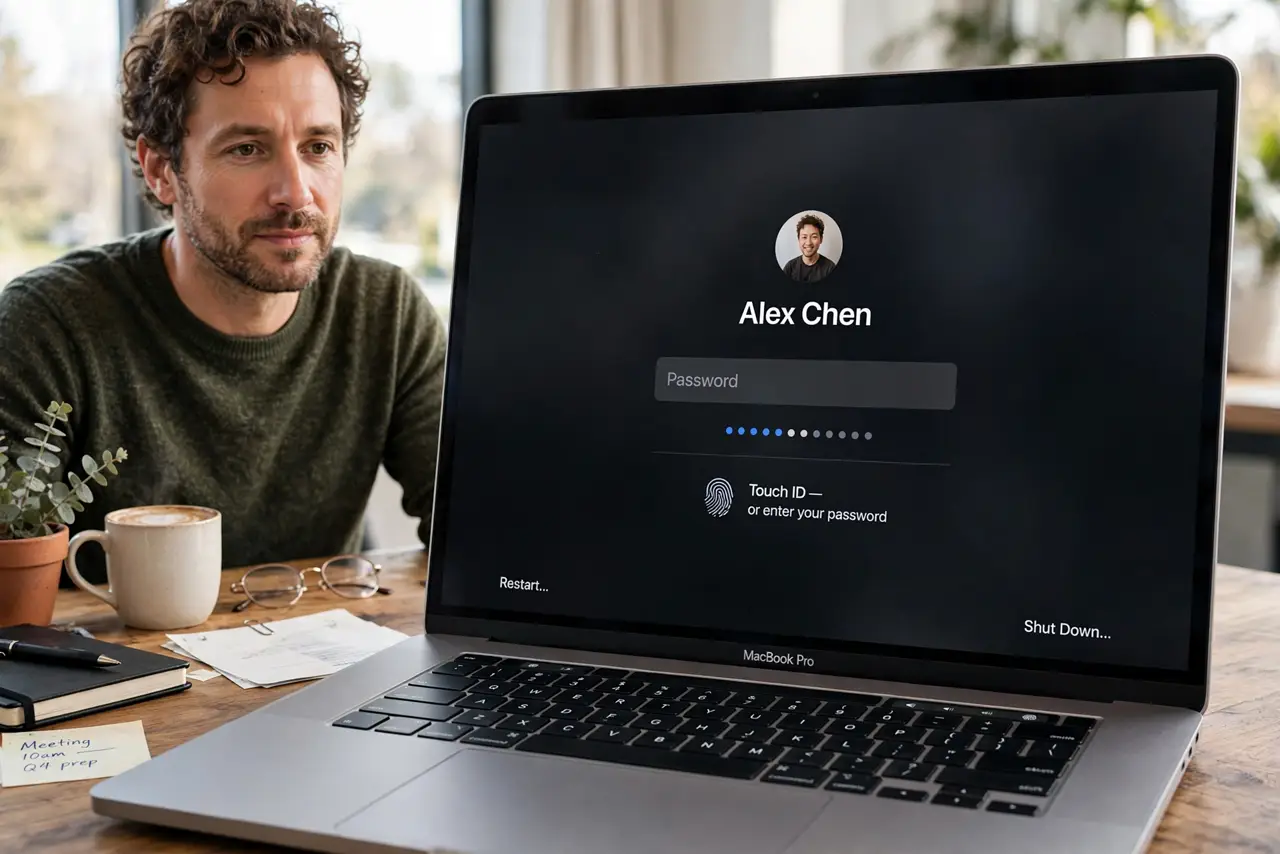
Touch ID asking for your password after a restart surprises people, but it is deliberate: after a restart, macOS requires the real password once before Touch ID can work again. Nothing is broken, and nothing needs fixing.
TL;DR / Quick Fix
Quick fix: type your login password once after the restart, then use Touch ID normally for the rest of the session. Touch ID will ask for the password again after the next restart, and after long periods without use, by design.
Follow these steps
- Type the password once. At the login screen after a restart, type your full login password. This one sign-in unlocks the secure store that Touch ID relies on.
- Use Touch ID afterwards. Once you are signed in, Touch ID should work for unlocking and approvals as usual. If it does, the restart rule was the whole explanation.
- Check for a finger issue. If Touch ID still fails after the password sign-in, clean the sensor and try a different enrolled finger. A wet or dirty sensor fails for ordinary reasons too.
- Re-enroll a finger if needed. If one finger keeps failing, remove it and enroll it again in Touch ID settings. A fresh enrollment fixes most persistent recognition problems.
- Confirm Touch ID is on. Check Touch ID settings to confirm it is enabled for unlocking and purchases. A setting turned off looks like a failure, but it is just a setting.
- Expect it after every restart. Treat the post-restart password as normal from now on. Expecting it stops the surprise, and you will notice real Touch ID problems faster because they stand out.

What NOT to do
- Do not reset Touch ID or your password over a post-restart prompt. The prompt is a security rule, and resetting changes nothing about it.
- Do not disable your login password to avoid the prompt. The password is the fallback that makes Touch ID safe, and removing it weakens the whole Mac.
- Do not assume a sensor fault from one post-restart prompt. Judge Touch ID by how it works during the session, not by the first login after a restart.
- Do not share your password to make Touch ID convenient. Convenience that hands out the master password defeats the point of Touch ID.
Frequently asked questions
Why does Touch ID need my password after a restart?
Because macOS requires the real password once after a restart to unlock the secure store before Touch ID can operate again.
Is Touch ID broken if it asks after restart?
No. It is working as designed, and it should return to normal for the rest of the session after one password sign-in.
When else will Touch ID ask for the password?
After long periods without use, after several failed fingerprint attempts, or when you change security settings.