Copy Across Devices
Emailing yourself a link to open it on the other device is a habit from another era. Universal Clipboard shares one clipboard across your iPhone, iPad, and Mac — copy here, paste there, done. This guide enables it and shows the two-minute rule that makes it work.
TL;DR / Quick Fix
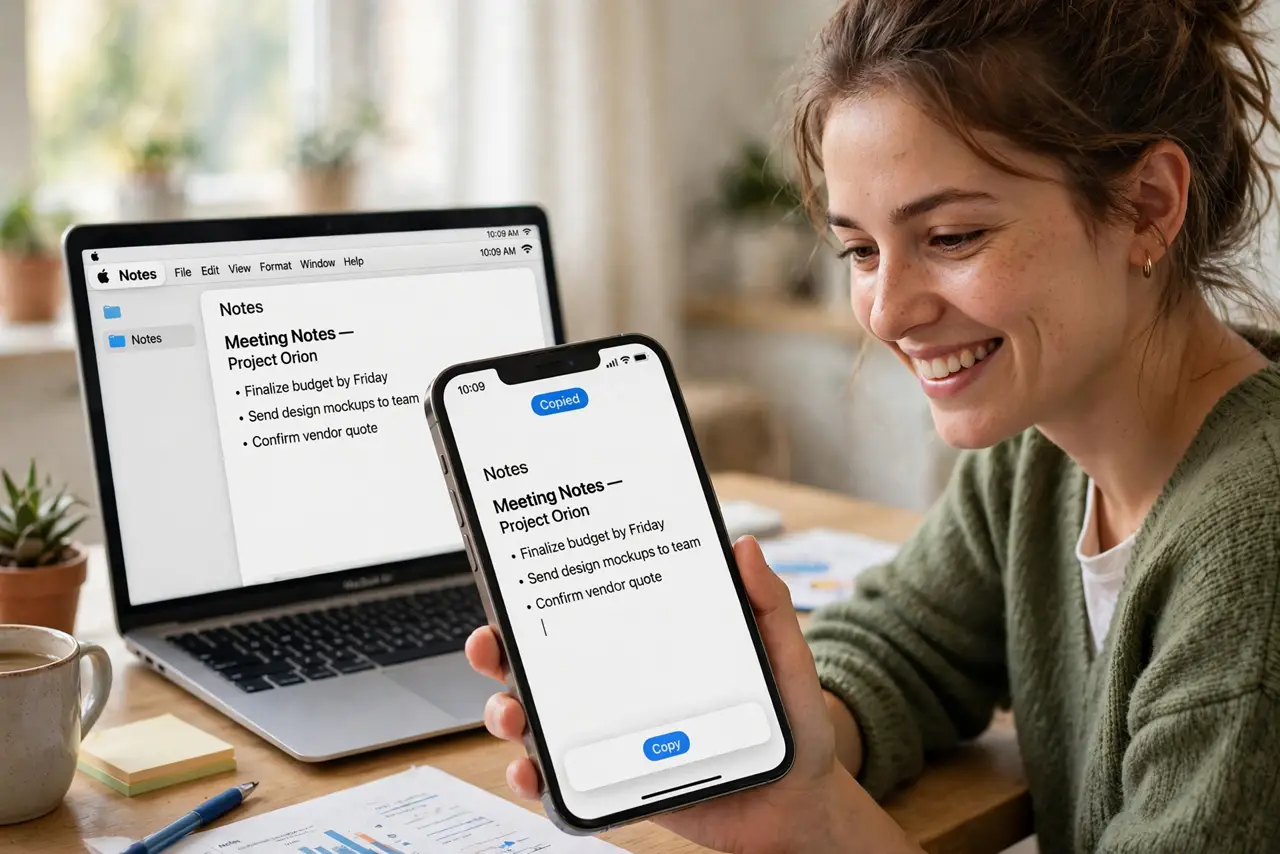
Quick fix: Universal Clipboard lets you copy on iPhone and paste on Mac — enable Handoff on both devices, use the same Apple ID, and keep Wi-Fi and Bluetooth on. Copy normally; paste within two minutes on the other device. It handles text, images, and files.
Follow these steps
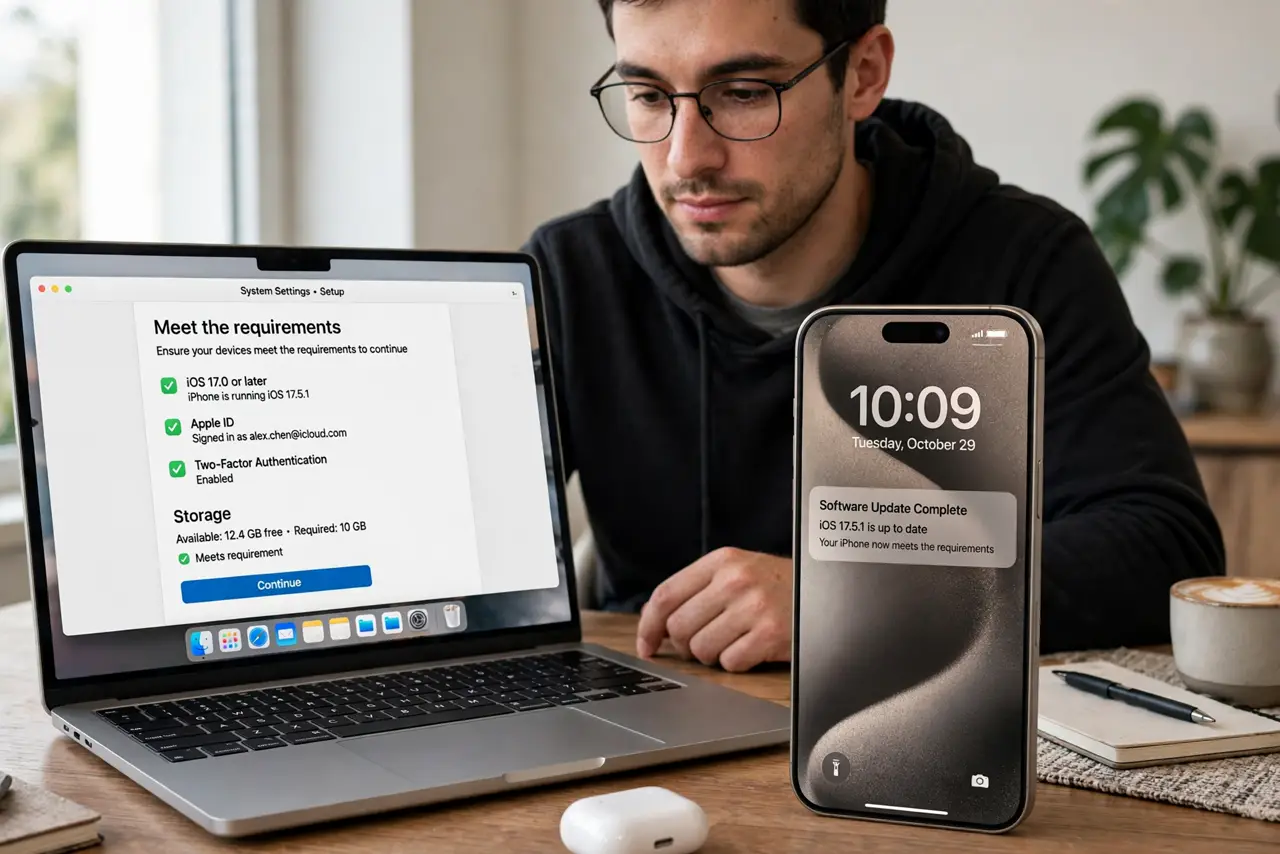
- Meet the requirements. Same Apple ID on all devices, Wi-Fi on, Bluetooth on, Handoff enabled. Universal Clipboard rides the Handoff setup — get that working and the clipboard follows.
- Copy normally. Copy text, an image, or a file on one device — Command+C, or the iPhone copy gesture. Nothing special to do; the clipboard is now shared.
- Paste within two minutes. Switch devices and paste. The shared clipboard holds for about two minutes — plenty for the walk from phone to desk.
- Move images and files too. It is not text-only: copy a photo on iPhone, paste into a Mac document. Small files transfer seamlessly over the same channel.
- Troubleshoot the usual trio. Not working? Same Apple ID, both radios on, Handoff enabled — in that order. Signing out and back into iCloud fixes the stubborn cases.
- Know the limits. Large videos time out; some apps block cross-device paste for security. For big files, AirDrop is the right tool instead.
What NOT to do
- Do not paste passwords across devices carelessly. The clipboard transits locally and encrypted, but shared clipboards widen exposure — paste, then clear.
- Do not expect it across Apple IDs. One ID per clipboard chain, like Handoff.
- Do not wait ten minutes to paste. The two-minute window is real — paste promptly.
- Do not confuse it with cloud clipboard apps. This is Apple's built-in; third-party clipboard managers are a different system.
Frequently asked questions
Why did my copy not appear on the Mac?
Radios, Apple ID mismatch, or Handoff off. The trio again — it is always the trio.
Can I copy from Mac to iPhone?
Yes — both directions work. Copy on Mac, paste on iPhone, same two-minute window.
Is it secure?
Transfers are end-to-end encrypted over local connections. Safer than emailing yourself, by far.