Unsend a Message? How To
Sent the text to the wrong person. Or the right person with the wrong words. Apple's Messages lets you unsend — but only within two minutes, and only when everyone is on recent Apple software. Miss the window and it is permanent. Know the rules before you need them.
TL;DR / Quick Fix
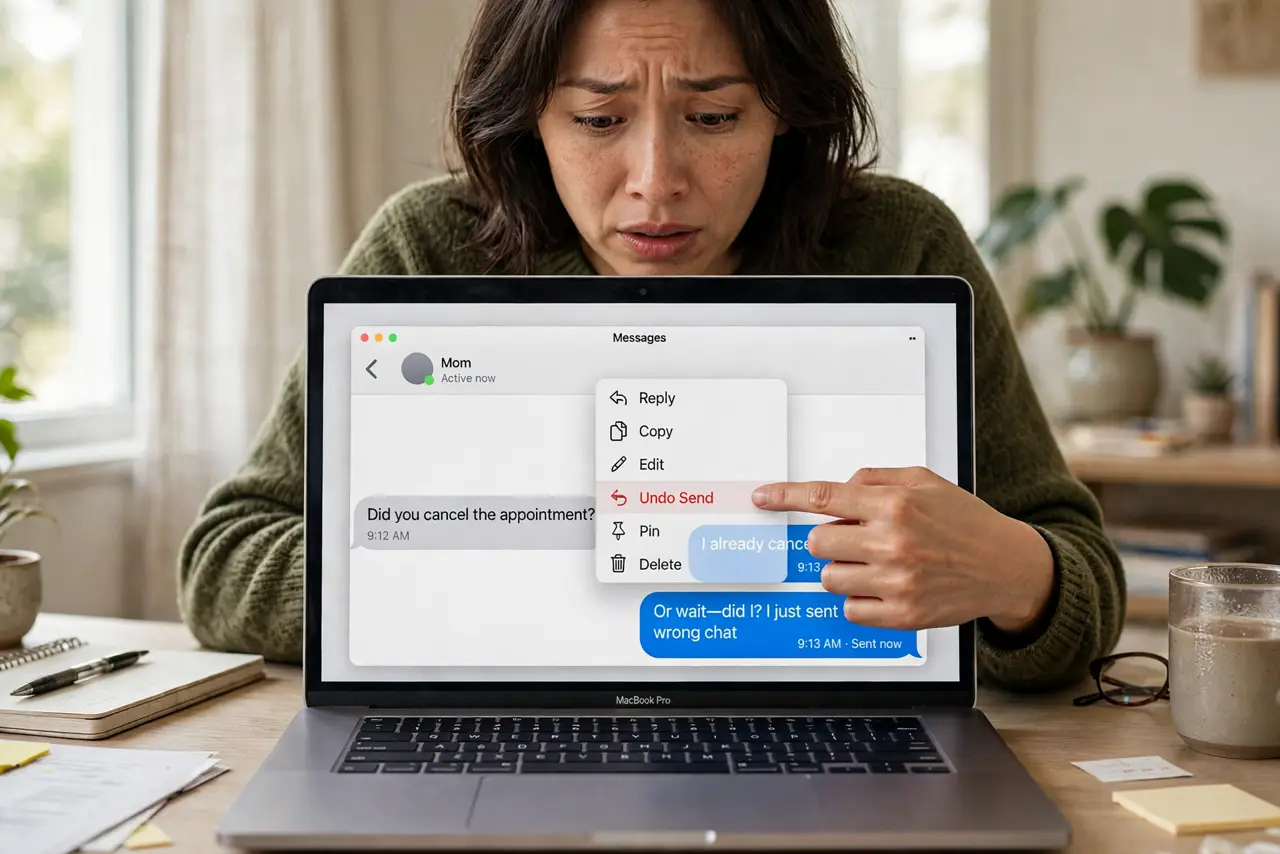
Quick fix: in Messages on Mac, right-click a sent message and choose Undo Send — but only within 2 minutes, and only if the recipient also uses a recent Apple system. After that, the message is permanent. For email, Mail offers a short undo-send window you can set in settings.
Follow these steps
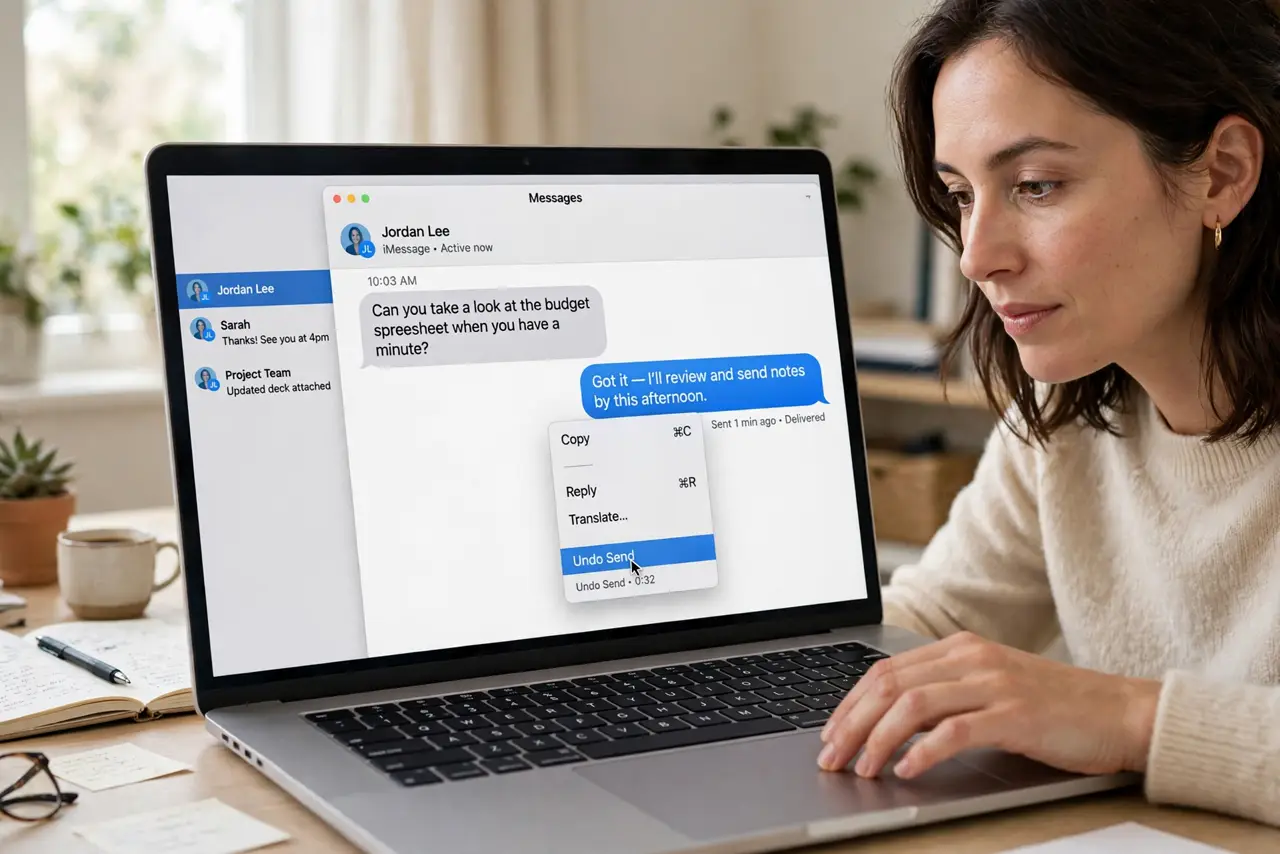
- Act within two minutes. Right-click the sent bubble and choose Undo Send immediately. The countdown starts at sending — hesitation loses the option.
- Check everyone is on recent software. Undo Send needs recent Apple systems on both ends. Older devices, or SMS green bubbles, cannot unsend — the message stays.
- Know it may leave a trace. Recipients on older software may still see the original. Undo Send is reliable only in a fully updated Apple-to-Apple chat.
- Use Edit for typos instead. Within 15 minutes you can edit a sent message — better than unsending for a wrong word. Right-click, Edit Message, fix it.
- Set Mail's undo-send delay too. In Mail settings, set Undo Send Delay to 10 or 30 seconds. Every email gets a brief recall window — cheap insurance.
- Accept when it is too late. Past the window, own it: follow up with a correction or apology. Doubling down with more messages makes it worse.
What NOT to do
- Do not rely on unsend for sensitive content. Assume anything sent can be screenshotted in the two-minute window — unsend is damage control, not secrecy.
- Do not unsend and pretend it never happened in heated chats. The recipient got a notification — acknowledge it instead.
- Do not confuse unsend with delete-for-everyone in other apps. WhatsApp, Telegram, and others have their own rules and windows.
- Do not test unsend on important conversations. Practice on a friend first so you know exactly how it behaves.
Frequently asked questions
Can the recipient still see an unsent message?
If their device is updated, no — it vanishes. On older software or via SMS, they may keep the original. Never count on perfection.
What's the difference between unsend and edit?
Unsend removes the message (2-minute window); edit fixes it in place showing 'Edited' (15-minute window). Different tools for different mistakes.
Does unsend work for email?
Only within Mail's short undo-send delay after hitting send. Past that, email is forever — there is no recall.