Wi-Fi Drops Every Time the Mac Wakes
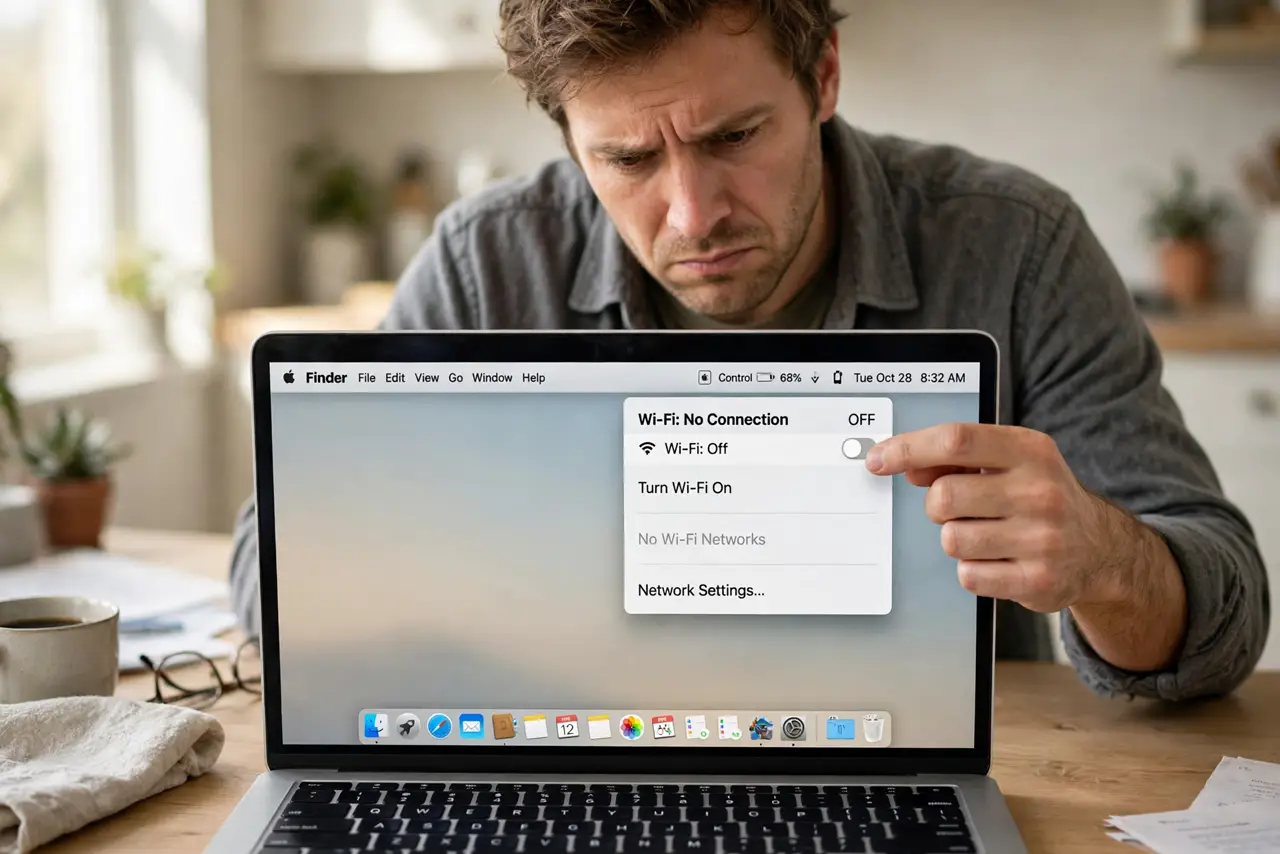
Your Mac wakes from sleep and the Wi-Fi is gone — no connection, sometimes not even the network list, until you toggle Wi-Fi or wait. The wireless card is not waking cleanly, or the Mac forgot which network to join. This guide makes Wi-Fi survive sleep.
TL;DR / Quick Fix
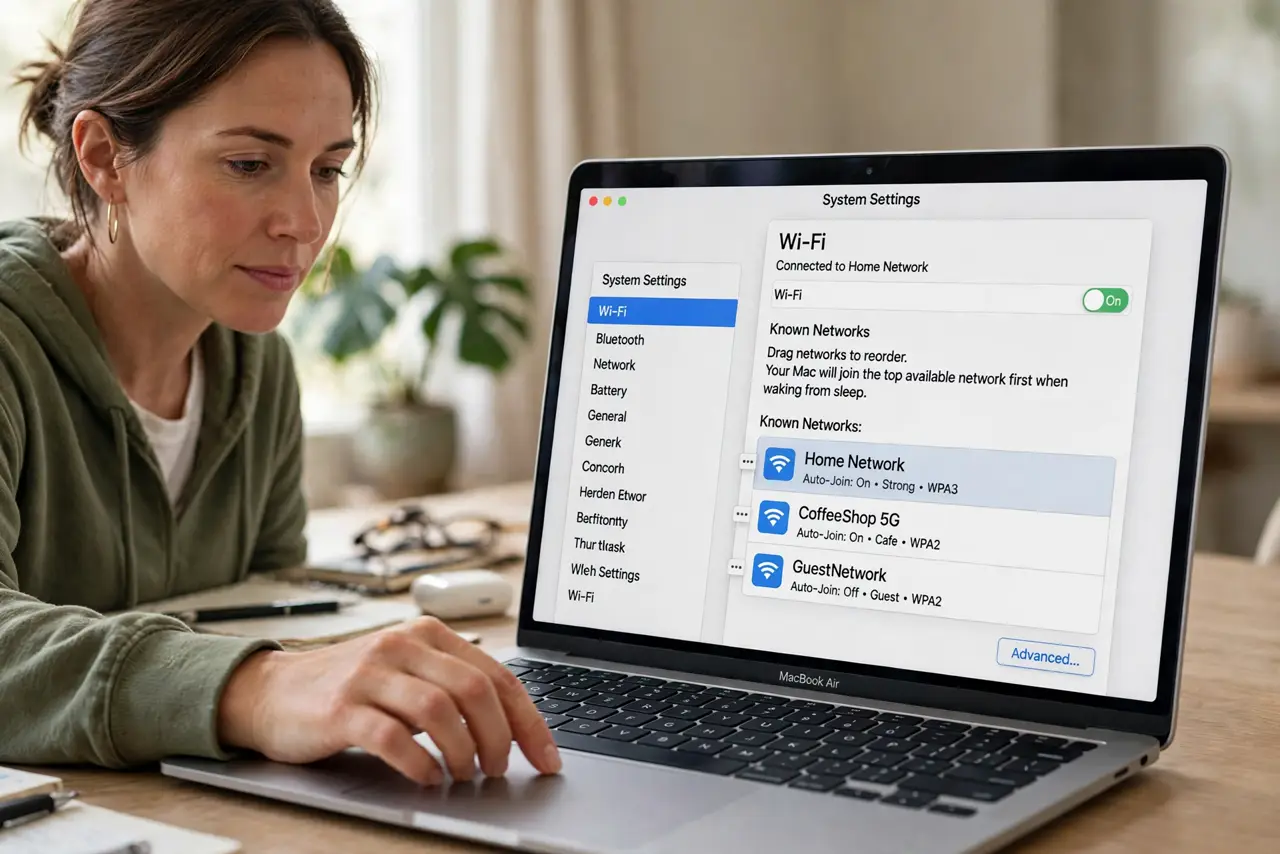
Quick fix: in System Settings > Wi-Fi > Advanced, drag your home network to the top of the known list and enable auto-join. Then forget and re-add the network once to clear a corrupted entry. Test with a sleep-wake cycle.
Follow these steps
- Prioritize your network. Go to System Settings > Wi-Fi > Advanced and drag your home network to the top of the known networks list. The Mac joins the top available network first on wake.
- Enable auto-join. In the same Advanced list, make sure 'Automatically join' is on for your network. Without it, the Mac wakes connected to nothing and waits.
- Forget and re-add the network. Remove the network from the known list, then join it fresh with the password. A corrupted saved entry fails silently on every wake until replaced.
- Renew the DHCP lease. In Wi-Fi details, renew the DHCP lease after waking. A stale lease from before sleep can leave the Mac 'connected' with no real network.
- Check for a VPN or filter. Disconnect any VPN and check for network filters or security apps. Some intercept the connection on wake and fail to re-establish it.
- Test the wake cycle deliberately. Put the Mac to sleep for two minutes, wake it, and watch the Wi-Fi icon. A fix that survives three deliberate wake cycles is a real fix.
What NOT to do
- Do not delete all known networks in frustration. You only need to fix the one network you use — wiping the list creates work everywhere you go.
- Do not assume the router is broken. If other devices stay connected, the Mac's wake behavior is the problem, not the router.
- Do not toggle Wi-Fi forever as a workaround. The manual toggle treats the symptom; the priority and re-add steps fix the cause.
- Do not install a 'Wi-Fi booster' app. macOS manages Wi-Fi itself, and third-party network tools cause more wake issues than they solve.
Frequently asked questions
Why does Wi-Fi disconnect when my Mac sleeps?
The wireless card powers down with sleep. It should reconnect on wake, but a bad network entry or priority order breaks the rejoin.
Is it the Mac or the router?
If phones and other computers stay connected, it is the Mac's wake behavior. If everything drops, look at the router.
Why does toggling Wi-Fi fix it temporarily?
Toggling forces a fresh scan and join, bypassing whatever stale state the wake left behind.