Windows on a Mac? Options
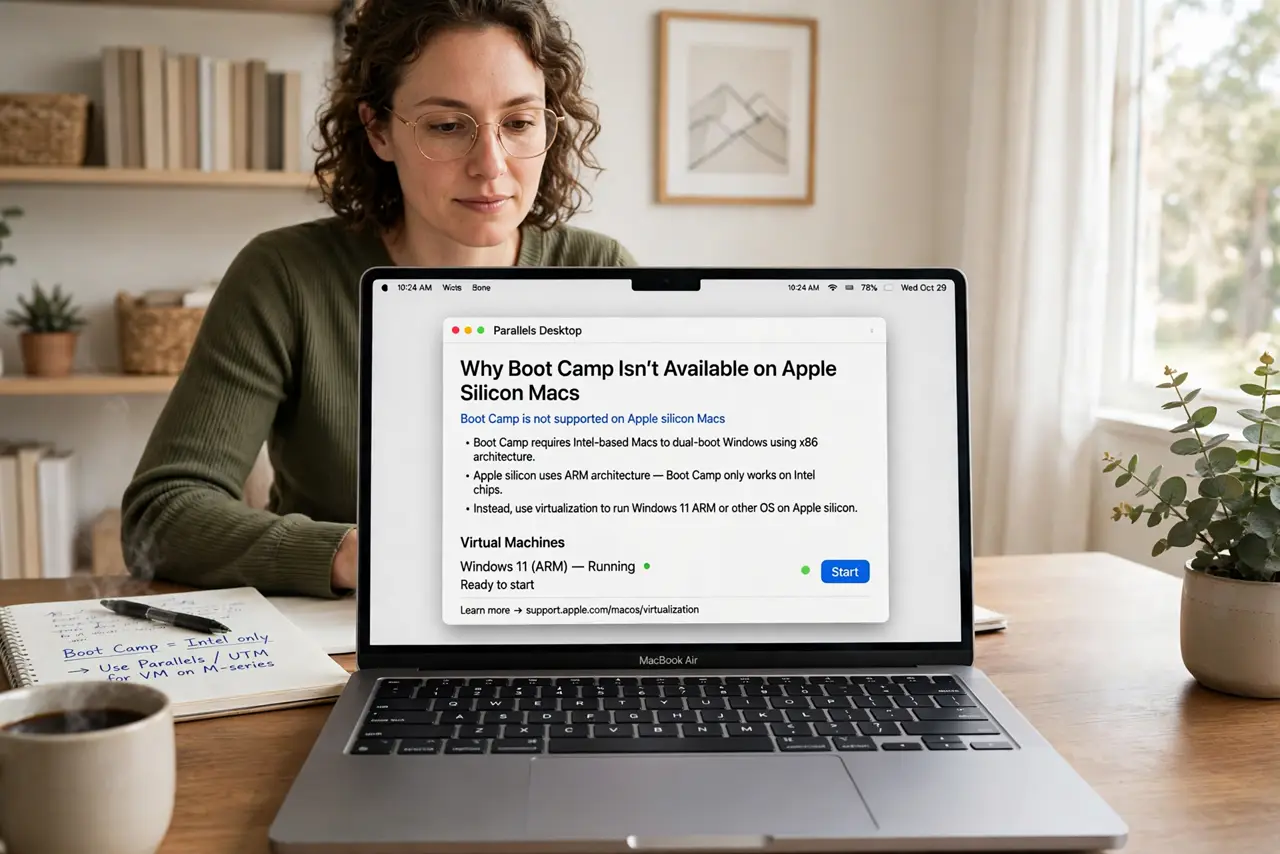
Sometimes you need Windows — one app, one game, one work tool that never came to Mac. Modern Macs cannot dual-boot Windows the old Boot Camp way (that was Intel-only), so the realistic options are virtualization or cloud PCs. Each has real tradeoffs in cost, performance, and convenience.
TL;DR / Quick Fix
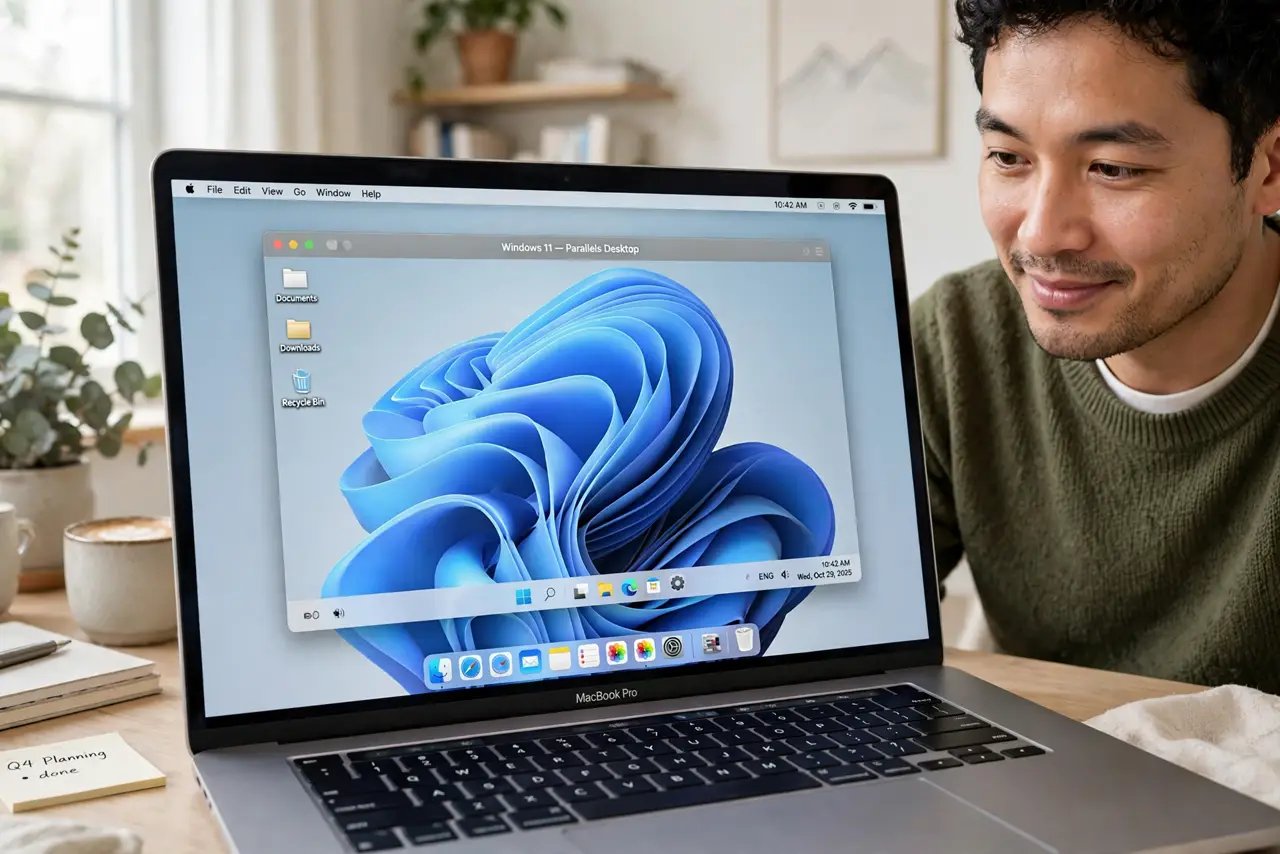
Quick fix: on Apple silicon Macs, run Windows in a virtual machine — it is the practical route since Boot Camp no longer exists. Expect good performance for office apps and light tools, weaker results for heavy gaming. For occasional use, a cloud Windows PC avoids installing anything locally.
Follow these steps
- Know why Boot Camp is gone. Boot Camp dual-booting was an Intel-Mac feature. Apple silicon Macs cannot boot Windows natively, so virtualization replaced it — accept this before hunting for a Boot Camp Assistant that is not there.
- Pick virtualization for regular use. A virtual machine runs Windows in a window alongside macOS — no rebooting, easy file sharing. It needs a Windows ARM license and enough RAM to feed both systems comfortably.
- Consider a cloud PC for occasional needs. Services stream a full Windows desktop to your browser — nothing installed, works from anywhere. The catch is a monthly fee and dependence on good internet.
- Give the VM enough resources. Windows plus your apps need real RAM and CPU cores assigned. Starving the virtual machine produces the 'Windows on Mac is slow' complaints — 8 GB for Windows is a sane minimum.
- Check your must-have app's compatibility. Most Windows apps run fine on Windows ARM inside a VM, but some drivers, anti-cheat games, and niche hardware tools do not. Verify your one critical app before committing.
- Keep the Windows side updated and protected. A virtual Windows still needs Windows Update and basic security hygiene. It can catch Windows malware like any PC — the Mac host does not magically protect it.
What NOT to do
- Do not hunt for Boot Camp on Apple silicon. It does not exist there — that path ended with Intel Macs.
- Do not run Windows unlicensed long-term. The evaluation build nags and limits personalization — budget the license.
- Do not give the VM all your RAM. macOS needs breathing room too — leave at least 8 GB for the host.
- Do not expect flawless AAA gaming. Virtualized Windows games run, but anti-cheat and top-tier titles are the weak spot.
Frequently asked questions
Can I dual-boot Windows on an M-chip Mac?
No — Boot Camp was Intel-only. Virtualization or a cloud PC are the current options.
Is running Windows on a Mac legal?
Yes, with a proper Windows license. Microsoft sells Windows ARM licenses that work in virtual machines.
Will Windows slow down my Mac?
Only while the VM runs, and only by the resources you assign it. Shut the VM down and the Mac is fully itself again.