Managed vs Unmanaged Switch?
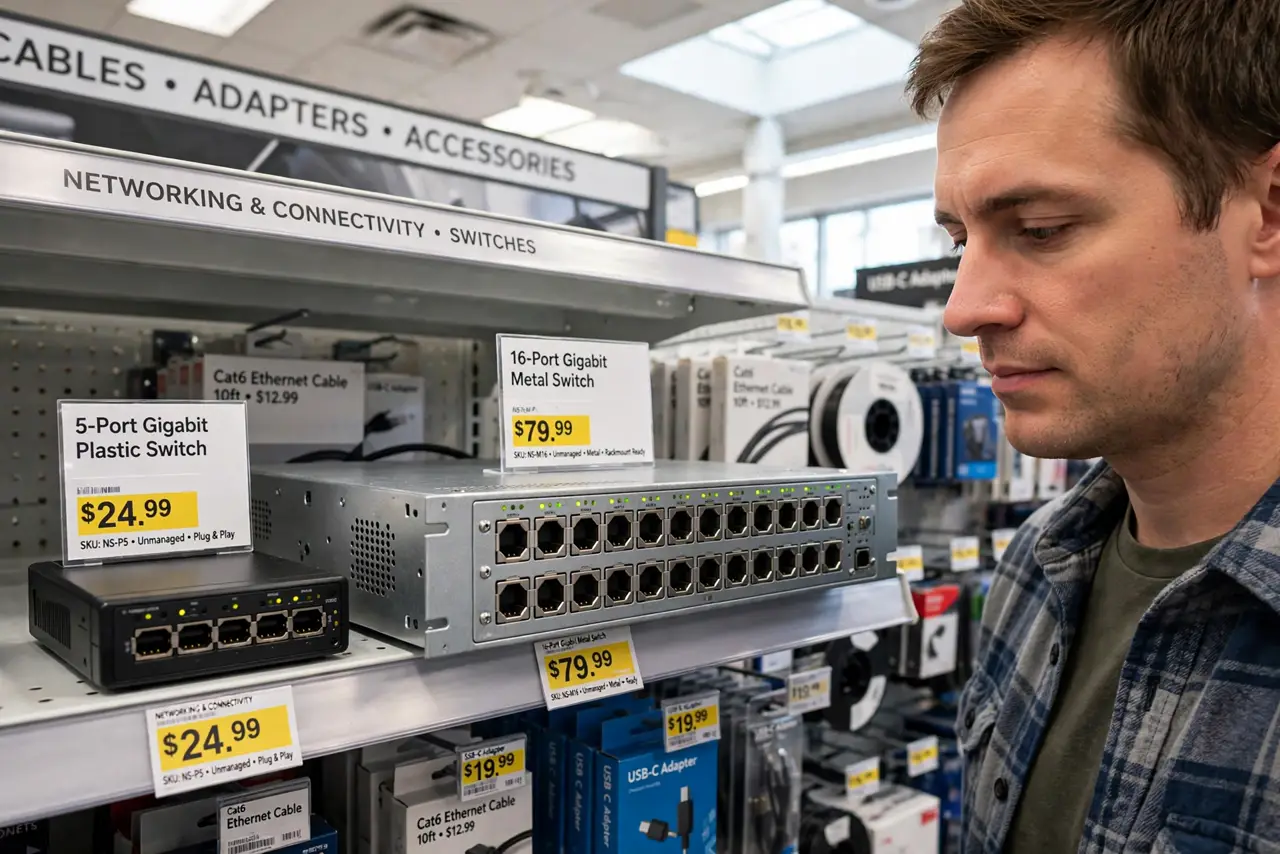
Shopping for a network switch confronts you with two words — managed and unmanaged — and a price gap that demands an explanation. For most homes the answer is simple, but buying wrong means either overpaying for features you will never open or missing the one feature your setup actually needs.
TL;DR / Quick Fix
Quick fix: buy unmanaged if you just need more ports — it works with zero configuration. Choose managed only if you need VLANs, traffic monitoring, or remote control of individual ports. For most homes, unmanaged is cheaper, simpler, and every bit as fast.
Follow these steps
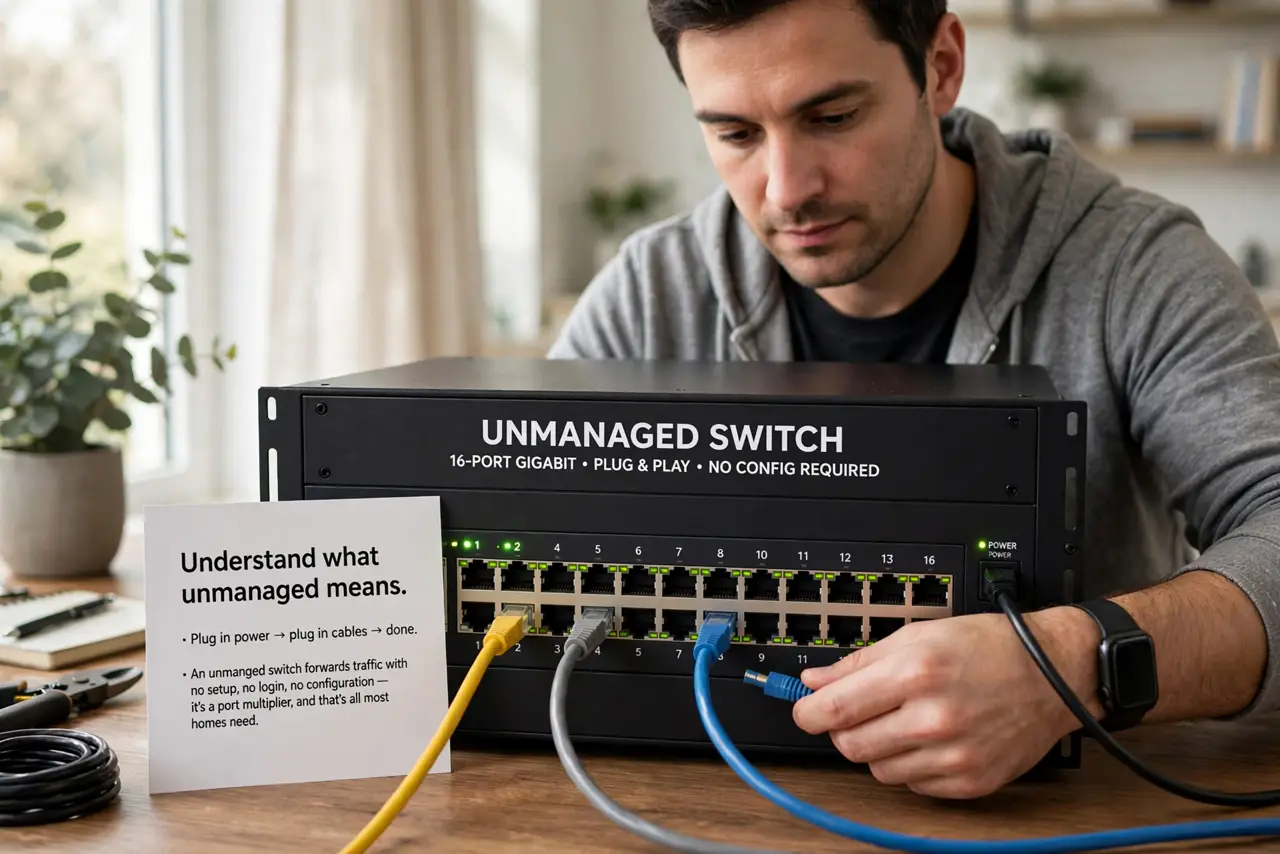
- Understand what unmanaged means. Plug in power, plug in cables, done. An unmanaged switch forwards traffic with no setup, no login, no configuration — it is a port multiplier, and that is all most homes need.
- Understand what managed adds. A managed switch has a web interface for VLANs (separate virtual networks), port monitoring, and per-port control. Powerful — and completely idle in a home that just needs more Ethernet jacks.
- Count your actual needs. More ports for the TV, console, and PC? Unmanaged. Separating guest Wi-Fi or cameras onto their own network segment? That is a VLAN job — managed. See switch types for the full lineup.
- Consider PoE separately. Power-over-Ethernet is independent of managed/unmanaged — both kinds come in PoE versions. Decide on PoE first, then managed vs unmanaged.
- Do not pay for ‘smart managed’ unless you will log in. The middle tier adds a simplified interface. If you will never open it, you bought an expensive unmanaged switch — be honest about your inner network admin.
- Match speed to your internet. A gigabit switch is plenty for most homes; 2.5-gigabit matters only if your internet or NAS exceeds a gigabit. Speed tier and managed status are separate choices — do not conflate them.
What NOT to do
- Do not buy managed ‘for the future.’ Unused features do not appreciate — buy unmanaged now and upgrade if your needs genuinely change.
- Do not assume managed means faster. Switching speed is identical; managed adds control, not throughput.
- Do not daisy-chain a pile of cheap switches. One decent switch beats three chained ones for reliability — plan the port count once.
- Do not expose a managed switch’s interface carelessly. If you do buy managed, change the default password immediately. Default credentials on network gear are the oldest trick in the book.
Frequently asked questions
What is a VLAN in plain English?
A virtual LAN — one physical switch acting as several separate networks. Keeps guest or camera traffic isolated from your main network.
Can I mix managed and unmanaged switches?
Yes — they interoperate fine. A common setup is one managed core switch with cheap unmanaged switches hanging off it.
Do I need managed for a home office?
Almost never. Unmanaged handles video calls, file sharing, and everything else a home office does — managed enters the picture with servers or segmented networks.