What Your Modem Lights Mean
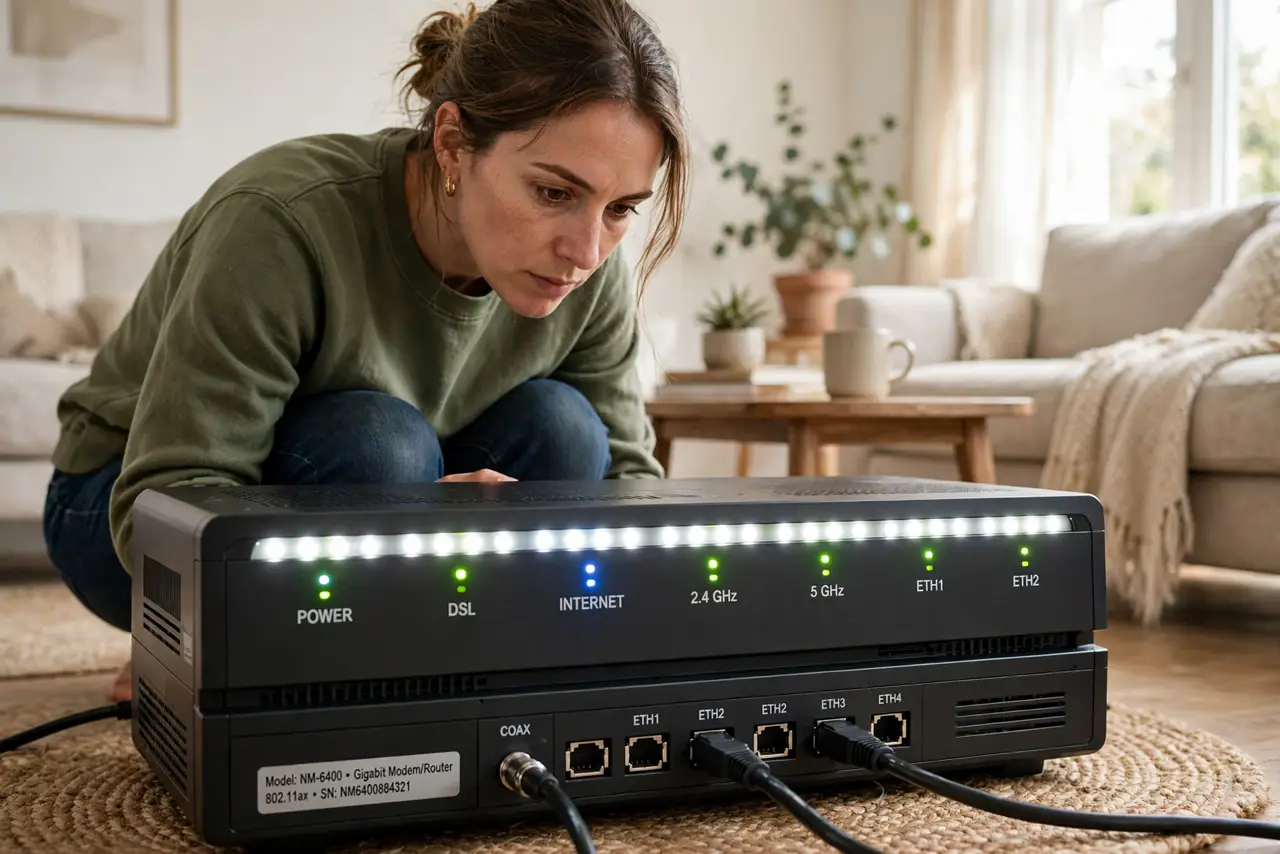
Power, DSL, Internet, LAN — a row of blinking lights that might as well be hieroglyphs. Each light reports one link in the chain from the street to your devices, and reading them tells you in ten seconds whether the problem is yours or the provider's. Keep this decoder near the router.
TL;DR / Quick Fix
Quick fix: Power solid means the modem is alive; the DSL or cable light solid means the street line works; the Internet light solid means you are authenticated. If the line light stays dark or blinks forever, the outage is outside your home — call the provider.
Follow these steps
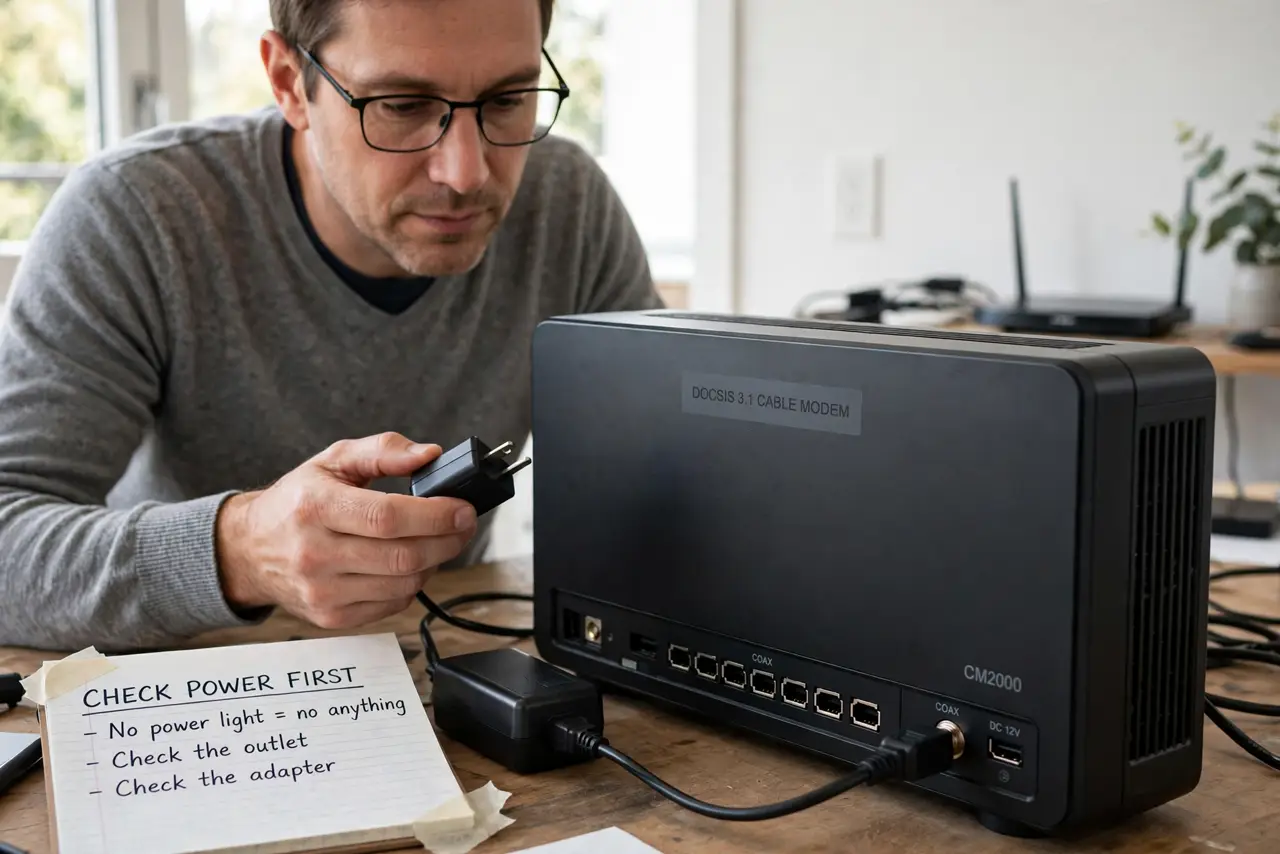
- Check Power first. No power light means no anything — check the outlet and the adapter. A modem that will not power on is a hardware problem, full stop.
- Read the DSL/cable line light. Solid means the street line syncs; blinking means it is trying; dark means no signal. Dark or endlessly blinking is a provider-side fault.
- Read the Internet/WAN light. Solid or gently blinking means authenticated and online. Dark while the line light is solid points at an account or authentication issue.
- Watch the LAN lights. These blink with traffic per port — constant flicker during use is healthy. A dark LAN light on a plugged-in cable means a bad cable or port.
- Note Wi-Fi lights separately. On combo units the Wi-Fi light shows the radio, not the internet. Wi-Fi lit plus Internet dark is the classic connected, no internet state.
- Photograph the lights before calling. A quick photo of the light pattern saves ten minutes of 'is it blinking or solid' with support.
What NOT to do
- Do not reboot endlessly when the line light is dark. No sync means no signal from the street — reboots cannot conjure it.
- Do not cover the lights with tape to stop the blinking. You are blinding your best diagnostic tool for the sake of aesthetics.
- Do not confuse LAN blinking with a problem. Flickering LAN lights mean traffic is flowing — that is the modem doing its job.
- Do not factory-reset the modem over light patterns. A reset wipes provider settings and can make a simple outage worse.
Frequently asked questions
What does a red light on the modem mean?
Stop and read — red usually signals no line sync or a hardware fault. Note which light is red before rebooting once, then call the provider if it persists.
Should the internet light blink or stay solid?
Both are normal on most modems — solid means connected, gentle blinking means traffic. Rapid frantic blinking during setup means it is still negotiating.
Why do the lights look fine but nothing loads?
Lights report links, not usable internet. Authentication can fail with pretty lights — try the ordered restart before assuming the lights tell the whole story.