Modem vs Router: Which One Is Actually Broken
When the internet dies, everyone blames the Wi-Fi box — but the modem and the router are two different devices, and only one of them is usually at fault. A two-minute light check tells you which one to restart, so you stop rebooting the wrong box.
TL;DR / Quick Fix
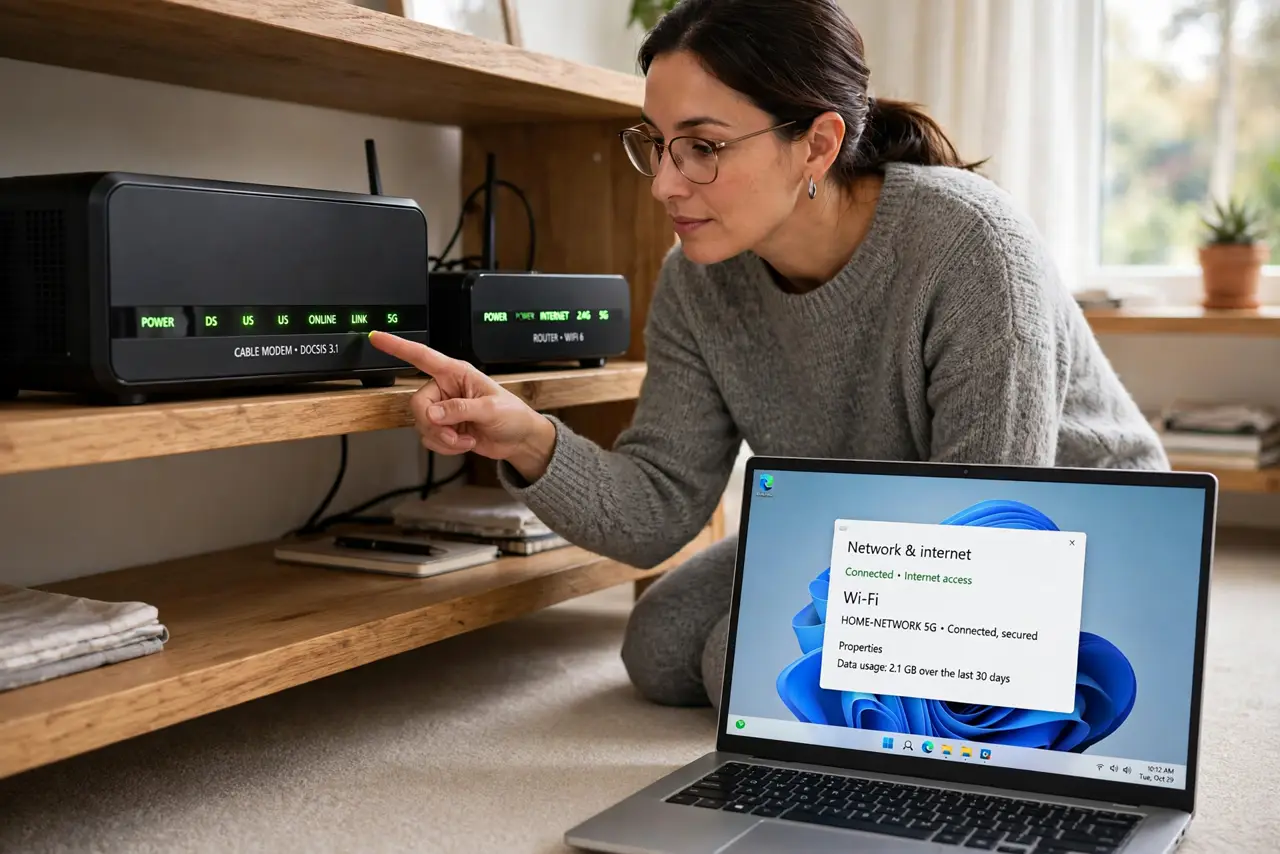
Quick fix: check the modem's online light first. If it is off or red, restart the modem — the line is the problem. If the modem light is healthy but devices cannot connect, restart the router instead, since the Wi-Fi side is the broken half.
Follow these steps
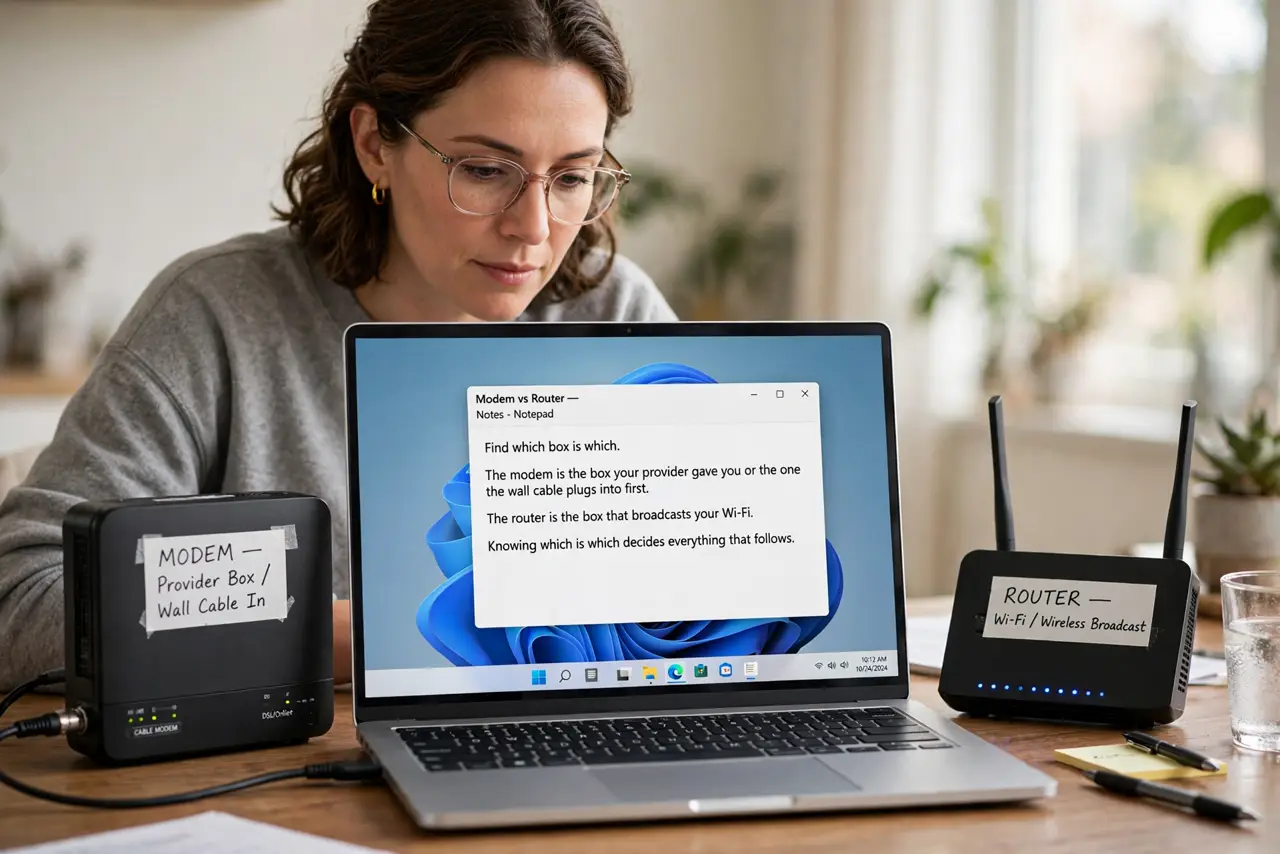
- Find which box is which. The modem is the box your provider gave you or the one the wall cable plugs into first. The router is the box that broadcasts your Wi-Fi. Knowing which is which decides everything that follows.
- Read the modem lights first. Look for the online, internet, or globe light on the modem. If it is off or red, the line from your provider is down, and no router restart will fix that.
- Check the router lights next. If the modem shows a healthy online light but your devices cannot connect, look at the router. Reboot the router alone in that case, since the Wi-Fi side is the broken half.
- Test one device with a cable if you can. Plug a laptop straight into the modem with an ethernet cable. If the internet works there, the modem and the line are fine, and the router is confirmed as the culprit.
- Restart in the right order. Unplug both, wait thirty seconds, plug the modem back in first, and wait for its online light. Only then plug the router back in, so the router gets a working connection to share.
- Learn what the lights mean for next time. Once things work, note which lights are normal on each box. A quick guide to router lights and ports makes the next outage a one-glance diagnosis instead of a guessing game.
What NOT to do
- Do not factory-reset the router as a first step. A reset wipes your Wi-Fi name, password, and settings, while a simple restart fixes most outages without losing anything.
- Do not reboot both boxes at once every time. Rebooting only the broken one is faster, and rebooting the modem when the router is at fault changes nothing.
- Do not buy a new router because the modem light is red. A red modem light means the provider's line is down, and a new router cannot fix a line problem.
- Do not call the provider before checking the lights. Two minutes of light-checking tells you whether the fault is inside your home or on their line, which makes the call much shorter.
Frequently asked questions
How do I tell the modem from the router?
The modem connects to the wall or the provider's cable first, while the router connects to the modem and broadcasts Wi-Fi. Some homes use one combo box that does both jobs.
The modem light is red. What now?
Restart the modem once and wait five minutes. If it stays red, the line is down and only your provider can fix it, so call them.
Can the router be fine while Wi-Fi is dead?
Yes. The modem can hold a good line while the router's Wi-Fi side fails, which is exactly why checking each box separately matters.