Mouse Double-Clicks on a Single Click? Fix It
A mouse that double-clicks on a single click can open folders twice, select the wrong text, and make dragging feel broken. It can be a speed setting, a worn button, or a software setting, and you can tell which one by testing a few settings first.
TL;DR / Quick Fix
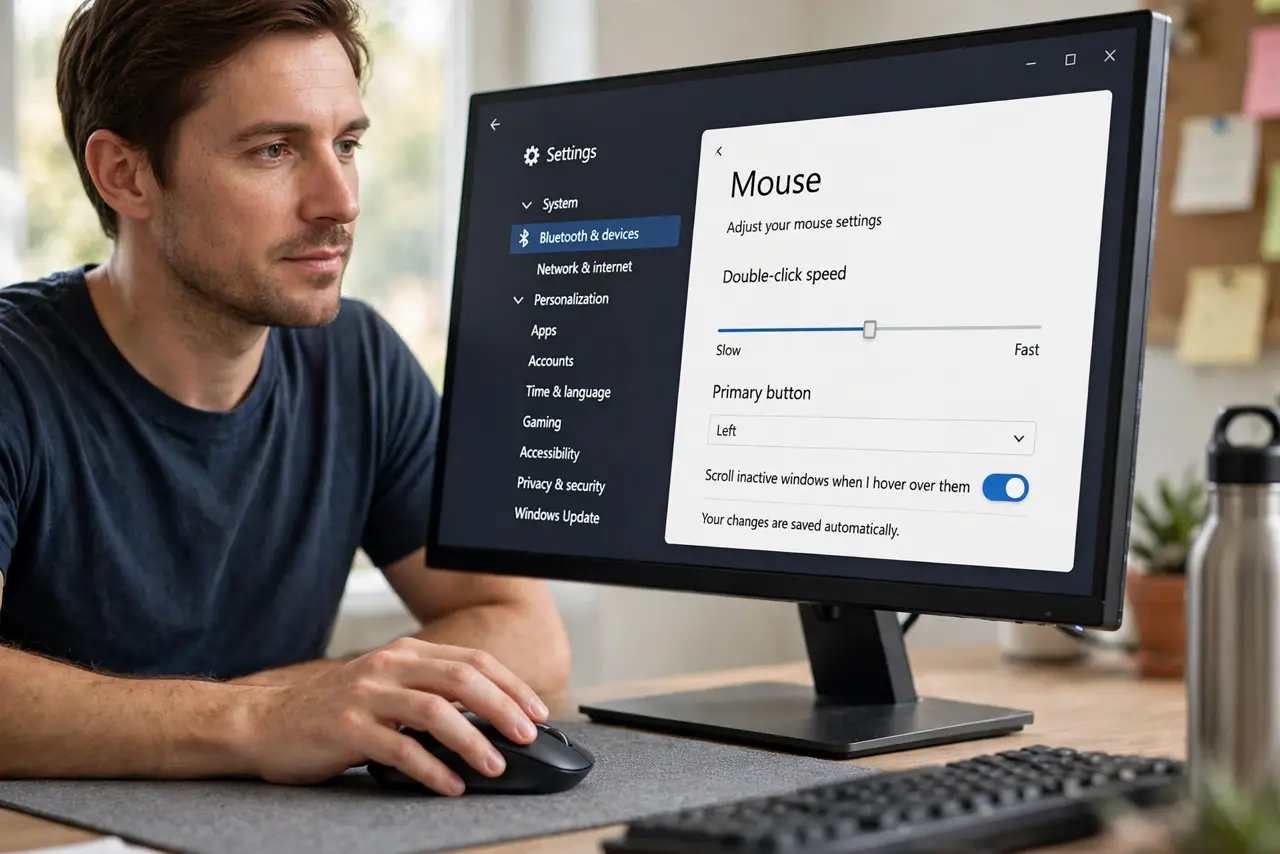
Quick fix: open Settings, then Bluetooth and devices, then Mouse, and slow down the double-click speed. Test in File Explorer with single clicks. If it still double-clicks at the slowest speed, test another mouse to check if the button itself is worn.
Follow these steps
- Slow down double-click speed. Open Settings, then Bluetooth and devices, then Mouse, and find the double-click speed slider. Move it slower, then test by clicking a folder once. If one click no longer opens twice, the speed was set too fast for your clicking style.
- Check ClickLock and single-click settings. In Mouse settings, check if single-click to open an item is turned on, or if ClickLock is on. Single-click to open can feel like a double-click, so turn it off if you normally double-click to open.
- Test another mouse. Plug in another mouse if you have one and test the same clicks. If the second mouse works normally, the first mouse button is likely worn. If both mice double-click, the cause is more likely a setting.
- Clean the button area gently. Turn the mouse off, then clean around the button with a dry soft cloth. Do not spray cleaner into the button, because liquid can damage the switch inside the mouse.
- Check the mouse in another port. Plug the mouse into a direct USB port, not only a hub, and test again. A faulty hub or low wireless battery can cause erratic clicks, so replace the battery if the mouse is wireless.
- Test dragging separately. Try dragging a file slowly across the screen. If dragging drops the file halfway, the button may be releasing too early, which points to a worn button rather than a speed setting.
What NOT to do
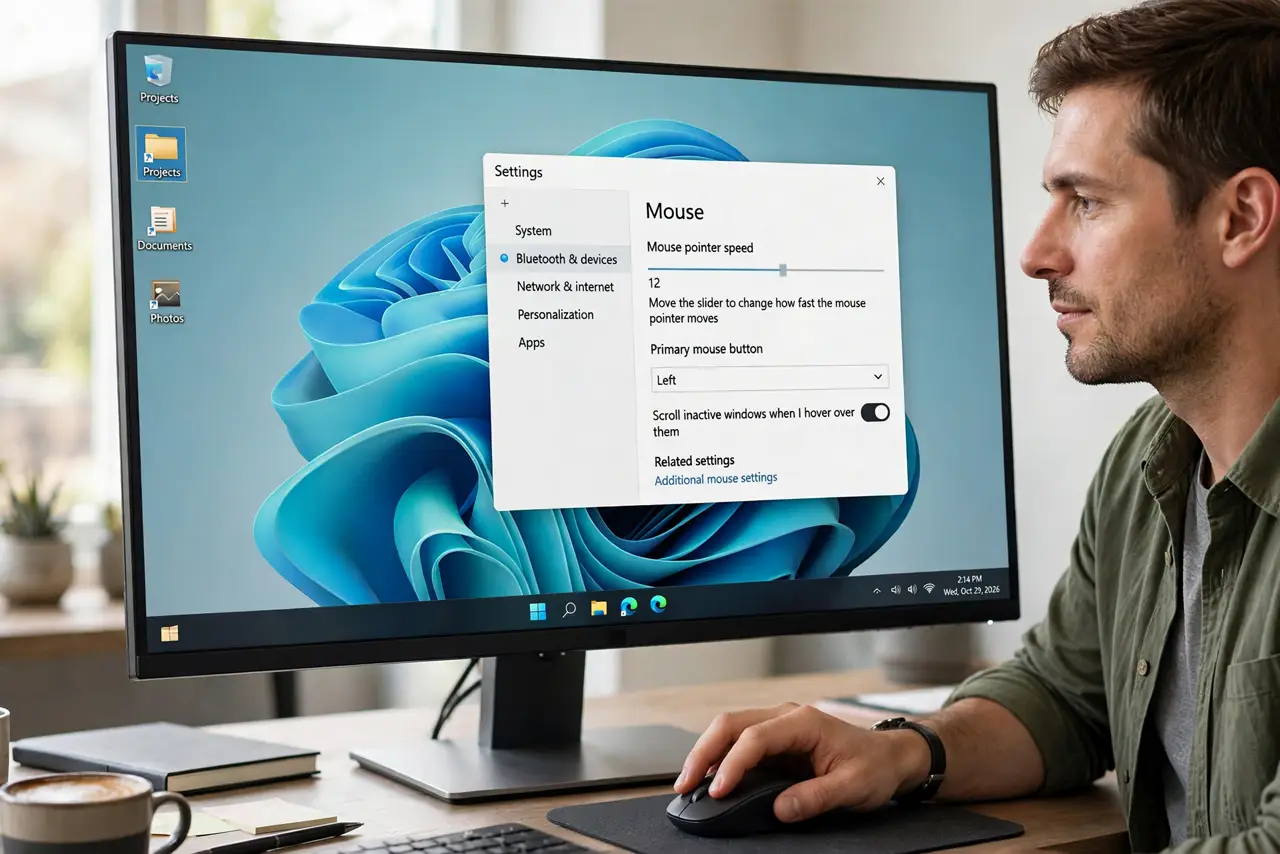
- Do not set double-click speed to the fastest setting to test it. A very fast setting can make normal clicks register as double-clicks, which is the problem you are trying to fix.
- Do not open the mouse to fix a worn switch unless you are trained. Mouse switches are small, and opening a mouse can break it further or void a warranty.
- Do not ignore a low wireless battery. A low battery can cause missed and repeated clicks, so replace the battery before you assume the mouse is broken.
- Do not change every mouse setting at once. Change one setting, test, then change the next, so you know which change fixed the problem.
Frequently asked questions
Why does one click open a folder twice?
Often double-click speed is set too fast, or single-click to open is turned on. Check Mouse settings first.
Is my mouse broken if it double-clicks?
Not always. Test another mouse first. If the second mouse works normally, the first button is likely worn.
Why does dragging drop files halfway?
The button may be releasing too early, which points to a worn button. Test dragging slowly and try another mouse to compare.