Switch vs Hub?
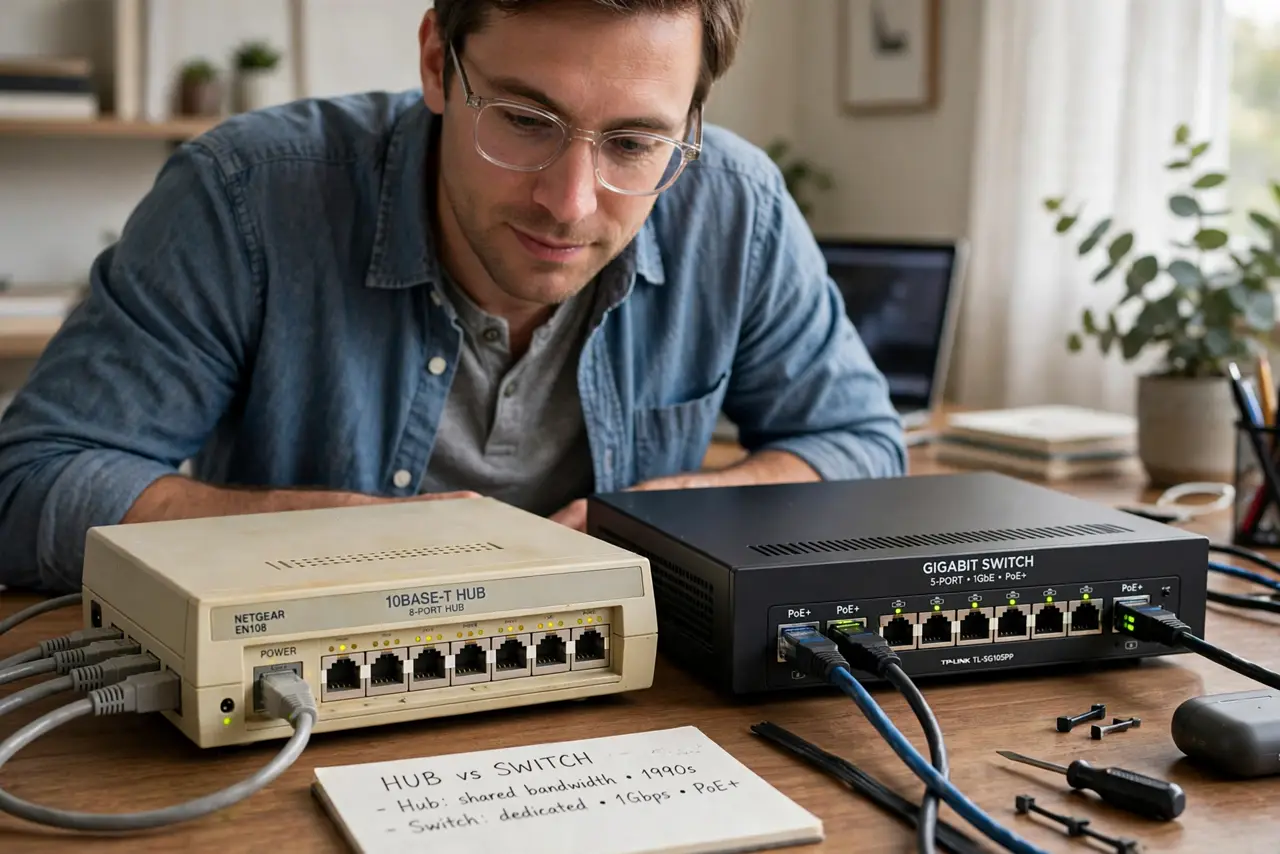
Shopping for network gear, you will see ancient hubs listed next to switches, sometimes cheaper. They look identical — small boxes with ethernet ports — but a hub is obsolete technology that slows every device on it. Here is the difference that matters.
TL;DR / Quick Fix
Quick fix: always buy a switch, never a hub. A switch sends data only to the device that needs it; a hub blasts everything to all ports, slowing the whole network. Hubs are obsolete — if you own one, replace it with a cheap gigabit switch.
Follow these steps
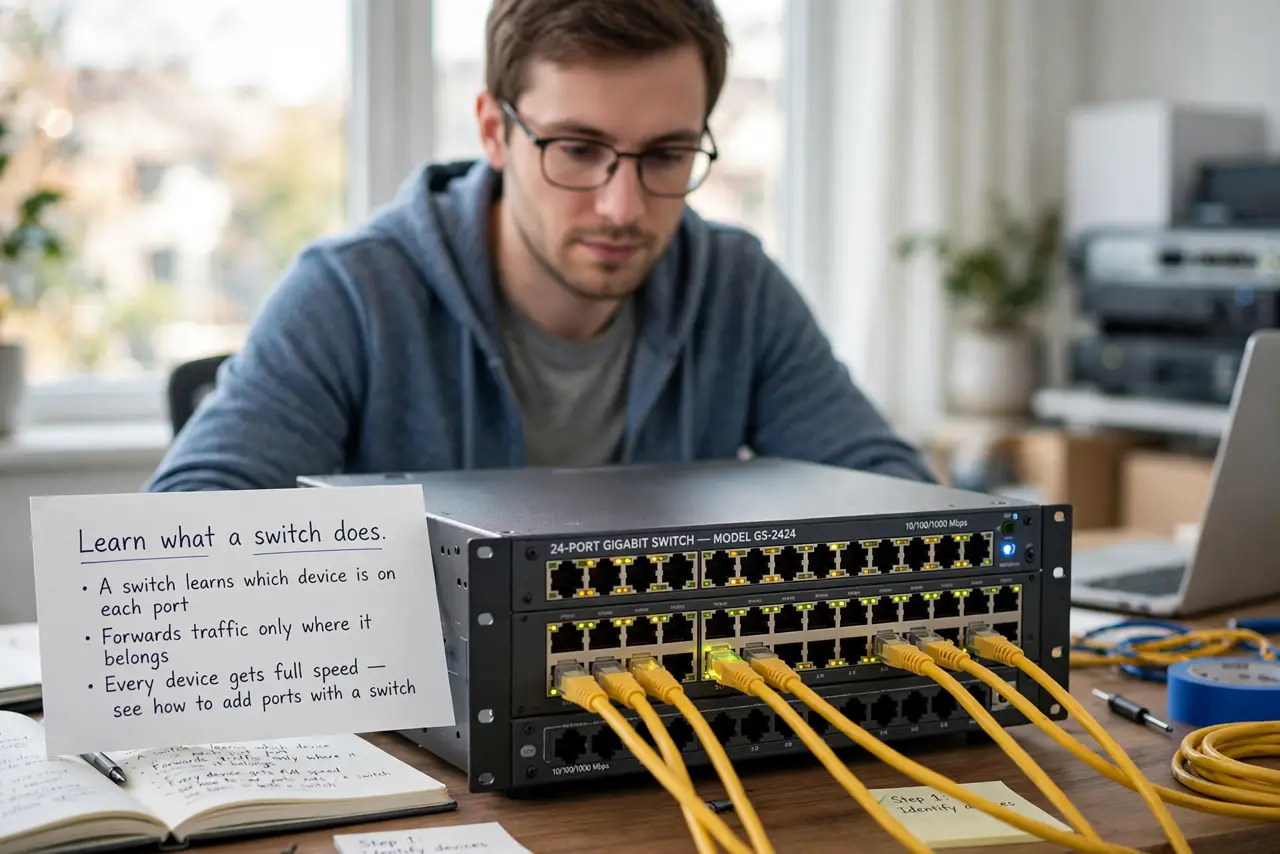
- Learn what a switch does. A switch learns which device is on each port and forwards traffic only where it belongs. Every device gets full speed — see how to add ports with a switch.
- Learn what a hub does. A hub repeats every packet to every port. All devices share one collision-prone pipe — 1990s technology that has no place in a modern home.
- Spot hubs in the wild. They survive in old office closets, thrift stores, and misleading listings. If the box says hub or repeater hub, walk away.
- Understand the speed difference. On a hub, two devices transferring at once split the bandwidth and collide. On a switch, they each get full speed simultaneously.
- Replace any hub you find. A basic gigabit switch costs little and installs in minutes. There is no scenario where keeping the hub is the right call.
- Know the managed-switch middle ground. Managed switches add configuration for advanced users. For the hub-versus-switch question, unmanaged is the answer — check the switch types if you are curious.
What NOT to do
- Do not buy a hub to save money. The savings are tiny and the performance cost is enormous.
- Do not assume it works fine. A hub silently degrades every transfer on the network.
- Do not confuse hubs with USB hubs. USB hubs are perfectly fine — this is only about ethernet network hubs.
- Do not keep one as a spare. An obsolete bottleneck is not a spare; it is a trap for future-you.
Frequently asked questions
Are hubs still sold?
Rarely new, but they haunt used markets and old IT closets. Most hub listings today are actually switches mislabeled — check the specs.
What about a switching hub?
That is just old marketing language for a switch. If it switches, it is a switch.
Can a hub damage my network?
Not damage — just slow everything on it to a crawl and cause mysterious slowness you will blame on the internet.