Night Light Will Not Turn Off? Fix It
When Night Light stays on, the screen looks yellow all day, even in bright light. The cause is usually a schedule that is still active, or a manual switch left on, and both are quick to check.
TL;DR / Quick Fix
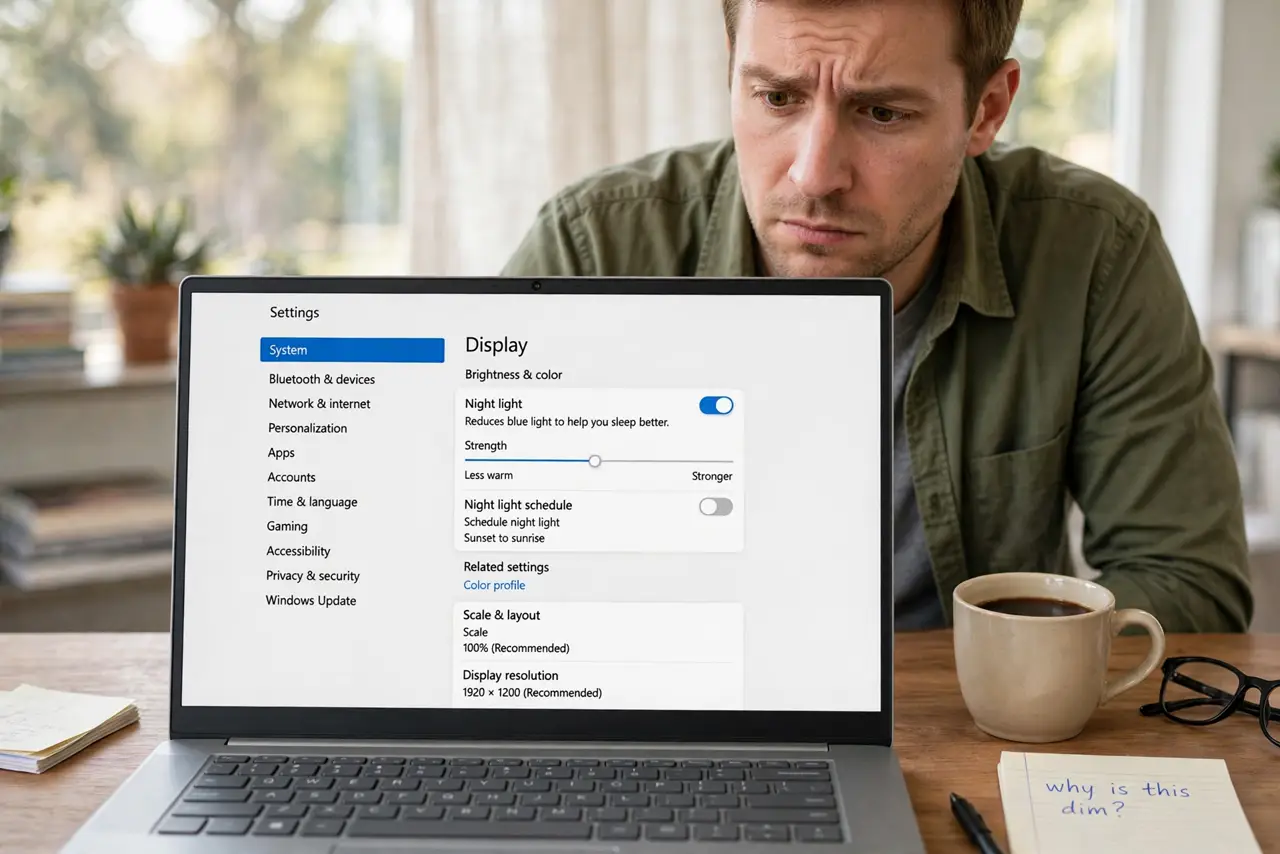
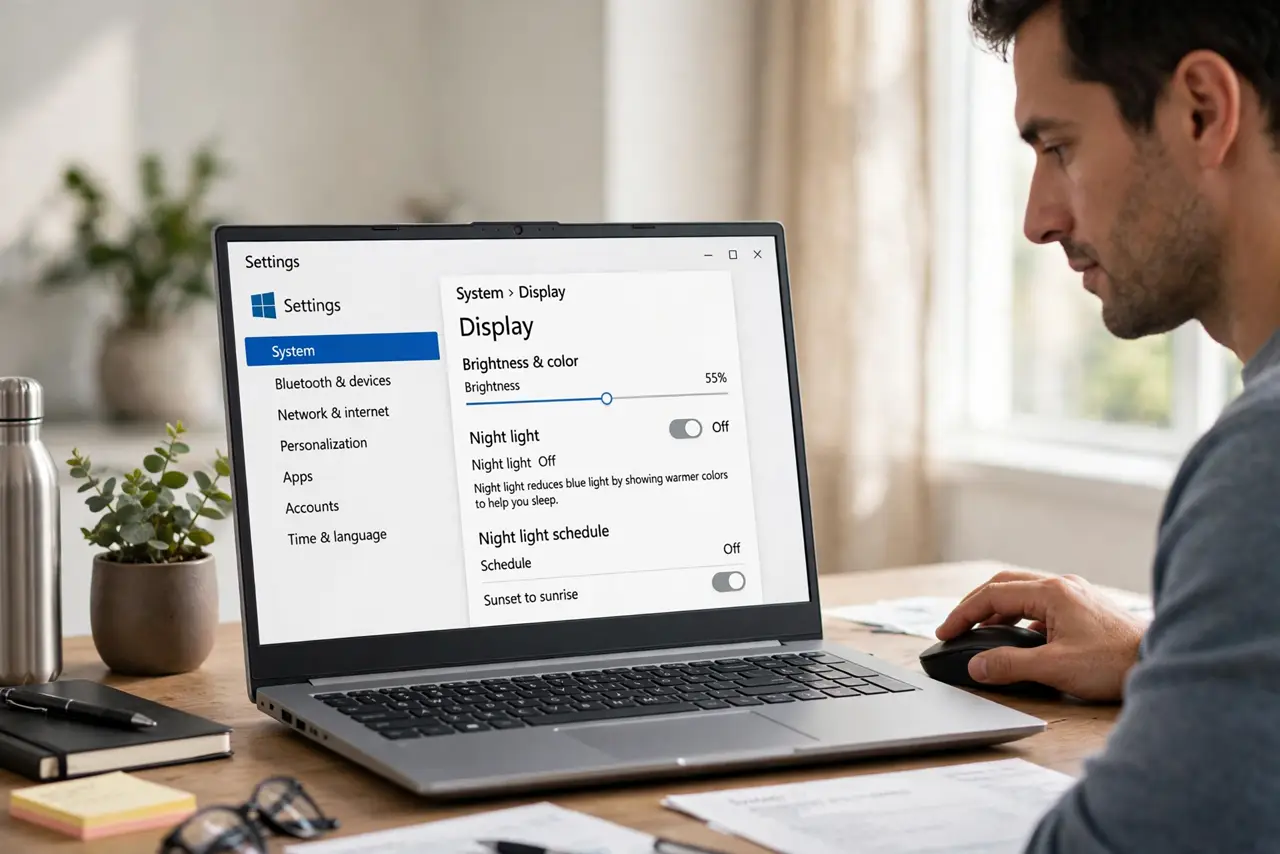
Quick fix: open Settings, then System, then Display, then Night light, and turn the switch off. Also turn off Schedule night light. If the screen stays yellow, restart once, then check the graphics settings for a separate night mode. Then test it after a restart.
Follow these steps
- Turn off the Night light switch. Open Settings, then System, then Display, then Night light, and turn the switch off. The screen should return to normal colors at once.
- Turn off the schedule too. On the same page, turn off Schedule night light. A schedule can turn Night Light back on at sunset, even after you switched it off by hand.
- Check Quick Settings as well. Open Quick Settings from the taskbar and check the Night light button. If it is on there, turn it off, because Quick Settings and Settings share the same switch.
- Restart and check in daylight. Restart the computer and check the screen in normal light. If the yellow tint returns after restart, a schedule or graphics setting is still holding it on.
- Check graphics software for a night mode. Open your graphics control panel and look for a night mode, blue light filter, or color temperature setting. Turn it off if it is separate from Windows Night Light.
- Check the monitor own color setting. Open the monitor menu and check for a warm, reading, or low blue light mode. A monitor mode can yellow the screen even when Windows Night Light is off.
What NOT to do
- Do not change the monitor colors wildly to cancel the yellow. That distorts every color, and it hides the Night Light setting that is actually on.
- Do not reinstall the graphics driver as a first step. A schedule or a manual switch is far more common, and drivers are a later check.
- Do not leave Night Light on all day because you got used to it. Yellow all day strains color work and photo editing, so fix the switch instead.
- Do not turn off all display settings to fix one tint. Change Night Light first, then the graphics setting, then the monitor, one at a time.
Frequently asked questions
Why does Night Light come back every evening?
The schedule is still on. Turn off Schedule night light, not just the manual switch, or sunset will turn it back on.
The screen is yellow but Night Light is off. Why?
Check the graphics night mode and the monitor color mode. Either can yellow the screen independently of Windows.
Is Night Light bad for the screen?
No. It only shifts colors toward warm tones. It does not damage the screen, but it should be off when you need true colors.